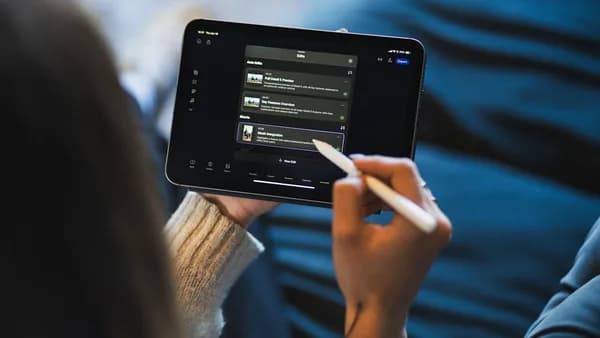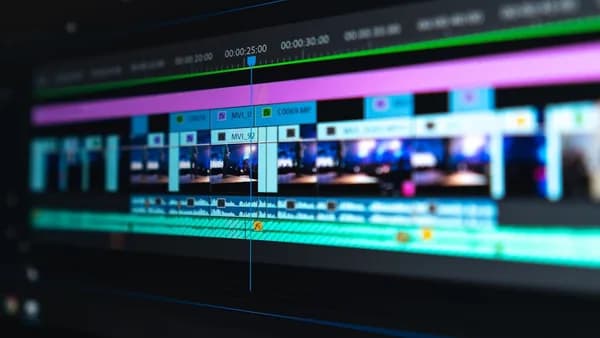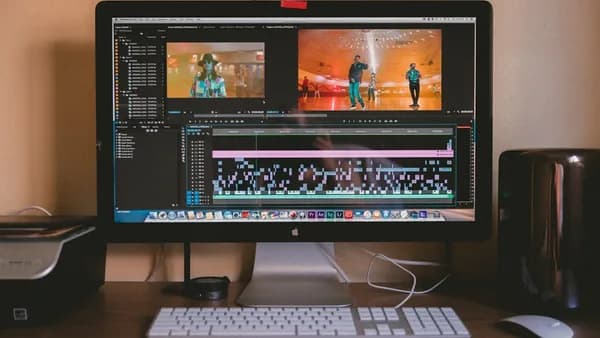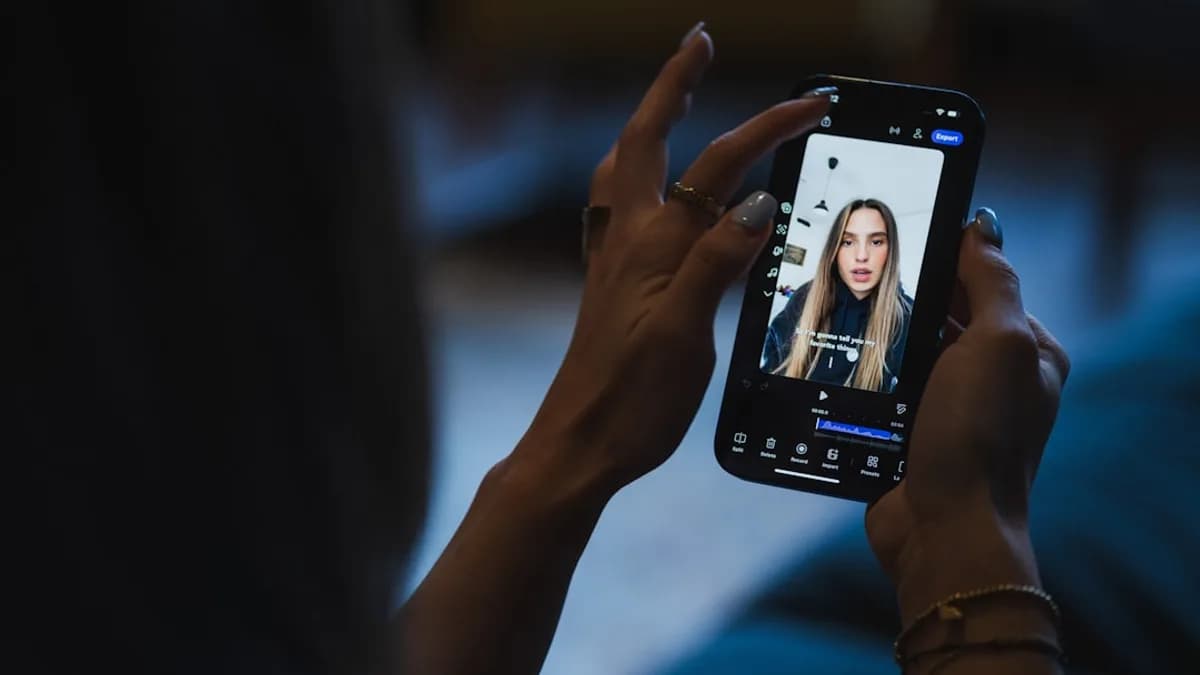
In 2026, the demand for high-quality, engaging video content on social media platforms is at an all-time high. Choosing the right video editing software for social media is crucial for creators, marketers, and brands who want to stand out, streamline their workflow, and maximize engagement. This comprehensive guide delves into the best tools available—grounded in real research data—to help you select the ideal editor for your needs.
Importance of Choosing the Right Video Editing Software for Social Media
Social media audiences are bombarded with content every second. With attention spans shrinking, crafting compelling videos can mean the difference between viral success and getting scrolled past. The right video editing software for social media empowers creators to:
- Edit quickly and efficiently for fast turnaround
- Optimize videos for platform-specific formats (Stories, Reels, etc.)
- Add effects, captions, and branding for professional polish
- Export and publish directly to social networks
"In social media, where capturing the viewers’ attention only takes seconds, the right video editing tool can make the difference between a double tap and a scroll past."
— Vista Social
Key Features Social Media Creators Need in Video Editors
The best video editing software for social media creators offers a balance of usability, creative tools, and platform integration. Based on source data, essential features include:
- Drag-and-Drop Editing: Simplifies workflow and lowers the learning curve (Canva, Wave.video, Animoto)
- Templates: Hundreds of customizable templates for quick creation (Ripl, Canva, Animoto)
- Platform-Specific Sizes: Automatic resizing for Instagram, TikTok, Facebook, YouTube, etc. (Movavi, InShot)
- Effects and Filters: Built-in video transitions, animations, and filters (Filmora9, Adobe Premiere Pro)
- Audio Tools: Add music, voice-overs, sound effects (InShot, Adobe Premiere Pro)
- Branding: Custom logos, fonts, colors (Ripl, Canva)
- AI Features: Magic Design™ auto-edits footage, identifies highlights (Canva)
- Direct Publishing: Share/export directly to social networks (Canva, Ripl)
- Scheduling and Analytics: Schedule posts and track performance (Ripl)
"Video editing tools are vital for creating Stories, Reels, in-feed videos, and more that help you create content highlighting your clients’ brands while resonating emotionally with audiences."
— Vista Social
Top Video Editing Software Options for Social Media in 2026
Based on trusted industry sources, here are the leading video editing software options for social media creators, each with unique strengths:
- Adobe Premiere Pro
- Final Cut Pro
- Canva Free Online Video Editor
- Movavi
- Ripl
- Wave.video
- Adobe Express
- Filmora9
- InShot
- Animoto
These tools are chosen for their feature sets, platform compatibility, and proven popularity among creators.
Detailed Feature Comparison: Interface, Effects, Export Options
Below is a comparison of key attributes across the top software, grounded in source data:
| Software | Interface | Effects & Filters | Export Options |
|---|---|---|---|
| Adobe Premiere Pro | Advanced, professional | Extensive built-in effects, advanced color grading | Supports 8K, HDR, VR, direct export |
| Final Cut Pro | User-friendly, customizable | VR support, advanced color tools | Exports 360-degree, HDR, direct sharing |
| Canva | Drag-and-drop | Templates, Magic Design™ AI, transitions | Direct sharing to FB, IG, YT; export options |
| Movavi | Simple, mobile-friendly | Animated stickers, resizing, watermark removal | Optimized for all platforms |
| Ripl | User-friendly | Branded templates, custom fonts/colors | One-tap sharing, scheduling |
| Wave.video | Drag-and-drop | Video resizing, 2-min export limit (free plan) | Export up to 2 minutes (free), longer paid |
| Adobe Express | Web/mobile, easy | Themes, fonts, images, templates | Edit/share visual content, direct publishing |
| Filmora9 | Simple, intuitive | Green screen, limitless effects, sound tools | Multiple video import, export options |
| InShot | Mobile, easy | Filters, transitions, emojis | Platform-specific sizing, watermark removal |
| Animoto | Drag-and-drop | Fonts, styling, templates | Three video types, direct platform export |
"Movavi is a social media video maker available for iOS, Android, and Mac. The paid features allow users to remove watermarks, add custom logos, and include animated stickers for Instagram Stories videos."
— Influencer Marketing Hub
Pricing Models and Subscription Plans
Understanding pricing is vital for creators on a budget or scaling teams. The following table summarizes plans based on source data:
| Software | Pricing Model | Free Tier? | Paid Tier(s) |
|---|---|---|---|
| Adobe Premiere Pro | Subscription-based | No | Not specified in sources |
| Final Cut Pro | One-time purchase | No | Price not specified; higher upfront |
| Canva | Freemium | Yes | Pro: $120/year; Teams: $100/year |
| Movavi | App purchase/subscription | Yes | $19.95/mo; Plus: $69.95/yr; Suite: $94.95/yr |
| Ripl | Subscription | No | Base: $8.33/mo; Premium: $13.75/mo |
| Wave.video | Freemium, paid annual | Yes | Streamer: $16/mo; Creator: $24/mo; Business: $48/mo |
| Adobe Express | Freemium | Yes | Premium: $9.99/mo; Teams: $12.99/mo |
| Filmora9 | Annual/lifetime | No | Annual: $49.99/yr; Lifetime: $69.99; Bundle: $99.88/yr |
| InShot | App purchase/in-app | Yes | Pro: $3.99/mo; $14.99/yr; $34.99 permanent |
| Animoto | Freemium, paid annual | Yes | Basic: $8/mo; Professional: $15/mo; Plus: $39/mo |
"Canva is one of the best social media video makers around. It includes everything you need to create social media posts and videos..."
— Influencer Marketing Hub
Platform Compatibility: Desktop, Mobile, and Cloud-Based Solutions
Creators need flexibility—whether editing on the go or collaborating online. Here’s how top tools compare:
| Software | Desktop | Mobile | Cloud/Web |
|---|---|---|---|
| Adobe Premiere Pro | Yes | No | Cloud sync |
| Final Cut Pro | Yes (macOS only) | No | No |
| Canva | Yes | Yes | Yes |
| Movavi | Yes (Mac) | Yes (iOS, Android) | No |
| Ripl | Yes | Yes | Yes |
| Wave.video | No | No | Yes |
| Adobe Express | Yes | Yes | Yes |
| Filmora9 | Yes (Windows) | No | No |
| InShot | No | Yes | No |
| Animoto | No | No | Yes |
"Movavi is a social media video maker available for iOS, Android, and Mac." — Influencer Marketing Hub
User Experience and Learning Curve
Ease of use is a major factor for creators—especially those new to editing. Based on source data:
- Adobe Premiere Pro: Steep learning curve, advanced tools; best for professionals
- Final Cut Pro: Intuitive interface, customizable workspace; user-friendly for Apple users
- Canva: Extremely easy, drag-and-drop; ideal for beginners and fast edits
- Movavi, Ripl, InShot: Simple, accessible, mobile-friendly interfaces
- Wave.video, Animoto: Drag-and-drop simplicity, minimal training required
- Filmora9: User-friendly for beginners and pros alike
"Filmora9 includes green-screen effects, a multiple video import option, limitless effects, and sound perfection tools." — Influencer Marketing Hub
Integration with Social Media Platforms
One-click sharing, scheduling, and analytics are key differentiators. Source data shows:
- Canva: Direct sharing to Facebook, Instagram, YouTube, and more
- Ripl: One-tap sharing, scheduling tool, performance analytics
- Animoto: Export templates for Facebook video ads, Instagram promos, YouTube how-tos
- Wave.video: Resize for platform, export and share optimized videos
- Movavi, InShot, Adobe Express: Export in platform-specific sizes and formats
"Ripl also makes it easy to share your contact across social media platforms with a tap. And, it includes analytics so you can see how your content is performing."
— Influencer Marketing Hub
Pros and Cons of Each Software
The following table summarizes the strengths and weaknesses, as documented in source material:
| Software | Pros | Cons |
|---|---|---|
| Adobe Premiere Pro | Professional-grade, extensive features, high-quality output | Steep learning curve, expensive subscription |
| Final Cut Pro | User-friendly, powerful, advanced editing tools | macOS only, expensive one-time purchase |
| Canva | Easy, templates, AI features, direct sharing | Limited advanced editing |
| Movavi | Mobile/desktop, watermark removal, stickers | Paid features needed for full access |
| Ripl | Templates, branding, scheduling, analytics | No free plan |
| Wave.video | Free tier, drag-and-drop, resizing | Export limit on free plan |
| Adobe Express | User-friendly, templates, direct publishing | Learning curve for advanced features |
| Filmora9 | Easy, green screen, sound perfection tools | Windows only |
| InShot | Mobile, platform sizing, voice-overs, filters | Watermarks in free version |
| Animoto | Drag-and-drop, fonts, styling, templates | Limited features on free plan |
"Final Cut Pro can be ideal for Apple users who want professional-grade, powerful, and user-friendly video editing software." — Vista Social
Final Recommendations Based on Creator Needs
When choosing the best video editing software for social media in 2026, consider your workflow, platform, and budget:
For Professional Editing:
Adobe Premiere Pro and Final Cut Pro offer advanced tools and effects for high-quality projects. Premiere Pro is best for cross-platform professionals, while Final Cut Pro suits Apple-only creators.For Quick Edits and Team Collaboration:
Canva is ideal for fast, template-driven edits with direct sharing and AI features. Wave.video and Animoto are also great for drag-and-drop simplicity.For Mobile Creation:
Movavi, InShot, and Ripl excel on mobile devices, supporting on-the-go editing, platform-specific sizing, and easy sharing.For Scheduling and Analytics:
Ripl stands out with its scheduling tool and analytics, helping creators optimize posting times and track engagement.For Beginners:
Filmora9 and Canva are user-friendly, with intuitive interfaces and easy access to effects and templates.
"Canva’s free online video editor is a user-friendly tool with drag-and-drop editing features, pre-designed templates, and a stock video library. The tool can be perfect for quick and easy video creation and editing, from Instagram Reels and Stories to long-form YouTube videos."
— Vista Social
FAQ: Best Video Editing Software for Social Media in 2026
Which video editing software is best for Instagram Reels?
Canva, InShot, and Movavi offer platform-specific templates and resizing for Instagram Reels. Canva’s direct sharing and AI features make it especially convenient.
Is there a free video editing software for social media?
Yes. Canva, Wave.video, Animoto, and Adobe Express offer free plans with core editing features. However, advanced tools often require paid upgrades.
What’s the easiest video editing software for beginners?
Canva, Animoto, and Filmora9 are praised for their drag-and-drop interfaces and minimal learning curve.
Can I schedule social media posts directly from video editing software?
Ripl includes a scheduling tool and analytics, allowing creators to post at optimal times and track performance.
Which software offers the most advanced editing features?
Adobe Premiere Pro and Final Cut Pro provide professional-grade tools, including multi-cam editing, advanced color grading, VR support, and seamless integration with other creative apps.
Are there video editors that work on both desktop and mobile?
Canva, Movavi, Ripl, and Adobe Express offer cross-platform compatibility, supporting both desktop and mobile editing.
Bottom Line
For social media content creators in 2026, choosing the right video editing software for social media depends on your platform, workflow, and creative needs. Tools like Adobe Premiere Pro and Final Cut Pro deliver industry-leading features for professionals, while Canva, Wave.video, and Animoto simplify editing for teams and beginners. Movavi, InShot, and Ripl empower mobile creators with platform-specific features and easy sharing.
"Finding reliable, feature-rich platforms that empower your team to create professional, engaging videos tailored for social media."
— Vista Social
Consider your priorities—be it advanced effects, ease of use, scheduling, or platform compatibility—and select the software that best fits your content strategy. With the right editor, you’ll consistently create videos that drive engagement, grow your audience, and achieve your social media goals.