In 2026, the landscape of content creation tools is more advanced and diverse than ever before. Whether you’re a YouTuber focused on high-impact videos or a podcaster aiming for crisp, engaging audio, the right content creation suite can transform your workflow. But as the ecosystem grows, so does the challenge: how do you choose between the many platforms, features, and integrations available? This comprehensive content creation tools comparison will help you weigh the best options for YouTubers and podcasters—grounded in real pricing, features, and user experiences.
Overview: Different Needs of YouTubers and Podcasters
While both YouTubers and podcasters are creators, their workflows and tool requirements are fundamentally different. YouTubers depend on video editing tools, motion graphics, and advanced visual effects, while podcasters prioritize audio editing, clarity, and efficient publishing.
Key Insight: The best-performing creator workflows in 2026 combine multiple tool categories—writing, design, video, audio, and distribution—tailored to specific content goals (Guideflow, Semrush).
YouTuber Requirements
- High-quality video editing with support for effects and color grading
- Integrated audio editing for voiceovers and music
- Visual asset creation (thumbnails, overlays)
- Streamlined publishing to YouTube and social platforms
Podcaster Requirements
- Clean, multi-track audio recording and editing
- Automated episode assembly and noise reduction
- Easy remote interviews and collaboration
- Direct publishing to podcast platforms
Most content creators use a stack of 3–5 tools, optimized for their primary format but often needing cross-format support as their brands expand.
Video Editing Tools Best Suited for YouTubers
When comparing content creation tools for YouTubers, the focus is on video editing power, visual effects, and integration with visual asset designers.
Top Video Tools for YouTubers
| Tool | Best For | Pricing | G2 Rating | Notable Features |
|---|---|---|---|---|
| CapCut | Short-form social video | Free + $8/mo | 4.5 | AI captions, effects, voiceovers |
| DaVinci Resolve | Professional video | Free + $295 | 4.8 | Advanced color grading, effects, full NLE |
| Descript | Text-based video editing | Free + $15/mo | 4.6 | Edit video by editing transcript, screen recording |
| Animoto | Template-based promo videos | $8/mo | 4.4 | Drag-and-drop, video templates, quick promo creation |
CapCut is an industry favorite for creating short-form content with built-in AI-powered features like automatic captioning and visual effects. Its pricing starts with a robust free plan, scaling to $8/month for premium features (Guideflow, Semrush).
DaVinci Resolve stands out for advanced YouTubers: it's free for core features, with a one-time $295 fee unlocking professional-grade color grading and effects. Its near-perfect G2 rating (4.8) reflects its popularity among creators demanding cinematic results.
Descript brings a unique workflow, letting you edit video by editing the transcript—ideal for YouTubers who want to quickly cut talking-head or tutorial videos. Plans start free, with premium at $15/month.
“DaVinci Resolve’s professional capabilities at a free entry point make it a top choice for creators who want to scale quality without upfront costs.” (Guideflow)
Visual Asset Creation
YouTubers often complement their workflow with Canva (Free + $15/mo) for thumbnails and channel branding, or Adobe Express ($10/mo) for fast social content. These tools provide massive template libraries and drag-and-drop simplicity.
Audio Editing and Podcast Production Tools
Podcasters need tools built for audio clarity, efficient editing, and easy distribution to major platforms.
Top Podcasting Audio Tools
| Tool | Best For | Pricing | G2 Rating | Notable Features |
|---|---|---|---|---|
| Audacity | Free audio editing | Free | 4.5 | Multi-track editing, open source |
| Alitu | Automated podcast editing | $38/mo | 4.6 | Assembly, publishing automation |
| Descript | Video & podcast editing | Free + $15/mo | 4.6 | Transcript-based editing, screen recording |
| Riverside | Remote interviews | Free + $19/mo | 4.8 | High-quality remote recording, guest features |
Audacity remains a staple: it’s completely free, supports multi-track editing, and is open source. For podcasters seeking automation, Alitu ($38/month) handles episode assembly and direct publishing.
Descript bridges the audio and video worlds, supporting both formats with transcript-based editing—a powerful feature for podcasters who also publish video versions.
Riverside (Free + $19/mo) is purpose-built for remote podcast interviews, offering high-quality recording regardless of guest location.
“Alitu’s automated assembly and direct publishing features can save hours per episode for busy podcasters.” (Guideflow)
Additional Audio Tools
- Buffer and Later: Social scheduling for promoting podcast episodes.
- Remove.bg: For podcasters who need quick, professional headshots as cover art ($0.20/image).
Integrated Platforms for Multi-Format Creators
A growing number of creators produce both video and audio content. Integrated tools can streamline these hybrid workflows.
| Tool | Best For | Pricing | Notable Features |
|---|---|---|---|
| Descript | Video & audio | Free + $15/mo | Edits both video and podcast content |
| Canva | Visuals for all | Free + $15/mo | Graphics, short-form video, planner |
| Guideflow | Interactive demos | Free + $40/mo | Clickable product walkthroughs |
| Podia | Online business | Starts at $39/mo | Courses, community, podcast hosting |
Descript is a standout for multi-format creators, allowing the same toolset for both video and audio production. Canva’s Magic tools generate visuals and quick video clips, and its built-in content planner helps coordinate releases across platforms.
Guideflow is specialized for interactive product demos, which can supplement both YouTube tutorials and podcast show notes with clickable walkthrough experiences.
Hardware Recommendations for Each Creator Type
While software powers the workflow, hardware remains foundational for quality. Sources highlight that “selecting the best vocal microphone is paramount for audio or video creators” (RedactAI).
YouTuber Hardware Priorities
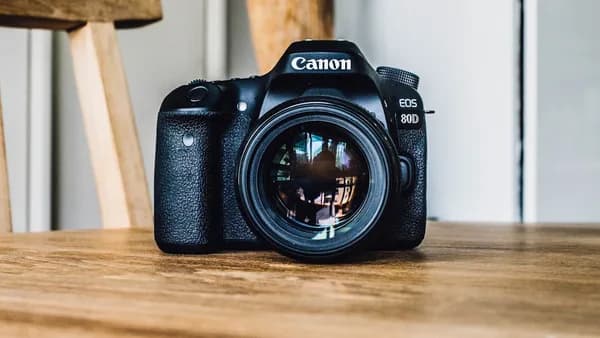
- Cameras: Not specifically named in sources, but video creators typically need a high-quality camera.
- Microphones: A good vocal mic is essential for streaming and voiceovers.
- Lighting: To ensure professional-looking visuals.
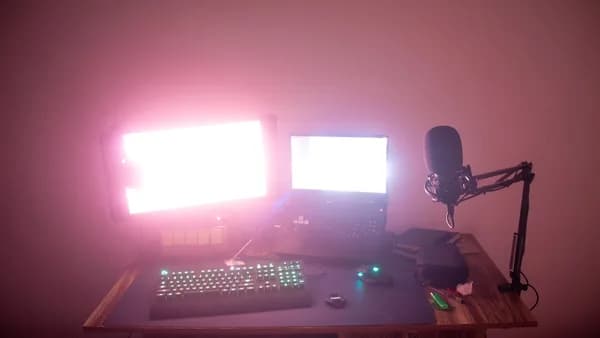
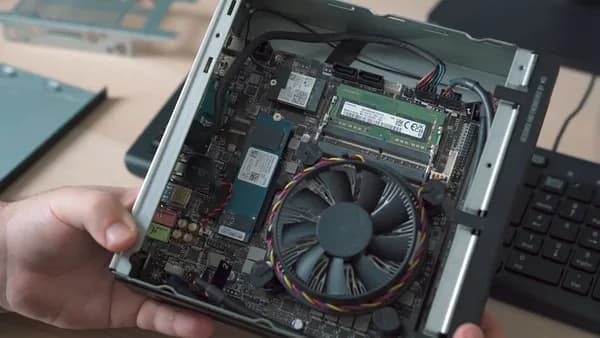
- Editing Workstations: Fast CPUs and GPUs for video editing with tools like DaVinci Resolve.
Podcaster Hardware Priorities
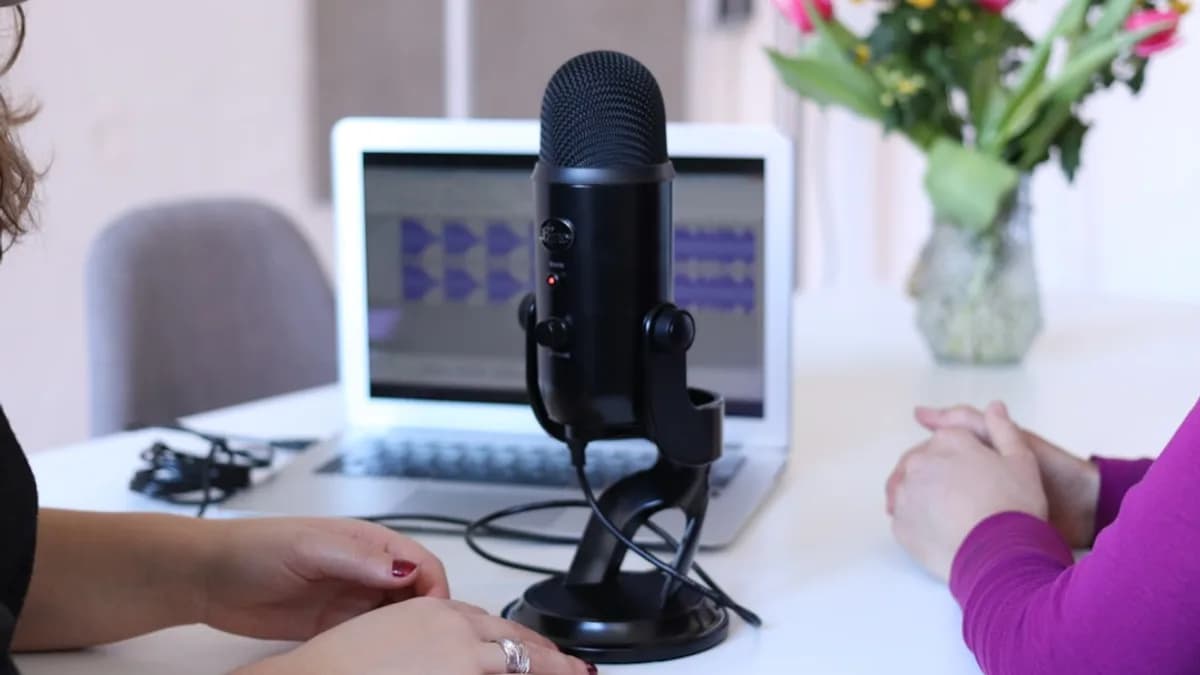
- Microphones: A high-quality condenser or dynamic mic for clarity.
- Audio Interfaces: For multi-mic setups or remote interviews.
- Headphones: For accurate monitoring during editing.
- Quiet Recording Environment: Acoustic treatment or isolation.
“For creators focusing on audio or video content, selecting the right hardware is paramount for quality.” (RedactAI)
At the time of writing, specific hardware models or prices are not detailed in the source data.
Workflow Automation and Collaboration Tools
Efficiency and teamwork are critical for scaling content production. Modern content creation tools comparison must include workflow management and collaboration solutions.
| Tool | Best For | Pricing | Notable Features |
|---|---|---|---|
| Notion | Content planning | Free + $10/mo | Custom content databases, collaboration |
| Trello | Kanban project management | Free + $5/mo | Visual boards, deadlines |
| Buffer | Social media scheduling | Free + $6/mo | Multi-platform posting, AI post generation |
| Hootsuite | Enterprise social teams | $99/mo | Team workflows, analytics |
- Notion and Trello are popular for content calendars, task tracking, and team collaboration.
- Buffer and Hootsuite support scheduled posting across multiple platforms, with Buffer offering AI-generated captions and posts (starting at $6/channel/month).
Budget Considerations for Tool Selection
Pricing for content creation tools in 2026 varies by category, feature set, and scale. Here’s a summary of representative costs for popular platforms:
| Tool | Free Plan | Entry Paid Plan | Premium/Pro Plan |
|---|---|---|---|
| Audacity | Yes | Free | N/A |
| CapCut | Yes | $8/mo | $19.99/mo (Pro via Semrush) |
| DaVinci Resolve | Yes | Free | $295 one-time |
| Descript | Yes | $15/mo | $24/user/mo (Pro) |
| Alitu | No | $38/mo | N/A |
| Canva | Yes | $15/mo (Pro) | $29.99/mo (Teams 5 users) |
| Notion | Yes | $10/mo | N/A |
| Buffer | Yes | $6/mo per channel | N/A |
| Guideflow | Yes | $40/mo | N/A |
“Most teams end up with a small stack covering three to five categories, starting with the one that matters most to their goals.” (Guideflow)
Free tools like Audacity and CapCut allow you to start with no investment, while tools like DaVinci Resolve offer a generous free tier with a paid pro upgrade.
AI-powered tools and automation (e.g., Alitu, Buffer, Canva Pro) typically range from $6 to $40/month, while full-featured solutions like DaVinci Resolve cap at a one-time $295.
User Experience and Learning Resources
The best content creation tools balance powerful features with accessible user experiences and strong learning support.
- Canva: Known for its intuitive drag-and-drop interface, suitable even for non-designers. Offers templates and built-in tutorials.
- Descript: Unique transcript-based editing with an approachable UI, lowering the barrier for both video and audio creators.
- DaVinci Resolve: Professional interface, steeper learning curve, but extensive documentation and community tutorials.
- Alitu and Audacity: Alitu automates editing, while Audacity requires manual work but is widely supported by free guides.
“Canva’s ease for non-designers and strong collaboration features make it a favorite for solo creators and teams alike.” (RedactAI)
Many platforms provide onboarding, help centers, and active communities. Microsoft Support and LinkedIn Learning also offer technical training, though specific courses for each tool are not detailed in the source data.
Pros and Cons of Mixed Toolkits
Most creators assemble a toolkit from several solutions, but this approach has trade-offs:
Pros
- Flexibility: Pick the best tool for each job (e.g., DaVinci for video, Audacity for audio, Canva for graphics).
- Cost control: Start free, add paid features as needed.
- Specialization: Tackle complex workflows with tools purpose-built for specific tasks.
Cons
- Integration gaps: Moving files between platforms can add friction.
- Learning overhead: Each tool has its own interface and quirks.
- Subscription fatigue: Multiple paid tools can add up quickly.
“Most teams use a stack of three to five tools, but integration and workflow streamlining are key to efficiency.” (Guideflow)
Some integrated platforms (e.g., Descript) reduce context switching but may not offer the depth of specialist tools.
Conclusion: Choosing the Right Tools for Your Content Type
The ideal content creation toolkit in 2026 is tailored to your primary content format, growth ambitions, and budget. For YouTubers, CapCut, DaVinci Resolve, and Canva deliver a powerful mix of video editing and visual design. For podcasters, Audacity, Alitu, and Descript offer efficient, high-quality audio workflows. Mixed-format creators benefit from integrated platforms like Descript and Canva, while planning and automation tools such as Notion, Trello, and Buffer keep teams productive and consistent.
The most successful creators “combine tools for writing, design, video, audio, and distribution—many powered by AI—to support the full content life cycle.” (Semrush)
Remember to start with the categories that match your main content goals, experiment with free plans to test fit, and upgrade as your needs grow.
FAQ
Which video editor is best for YouTubers on a budget?
CapCut is a top choice with a strong free plan and paid upgrades starting at $8/month. DaVinci Resolve also offers professional video editing free, with a one-time $295 upgrade for advanced features.
What’s the best free podcast editing tool?
Audacity remains the leading free audio editor for podcasters. It’s open source, multi-track, and widely supported.
Is there a tool that handles both video and podcast editing?
Descript supports both video and audio editing with a transcript-based workflow. It offers a free plan and paid options starting at $15/month.
How much does Canva Pro cost, and is it worth it for YouTubers?
Canva Pro costs $15/month for one user, unlocking premium templates, AI tools, and a content scheduler. It’s highly rated for its ease of use and is widely used by YouTubers for thumbnails and channel branding.
What automation tools help with content distribution?
Buffer ($6/mo per channel) and Hootsuite ($99/mo) are leading choices for scheduling and managing posts across multiple social and video platforms.
Do I need to pay for AI writing assistants?
Many AI writing tools like ChatGPT offer free tiers, but advanced features in tools like Jasper ($49/mo) or Grammarly Premium ($30/mo) require a subscription.
Bottom Line
The content creation tools comparison for YouTubers and podcasters in 2026 reveals a rich ecosystem of specialized and integrated solutions. YouTubers should focus on robust video and design tools, while podcasters benefit from streamlined audio platforms and automation. Most creators will find their ideal workflow with a stack of 3–5 tools, starting with free or entry-level plans and scaling as their brand grows. Evaluate features, pricing, and user experience carefully—grounded in the real needs of your creative workflow.