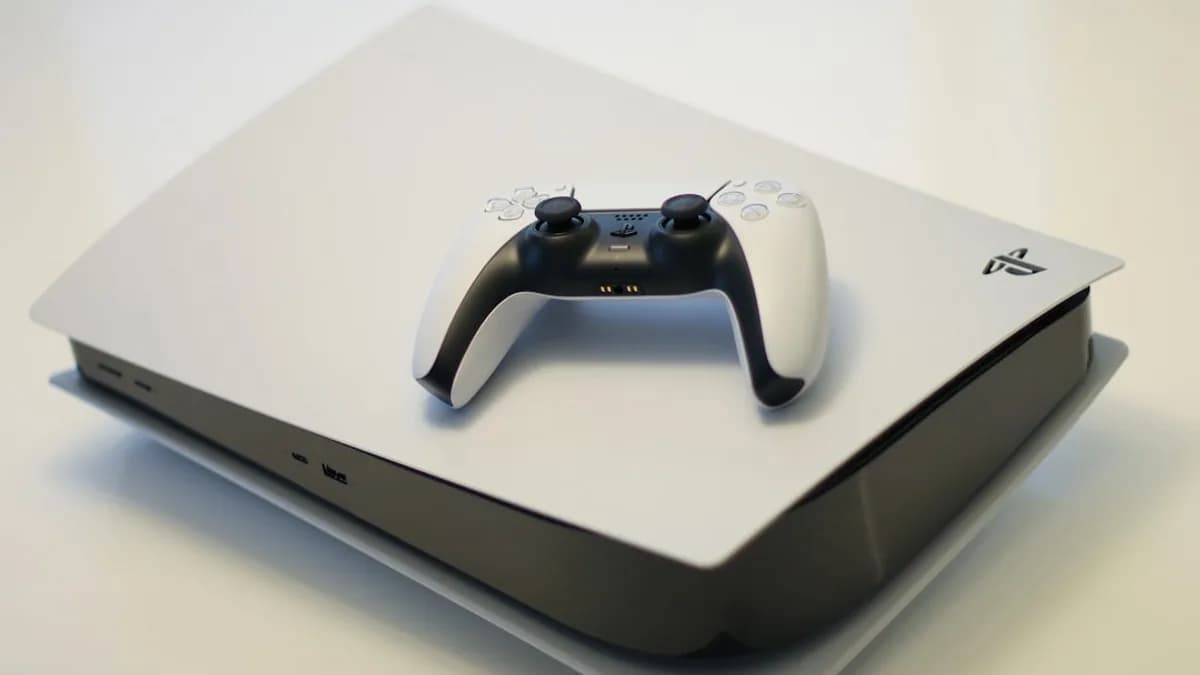
DSX v3.2 Beta 01 makes Sony’s DualSense look more capable on Windows than Sony’s own PC support currently allows. The new beta enables advanced DualSense PS5 controller haptics over Bluetooth on PC, narrowing one of the most obvious gaps between PlayStation’s controller and the simpler Xbox controller path on Windows, according to Notebookcheck.
That is the real story beneath the feature update. The hardware was never the weak point. The weak point was the software route PC players had to take to get the full DualSense experience without a USB-C cable. Now a third-party app is proving that richer wireless feedback is possible — while also underlining that Sony has not yet made it native, simple, or official.
DualSense Bluetooth haptics expose Sony’s half-finished PC gaming strategy
The DualSense has been attractive to PC players because it offers more than standard vibration. Its advanced haptics use voice coil actuators, which can deliver more detailed tactile feedback than the small rumble motors used in traditional controllers. On PlayStation 5, that is part of the console pitch. On PC, it has often come with an asterisk.
Until this DSX beta, the cleaner route for full DualSense functionality on Windows usually meant plugging in over USB-C. Bluetooth could work for basic controller use, but the more nuanced haptic experience was limited because Windows’ Bluetooth stack does not allow the same high-bandwidth haptic data path that the controller uses when the signal is treated as an audio stream.
That limitation helped keep Xbox controllers in a stronger practical position on PC. Notebookcheck frames the issue directly: DSX v3.2 Beta 01 addresses a shortcoming that made some buyers lean toward Xbox controllers. The Xbox pitch is not necessarily richer hardware. It is lower friction.
The counterpoint is obvious: this is still a beta, and it still depends on third-party software. That matters. But the fact that DSX can work around the limitation makes Sony’s official PC story look incomplete, especially as Sony continues to support PC with accessories such as monitors, speakers, and keyboards.
For broader platform context, this controller fight sits beside MLXIO’s coverage of Microsoft’s Windows-centered gaming posture in Xbox Consoles Face Death as Microsoft Bets on Windows, and the increasing blur between console brands seen in Finished Gears of War E-Day PS5 Build Boxes Xbox In.
DSX v3.2 Beta 01 brings advanced DualSense haptics over Bluetooth to Windows PCs
DSX v3.2 Beta 01 enables advanced DualSense haptic feedback over Bluetooth, bringing wireless PC play closer to the PS5 experience in supported scenarios. The source material points to this as a DSX beta development, with broader timing and availability still tied to the app’s rollout rather than official Sony support.
The app is not free. DSX can be purchased on Steam for a modest price, which still changes the value equation. PC players are not just buying hardware. They are buying into a software workaround.
Technically, DSX gets around the Windows limitation by simulating a wired device and sending the haptic data wirelessly through a custom software layer. In practice, that means games can see something closer to a wired DualSense, while the player keeps the convenience of Bluetooth.
The strongest caveat is reliability. Because this is not a Sony-provided Windows driver or native Windows behavior, users should treat it as enthusiast-grade infrastructure. Compatibility, setup friction, and future firmware or OS changes remain real variables.
The priced compromise behind the DualSense vs Xbox controller gap on PC
The controller comparison is less about raw specs than about how much work the user must do to access them. DualSense has the more distinctive feature argument because of advanced haptics and adaptive triggers, but Xbox controllers have the cleaner Windows path.
| PC controller route | Strength | Trade-off |
|---|---|---|
| DualSense over USB-C | Full functionality is more likely in supported games | Wired setup limits couch or distance play |
| DualSense over Bluetooth without DSX | Wireless convenience | Typically loses the richer haptic path |
| DualSense over Bluetooth with DSX v3.2 Beta 01 | Advanced haptics wirelessly through a workaround | Requires paid third-party software and beta tolerance |
| Xbox controller on PC | Simpler Windows compatibility path | Lacks the same DualSense haptic approach described by Notebookcheck |
This is where DSX’s paid-app status matters. DSX does not just add a feature; it changes the compromise. A DualSense owner no longer has to choose as sharply between wireless play and advanced feedback, but the fix arrives through Steam software rather than Sony.
That distinction matters because controller utilities succeed or fail on daily annoyance, not just headline features. Even a strong workaround still has to be easy enough that players keep using it after the novelty fades.
A Windows Bluetooth limitation turned haptics into a platform problem
The technical wrinkle is unusually revealing. The DualSense sends advanced haptic data in a way that behaves like an audio stream. On Windows, the Bluetooth stack does not support transmitting that high-bandwidth haptic data in the needed form. DSX’s workaround is to create the appearance of a wired device and relay the data wirelessly through its own layer.
That makes this less of a “controller gets new feature” story and more of a platform integration story. The hardware can do more than Windows and Sony’s official PC support currently expose over Bluetooth. DSX is filling that gap.
Other workaround discussions point in the same direction without changing the core issue: PC players are trying to bridge a gap that official support has not yet solved cleanly. The missing piece is not player interest or controller capability. It is clean official plumbing.
PC players get a better pad, but not a clean setup
For current DualSense owners, the practical takeaway is straightforward: DSX v3.2 Beta 01 gives the controller a stronger case as a wireless PC pad, especially for games that support richer feedback. If haptics matter to you, this beta reduces the penalty for avoiding a cable.
But the experience is still fragmented. Players need DSX, supported software behavior, and tolerance for a beta feature. That is a very different proposition from plugging in a controller and assuming the operating system, store client, and game will all agree on what it can do.
MLXIO’s analysis: this is exactly why Xbox remains hard to displace on PC even when DualSense has the more interesting tactile hardware. The default controller wins by being boring in the right ways. It works predictably. DualSense now has a stronger feature argument, but it still asks the user to understand the route.
The counterpoint is that enthusiast PC players often accept extra setup when the payoff is tangible. DSX’s continued development suggests its makers understand that the real competition is not only Xbox. It is friction.
Sony’s next PC controller move may decide whether DualSense becomes the default alternative to Xbox
Sony now has a strategic question it cannot fully outsource to DSX. If a third-party app can make Bluetooth haptics work well enough for PC players to care, then official support becomes harder to dismiss. Sony already sells PC-facing hardware and even offers a PC-ready version of the DualSense, but Notebookcheck says that version does not fix this limitation.
The next evidence to watch is not hype around the beta. It is whether Sony responds with official Windows software, deeper PC support, or clearer compatibility guidance. A native solution would weaken DSX’s importance. Silence would keep third-party tools in control of one of DualSense’s best features on PC.
For buyers, the decision is now sharper. Choose Xbox if predictability matters most. Choose DualSense with DSX if advanced haptics are worth a paid software layer and some beta risk.
The thesis holds unless the beta proves unreliable, support remains too narrow, or Sony ships an official fix that makes the workaround unnecessary. Until then, DSX has done something awkward for Sony: it has made the DualSense look better than Sony’s own PC support.
The Bottom Line
- PC players can get closer to the full DualSense experience without using a USB-C cable.
- The update highlights how third-party software is filling gaps in Sony’s official Windows support.
- Xbox controllers still benefit from simpler, more reliable PC integration despite less advanced haptics.