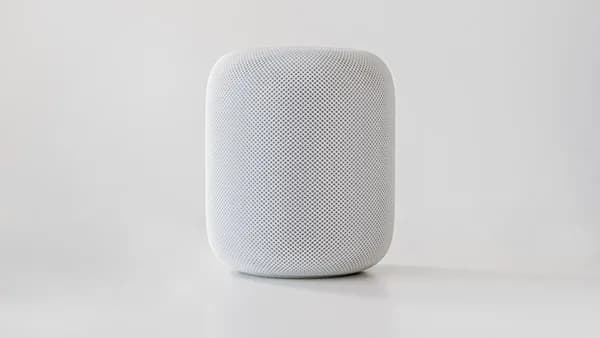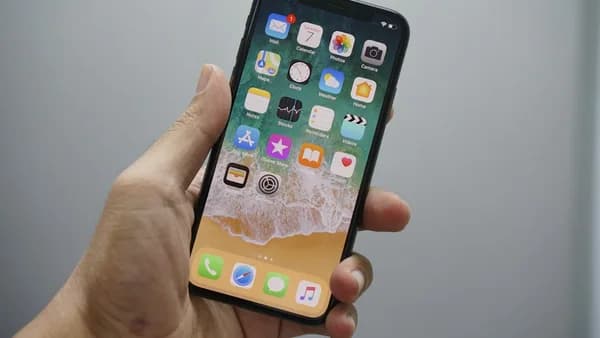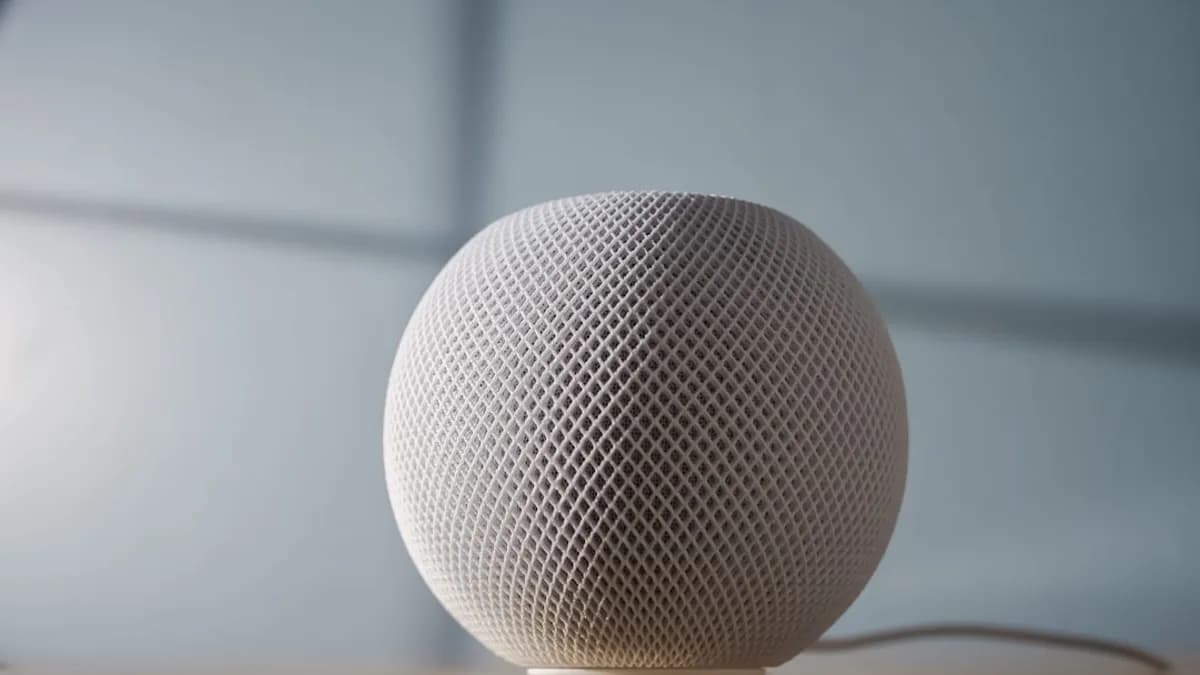
On June 26, 2026, the strongest HomePad clue was not a hardware leak; it was iOS 27 turning Apple Photos into a better shared-screen app. That is the right read of the new Photos features flagged by 9to5Mac : these upgrades may ship on iPhone, but they make more sense when imagined across a kitchen counter, hallway table, or living room shelf.
My view: Apple’s rumored HomePad/HomePod Touch needs Photos more than Photos needs HomePad. A smart display cannot justify itself as another place to tap buttons. It needs a passive, emotional, low-friction reason to exist. Family photos are Apple’s cleanest answer.
June 26: Photos upgrades became the HomePad clue worth taking seriously
9to5Mac’s Ryan Christoffel argues that iOS 27 and macOS Golden Gate contain hints about coming hardware, including iPhone Ultra, MacBook Ultra, an Apple Home security camera, and the rumored HomePad/HomePod Touch. The Photos changes sit inside that broader pattern.
The reported timing matters. Apple’s smart display is expected to launch this fall, while iOS 27’s Photos app is getting improvements that map neatly onto a device designed to sit in the home. That does not prove Apple’s product plan. It does make the coincidence harder to dismiss.
The most obvious change is slideshow customization. Apple Photos has long supported quick slideshows, but iOS 27 adds controls that were missing: users can change the transition type, set a custom length for the full slideshow, set a length for each photo, and adjust more presentation details.
That sounds minor on an iPhone. It sounds foundational on a shared home screen.
9to5Mac’s argument is that slideshows could become a natural HomePad feature, showing images when the device is not actively being used.
That is the point. The iPhone is an active device. A HomePad would be an ambient one. The same Photos feature has a different strategic weight when the screen is always visible.
Fall timing turns slideshows from a nicety into a product argument
A HomePad does not need to beat an iPhone at being an iPhone. If Apple ships it, the product has to earn attention without asking for it.
That is where customizable slideshows become more than a Photos quality-of-life upgrade. On a phone, a slideshow is something you start. On a home display, it can be the default state when nothing else is happening. The device does not have to demand interaction. It can simply make the room feel more personal.
This is also why processor talk, speaker specs, and Home controls are not enough as the main pitch. Analysis: those features may matter, but they are not the clearest explanation for why Apple would tune Photos presentation now. A smart home screen needs a reason to be looked at between commands. Photos gives it one.
That fits with the wider iOS 27 pattern we have been tracking. Apple is not only adding headline AI features; it is also refining daily-use apps. See our coverage of Two iOS 27 Features Make Apple Weather Faster Daily and iOS 27 Apps Grab Spotlight as Beats Firmware Fix Lands. The interesting part is not any single tweak. It is where those tweaks become more valuable on another device.
Shared Albums make the family-frame theory stronger
The second, more important signal is iCloud Shared Albums. According to the source, Apple is giving Shared Albums several long-awaited updates in iOS 27:
- Full resolution: Shared Albums can include full resolution photos and videos.
- Cross-platform access: Shared Albums work with Windows and Android.
- Emoji reactions: Participants can react with any emoji.
- Saving: Photos are easier to save.
- Expiration: Shared Albums can expire.
- Permissions: Apple is adding participant permissions.
That list reads like infrastructure for a household photo surface. A HomePad becomes more compelling if photos from friends and family can appear without everyone installing another app or creating a new account. That is not confirmed product behavior. It is the obvious product implication of the Shared Albums changes described by 9to5Mac.
| iOS 27 Photos change | Useful on iPhone | More interesting on HomePad because… |
|---|---|---|
| Custom slideshow timing | Yes | A passive display needs pacing and presentation controls |
| Transition options | Yes | Visual style matters more on an always-visible screen |
| Full-resolution Shared Albums | Yes | A home display benefits from better image quality |
| Windows and Android support | Yes | Family photo sharing often crosses device boundaries |
| Expiration and permissions | Yes | Shared household screens need tighter control over what appears |
The iPhone is personal. Photos often are not. Weddings, trips, children, pets, holidays, and family gatherings are communal by nature, but they usually live inside private phones. A HomePad could sit between those two facts: personal content, shared setting.
That is why the Shared Albums changes carry more weight than a normal Photos refresh. They are not just about storing images. They are about moving images between people with fewer barriers.
iPhone-first rollout gives Apple a safer test bed
A shared screen inside the home raises harder questions than a private iPhone screen. Who gets to add photos? Who can remove them? Which albums should expire? Which participants can contribute? Which images are saved permanently?
The source does not say how Apple will handle those issues on HomePad. But iOS 27’s Shared Albums updates do point to the right control surface: expiration and participant permissions. Those are not flashy features. They are governance features.
Analysis: that matters because a family-photo device fails if it surprises people in the wrong way. Apple does not need to solve every household edge case on day one, but it does need controls that make shared display feel intentional rather than risky.
Shipping the Photos changes first on iPhone would also give Apple a cleaner path. It can get users familiar with new slideshow and Shared Album behavior before asking them to put that content on a common screen. That sequence would be very Apple: make the software habit feel ordinary, then let the hardware make it obvious.
For readers tracking device support around this release, our earlier piece on Apple Axes 16 Devices, Spares Every iPhone on iOS 27 gives useful context for how broad the iOS 27 base may be. A wide iPhone base matters here because Shared Albums are only powerful if enough people can participate.
The countercase: Photos is big enough to explain all of this by itself
The strongest objection is simple: Photos is one of Apple’s core iPhone apps. It does not need a rumored HomePad to justify better slideshows or improved Shared Albums.
That counterargument is fair. Apple routinely improves major apps without tying every change to new hardware. Rumors are not a roadmap. A fall HomePad expectation is still not the same thing as a launch, a feature list, or a confirmed Photos-first strategy.
There is also a practical reason to avoid overreading. Users have wanted stronger slideshow controls for years, according to 9to5Mac. Apple may simply be addressing a stale feature. Shared Albums had also sat largely untouched for years, per the source, so iOS 27 may be a long-delayed cleanup rather than a HomePad breadcrumb.
But the HomePad interpretation remains persuasive because these specific upgrades are unusually well matched to a shared home display. Slideshow pacing, presentation controls, full-resolution shared media, cross-platform album access, expiration, and permissions all become more consequential when Photos leaves the pocket and enters the room.
The fall launch question: will Apple make Photos the centerpiece?
If HomePad launches this fall, Apple should resist making it feel like an iPad attached to a speaker or a HomePod with a screen. That would be the safe product. It would also be the less interesting one.
The stronger version is a device built around the home’s most valuable digital archive: the family photo library. Not as a gimmick. Not as a screensaver afterthought. As the emotional center of the product.
The practical takeaway is clear: watch how Apple talks about Photos, Shared Albums, and slideshow controls as iOS 27 moves toward release. If those features are presented only as iPhone conveniences, the HomePad theory weakens. If Apple starts framing them around shared moments, household participation, and ambient display, the direction becomes harder to miss.
The winning HomePad pitch is not controlling the lights faster. It is making the home feel more alive.
Why It Matters
- Apple’s Photos upgrades suggest the rumored HomePad may need an emotional, everyday use case to stand out.
- Customizable slideshows make more sense on a shared home display than on a phone alone.
- The timing of iOS 27 features and expected HomePad hardware makes Apple’s smart display strategy harder to ignore.