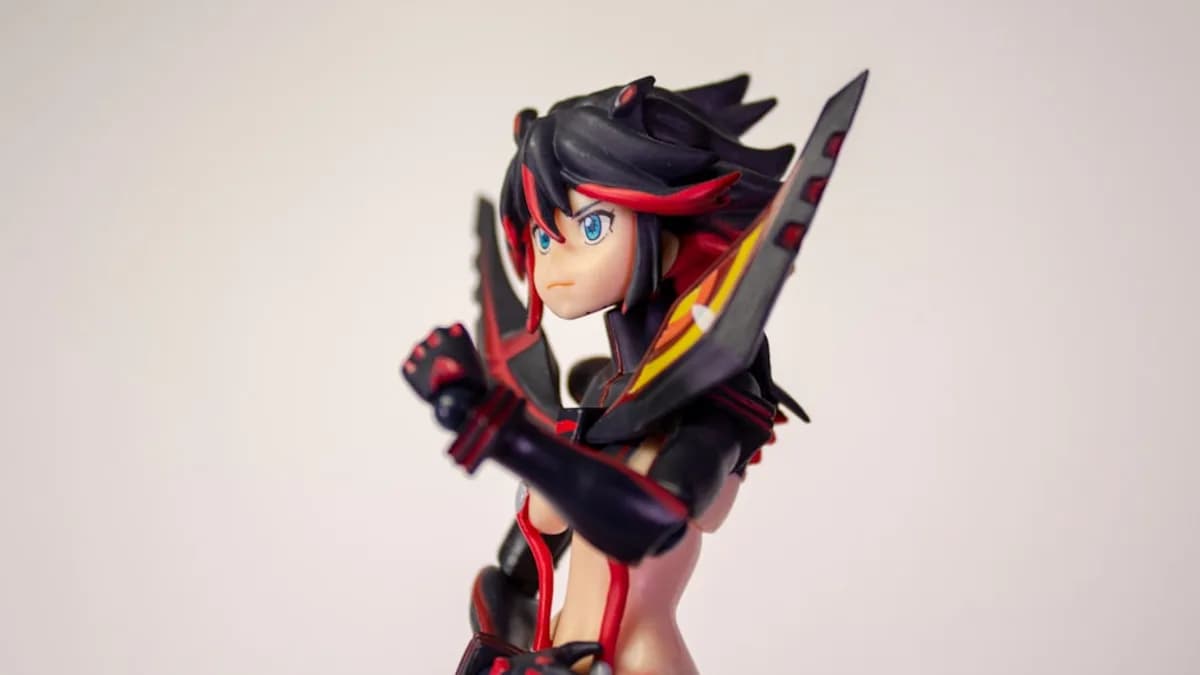
Seven Deadly Sins: Grand Cross is handing players a full anniversary checklist, not just a single login gift: Perfect 7 launched on May 21 with free diamonds, event rewards, and the new Sworn Enemy/Nemesis Meliodas at the center of the 7th anniversary Legend Festival.
The update marks the mobile RPG’s seventh anniversary, with Netmarble tying the event theme to seven years of service, seven characters, and Meliodas’ anime-inspired kit, according to Notebookcheck. The practical goal is simple: finish the event period with every free diamond claimed, every Perfect 7 reward source checked, and a summon plan that does not burn your stash on day one.
Before you start: update 7DS Grand Cross and open the Perfect 7 Legend Festival hub
Update The Seven Deadly Sins: Grand Cross, restart the app, and make sure you are on the correct Netmarble-linked account before claiming anything. If you play across devices, do not assume the app has synced cleanly until you confirm your account, server, and player data.
Then open the in-game notices for the Perfect 7 Legend Festival. Check your server’s event dates, reset time, reward expiry, and any level or story-clear requirements attached to anniversary missions.
The anniversary update is not only a banner. The Google Play listing also names 7th Anniversary Legendary Poll Draw, 7th Anniversary Legendary Festival Check-In Event, Four Knights of the Apocalypse: Chapter 5, Supreme Deity Battle, and Divine Protection as part of the current update package.
Watch out for: rewards may sit in different places. Before tapping through screens, note whether a reward appears through the login screen, event menu, mission tab, summon page, or inbox.
Step 1: map every 7th anniversary reward source before claiming anything
Start with a full sweep. Check the home screen banners, event icon, missions menu, mailbox, login calendar, festival summon page, and any anniversary shop or exchange page that appears in your version of the event.
Do not assume one “claim all” button covers the full Perfect 7 package. Anniversary campaigns in gacha RPGs often split rewards across login bonuses, mission ladders, event shops, free draws, and limited-time campaign gifts.
Make a quick checklist:
- Login rewards: daily or cumulative check-in bonuses.
- Event missions: objectives tied to the Perfect 7 Festival.
- Campaign rewards: gifts connected to the broader 777 Relay Campaign.
- Special shops: exchange items, tickets, or growth materials.
- Festival banner rewards: free pulls, ticket use, or milestone-style rewards if shown in-game.
Prioritize anything with an expiry timer. That same discipline applies outside 7DS too; if you track rotating promos, MLXIO’s coverage of Car Mechanic Simulator 2018 going free forever on Steam and Warhammer 40K: Gladius dropping to free on Steam shows why claiming windows matter.
Step 2: claim free diamonds without losing track of your real total
Record your diamond count before claiming anniversary rewards. A screenshot is enough. Then collect expiring gifts first, followed by check-in rewards, mission rewards, and any event-page diamonds shown inside the Perfect 7 hub.
GameWith’s event guide lists the 7th Anniversary Legend Festival login bonus as running from May 21 after maintenance to June 25 before maintenance, with 300 diamonds available across 28 days of login. Use the in-game notice on your server as the authority, but treat that structure as a reason to keep logging in rather than spending everything on launch day.
Notebookcheck also says the anniversary release is the culmination of the 777 Relay Campaign, which began in January 2026 and delivered new heroes and rewards monthly. January included [Era's End] Demon King Meliodas and 100 Diamonds for all players; March brought [Friendly Classmate] Tree Guardian King.
Watch out for: free-to-play players should avoid impulse summons until they know how many diamonds, tickets, and free pulls the event actually provides.
Step 3: clear Perfect 7 missions with the least wasted stamina
Open the Perfect 7 event tab once per day before spending stamina. Review the active objectives first, then choose the fastest qualifying stages.
Group similar tasks together where the mission list allows it:
- Stamina spend: run stages that also drop event currency or growth materials.
- Boss clears: combine daily boss requirements with anniversary objectives.
- PvP participation: confirm whether the mission requires entry, completion, or victory.
- Enhancement tasks: upgrade only when the mission is active, so the same action pays twice.
Use skip tickets, auto-repeat, and saved teams for routine clears if the mode supports them. The goal is not to overfarm. The goal is to satisfy the event condition cleanly.
Watch out for: wording matters. “Clear,” “win,” “participate,” and “claim” can mean different things. If you farm the wrong mode, the game may not count progress.
Step 4: decide whether Sworn Enemy/Nemesis Meliodas deserves your diamonds
Open the Perfect 7 Legend Festival banner and inspect Sworn Enemy/Nemesis Meliodas before summoning. Check his skills, race, attribute, associations, featured pool, rates, and any mileage or pity rules shown in-game.
Notebookcheck describes the new hero as based on Meliodas’ final confrontation with the Demon King in the original anime. When his talent activates, Meliodas enters Assault Mode for one turn and deals burst damage through the anime’s seven-person combined technique. When the talent is inactive, Trillion Revenge grants damage reduction and puts him into a counter-stance for longer fights.
“The name ‘Perfect 7’ ties directly to the anniversary theme. Seven characters, seven years, and a kit that revolves around that number across both the lore and the mechanical design.”
That makes him the headline character of this cycle. It does not automatically make him the best use of your diamonds. Compare him against your actual account needs: PvE farming, boss content, Demon King-related content, or PvP priorities.
Analysis: based on the supplied kit description, Meliodas looks designed to swing between burst turns and defensive counter pressure. The decision point is whether your roster needs that role more than it needs depth, dupes, cosmetics, or future banners.
Step 5: spend Perfect 7 resources before permanent resources
Use time-limited anniversary items first. That means event tickets, special exchange currency, limited shop tokens, or temporary draw items should be checked before you spend permanent diamonds or long-term materials.
If the event shop offers them on your server, prioritize high-value items:
| Priority | Item type | Why it matters |
|---|---|---|
| High | Diamonds / festival tickets | Directly affects summon flexibility |
| High | Awakening materials / pendants | Speeds character growth |
| Medium | Cosmetic upgrades / anvils | Useful if tied to core units |
| Medium | Super Awakening Coins | Valuable but roster-dependent |
| Low early | Common farmable resources | Buy later unless needed for missions |
Avoid low-impact purchases early unless they unlock another event reward. Keep a small diamond reserve for stamina refills, final-day summons, or event-shop requirements that only become obvious after you inspect the full campaign.
Step 6: run this daily anniversary loop until the event ends
Use the same order every day:
- Log in and confirm the check-in reward.
- Collect expiring mail if anything is present.
- Open the Perfect 7 hub and read the active missions.
- Clear daily objectives using the fastest qualifying stages.
- Spend event stamina or currency where it produces the best return.
- Claim rewards immediately after completing objectives.
- Review summon plans only after checking new tickets, diamonds, or notices.
Set a reminder near server reset. Missing a login day can matter when a reward track depends on consecutive or cumulative check-ins.
After maintenance, read the notices again. GameWith lists the first anniversary period from May 21 to June 25 before maintenance, and says a second phase is planned for June 4, the anniversary date. Treat that as a reason to keep some flexibility, not as a reason to hoard forever.
Quick recap: the safest Perfect 7 claiming order
Update the game, verify your account, inspect every anniversary tab, claim expiring rewards first, complete Perfect 7 missions, then decide whether Sworn Enemy/Nemesis Meliodas is worth your diamonds.
The strongest play is patience. Collect the free diamonds across the event period, check tickets and banner rules, and only then commit saved currency.
The practical payoff: fewer missed rewards, cleaner resource spending, and better control during the 7DS Grand Cross 7th anniversary. The next watch item is the June 4 phase; if Netmarble adds more rewards or another character beat, your best move will be having diamonds and event resources still under control.
Key Takeaways
- Players can maximize anniversary rewards by checking every Perfect 7 event source before claiming items.
- The 7th anniversary update adds Sworn Enemy/Nemesis Meliodas through the Legend Festival banner.
- Account, server, reset time, and reward expiry checks can prevent missed or misplaced event rewards.