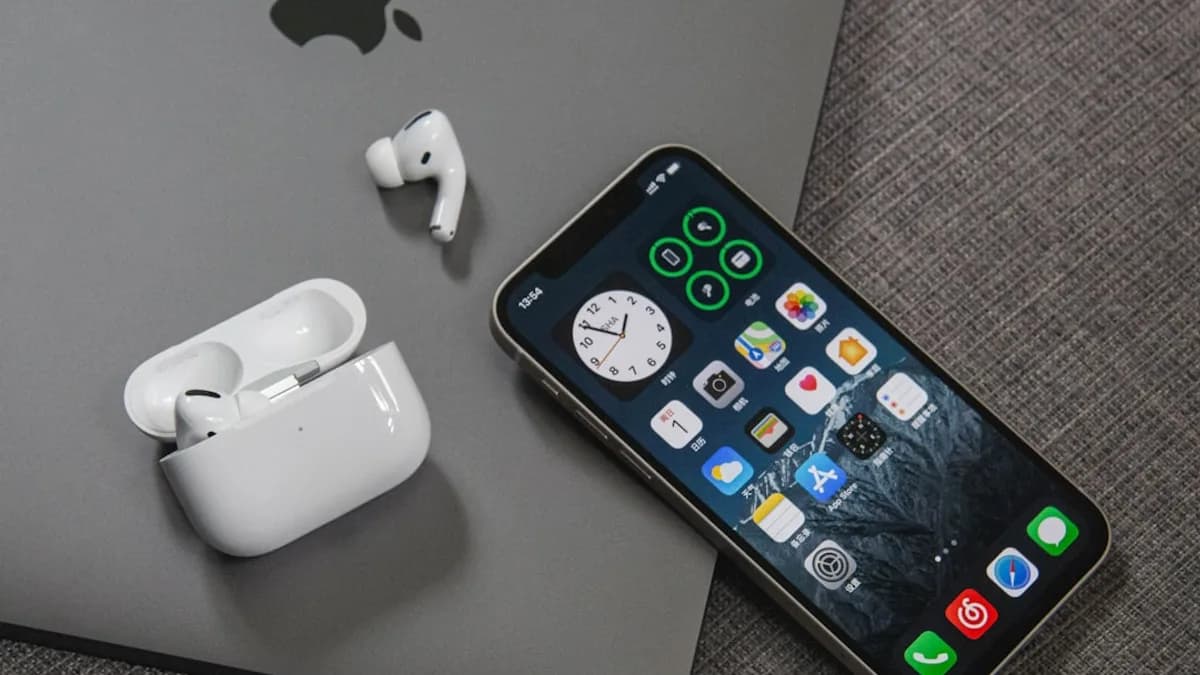
LM Link makes the iPhone a private remote control for Mac-based AI, which is more interesting than simply putting another chatbot app on iOS. The new feature lets users talk to local LLMs running in LM Studio on a Mac from the Locally app on iPhone, according to 9to5Mac .
That changes the shape of local AI. The phone becomes the conversational surface. The Mac does the heavy inference. The pitch is not that an iPhone suddenly runs the largest models by itself, but that users can reach the models already installed on their own hardware without pushing the conversation through a public cloud service.
LM Link turns the iPhone into a private AI remote, not another chatbot app
LM Link is being added to LM Studio’s Mac app and the Locally AI iOS app, which LM Studio acquired earlier this year. Once enabled, it lets users interact with models running locally on their Macs from an iPhone.
That is the important distinction. The model still runs on the Mac. The iPhone handles input, output, and mobility. For Mac owners already using LM Studio, this turns a desk-bound workflow into something closer to a personal AI endpoint that follows them around the house, office, or wherever the phone has a working link back to the machine.
LM Studio’s own framing is explicit: “Your local models, now in your pocket.” The company is not claiming the iPhone is replacing the Mac as the compute engine. It is saying the phone no longer has to be stranded away from the user’s strongest local hardware.
That makes this a practical product move rather than a model breakthrough. It improves access. It does not erase the limits of local inference: model quality, Mac hardware, setup friction, reconnect behavior, and whatever paid tiers LM Studio eventually announces after preview.
The Mac stays the brain while Locally becomes the chat surface
The user flow is straightforward in concept. Run an LLM locally in LM Studio on a Mac. Install Locally on an iPhone or iPad. Sign in to an LM Studio account on both devices. Activate LM Link. Then use the mobile app to chat with models hosted on the Mac.
The architecture matters because it separates interface from compute:
| Layer | Role in LM Link |
|---|---|
| Mac running LM Studio | Hosts the installed model and performs inference |
| iPhone or iPad running Locally | Provides the chat interface |
| LM Link | Creates the encrypted connection between devices |
| Installed local models | Supply responses, with performance tied to Mac hardware |
LM Studio says LM Link uses an end-to-end encrypted connection and runs on top of custom Tailscale mesh VPNs. The company also says the devices are not exposed to the public internet. That is a meaningful design choice for users who run local models because they do not want prompts, documents, or chat history handled like ordinary cloud traffic.
“End-to-end encrypted networking. All data and communication between devices remain entirely private and secure. Your devices are never exposed to the public internet, because LM Link runs on top of custom Tailscale mesh VPNs.”
There is still setup. Users need an account. They need LM Studio running on the Mac and Locally installed on the phone. This is easier than hand-building a remote tunnel, but it is not the same as downloading a cloud chatbot and typing immediately.
The hard limits are still memory, model size, and connection behavior
The most grounded way to read LM Link is as a hardware-routing feature. It does not make local models magically faster. It routes the mobile experience to a machine better suited to inference.
9to5Mac’s Marcus Mendes gives a useful real-world anchor: he uses LM Studio on a 16GB M2 Pro MacBook Pro and values the app’s model search because it helps avoid models too demanding for that hardware. LM Link works with any model users have installed on their Macs, including the built-in Apple Intelligence foundation model, but performance still depends on the Mac.
The source material gives one concrete model-size reference: Google released a 12-billion-parameter version of Gemma 4 “yesterday,” designed to run on Macs with 16GB of memory or more, according to 9to5Mac. That detail shows the trade-off. A capable Mac can run models too heavy for a phone-first workflow, but memory remains a hard gate.
The supplied sources do not provide benchmark data for latency, battery draw, storage use, quantization, or throughput. So the honest analysis is narrower: LM Link should reduce the need for the iPhone to perform local inference, but it introduces dependency on the Mac being available and the encrypted connection staying alive.
9to5Mac also flags one early friction point. If the iPhone app sits in the background for a few moments, the connection may drop sooner than expected. Mendes says developers told him this is tied to how the secure connection is established, and that they are working to improve reconnection latency and keep the connection alive longer.
Local AI needed a phone-friendly layer, and LM Studio just made one official
Local LLM tools have often been powerful but desktop-centered. LM Studio already handled model discovery, installation, and performance tuning on Mac. Locally gives that stack a native mobile surface.
That matters for behavior. A local model that only works comfortably at a desk competes poorly with always-available mobile assistants. A local model reachable from an iPhone starts to feel less like a project and more like a daily tool — assuming the connection holds and the selected model is useful.
This sits near a broader Apple-user question MLXIO has been tracking: how much AI should run close to the user, and how much should be mediated by platform services. Our coverage of iOS 27’s focus on fixing the iPhone before AI takes over and Apple Messages letting an AI agent slip through a side door speaks to the same tension, though LM Link is a third-party tool rather than an Apple feature.
The strongest counterpoint is convenience. A polished cloud assistant usually wins on instant access. LM Link asks users to own the compute path: Mac, app, account, installed model, encrypted link, and mobile client. That is a lot of moving parts for mainstream users.
Still, the thesis holds because LM Studio is targeting people who already care about local models. For that group, mobile access is not a gimmick. It removes one of the biggest annoyances in local AI: being tied to the machine doing the work.
Privacy-focused users and developers get the clearest value first
For privacy-focused users, the appeal is direct. LM Studio says all data and communication between devices are end-to-end encrypted. Its own related material says chats are saved locally to devices. The 9to5Mac report also says users can keep relying on the privacy benefit of local processing even while using an iPhone as the interface.
For developers and AI hobbyists, LM Link could make local model testing feel more natural. Instead of treating the Mac as the only place to interact with a model, they can test prompts and workflows from a phone while the Mac handles inference. The related source material also says LM Link works with LM Studio’s local API pattern, which is relevant for tooling already built around local LM Studio workflows.
Mainstream Mac and iPhone users are the harder audience. The feature promises a personal AI hub, but onboarding and reliability will decide whether it feels elegant or niche. Model selection also matters. A weak or poorly matched local model will not become useful just because the interface moved to an iPhone.
Pricing is another open variable. LM Studio says LM Link will be free during the Preview period. After that, the company plans both a free plan and paid plans, with details still to come.
Signals that would validate LM Link beyond preview
The clearest implication is practical: users with capable Macs can turn existing hardware into a private AI host for phone-based conversations. That is a real shift in interface design, even if the underlying models and hardware limits remain unchanged.
The next evidence to watch is concrete, not philosophical:
- Reliability: Whether backgrounding the iPhone app stops breaking the session quickly.
- Latency: Whether reconnection becomes fast enough to feel mobile-native.
- Pricing: Whether the post-preview free plan is useful or mostly a funnel into paid tiers.
- Model fit: Whether users can easily pick models that match their Mac’s memory and workload.
- Onboarding: Whether account setup, pairing, and model loading stay simple for nontechnical Mac users.
LM Link will not replace cloud AI assistants for most people on day one. But it points to a sharper idea: personal AI does not have to run where the user is holding the screen. It can run where the user’s best hardware already sits — as long as the link is private, fast, and reliable enough to disappear into the workflow.
The Bottom Line
- LM Link makes local AI more practical by letting users access Mac-hosted models from an iPhone.
- The setup emphasizes privacy because conversations do not need to be routed through a public cloud chatbot service.
- It improves convenience, but performance and usefulness still depend on the user’s Mac hardware, model choice, and setup.