MLXIO
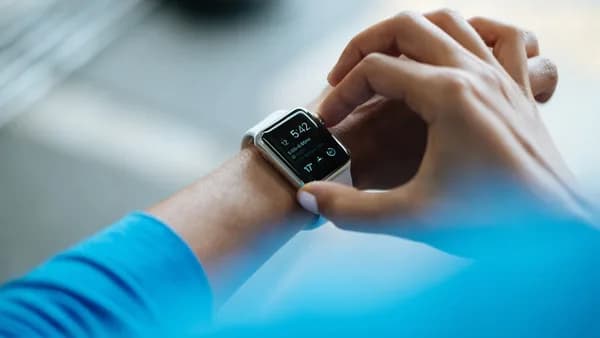
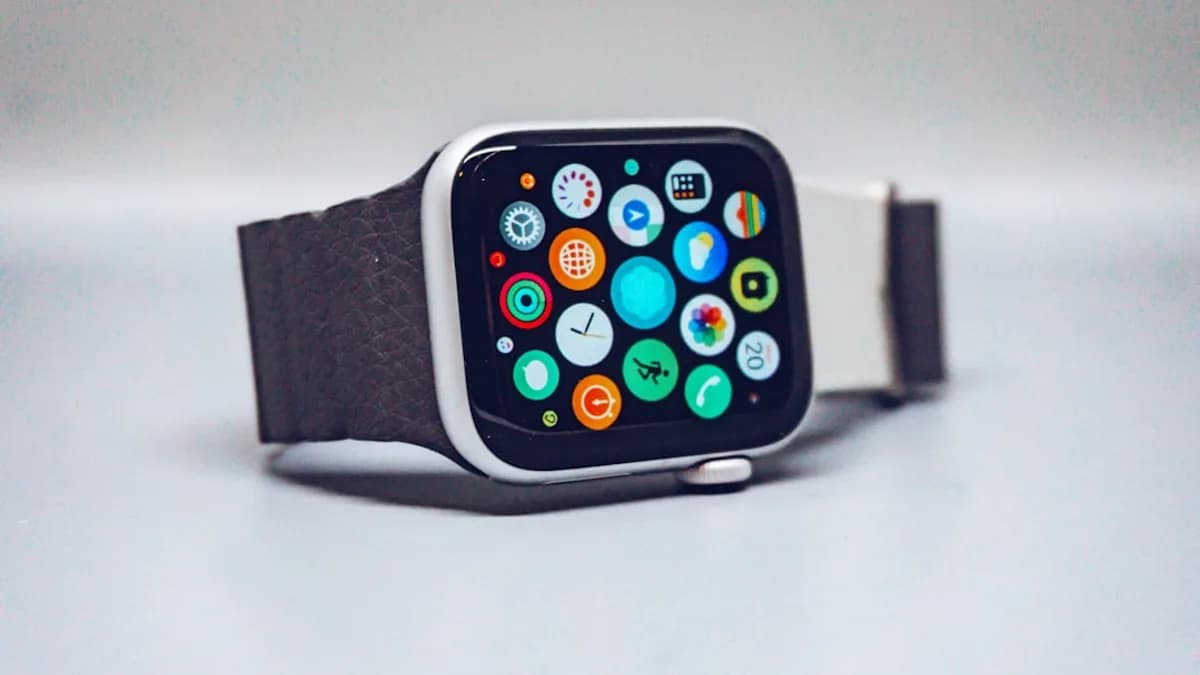
black smart watch with black strap
TechnologyJuly 28, 2026· 5 min read· By MLXIO Insights Team

3 Amazfit Smartwatches Turn iPhone Alerts Into Action

Share

MLXIO Intelligence

Analysis Snapshot

79
High
Confidence: LowTrend: 10Freshness: 97Source Trust: 100Factual Grounding: 94Signal Cluster: 60

High MLXIO Impact based on trend velocity, freshness, source trust, and factual grounding.

Thesis

High Confidence

Zepp Health is bringing interactive iPhone notification handling to select Amazfit smartwatches, but the rollout is currently limited to eligible EU users.

Evidence

  • The update introduces iOS Notification Forwarding for Amazfit watches paired with iPhones.
  • The beta is live first on Amazfit Cheetah 2 Ultra, Amazfit Balance Ultra, and Amazfit Balance 3.
  • Supported notifications can enable replies, quick actions such as Mark as Read or Call Back, and embedded images in some alerts.
  • Zepp Health says eligible EU users need iOS 26.5 or later, with current Zepp App and watch firmware.

Uncertainty

  • The feature is currently limited to the European Union.
  • Supported actions depend on the notification type and app.
  • Zepp Health says it is improving the experience as Apple expands support, but broader availability is not specified.

What To Watch

  • Whether Apple expands support for this capability beyond the EU.
  • Whether Zepp Health adds more Amazfit models to the beta.
  • User reports on reliability of replies, quick actions, and embedded image previews.

Verified Claims

Zepp Health is rolling out iOS Notification Forwarding for select Amazfit smartwatches paired with iPhones.
📎 Zepp Health is rolling out iOS Notification Forwarding for select watches paired with iPhones.High
The initial beta is available on Amazfit Cheetah 2 Ultra, Amazfit Balance Ultra, and Amazfit Balance 3.
📎 The beta is live first on Amazfit Cheetah 2 Ultra, Amazfit Balance Ultra, and Amazfit Balance 3.High
The feature is currently limited to eligible iOS users in the European Union running iOS 26.5 or later.
📎 Zepp Health says the feature works for eligible iOS users in the EU running iOS 26.5 or later.High
Supported notifications can allow users to reply, use quick actions, and view embedded images from the watch.
📎 Supported notifications can now expose replies, quick actions such as Mark as Read or Call Back, and images from alerts.High
Users need current Zepp App and watch firmware versions to set up iOS Notification Forwarding.
📎 The setup depends on both the Zepp App and watch firmware being current.High

Frequently Asked

Which Amazfit watches support iOS Notification Forwarding first?

The beta is live first on Amazfit Cheetah 2 Ultra, Amazfit Balance Ultra, and Amazfit Balance 3.

Where is Amazfit iOS Notification Forwarding available?

The feature is currently available only for eligible iOS users in the European Union.

What iPhone software version is required for Amazfit iOS Notification Forwarding?

Zepp Health says eligible EU users need iOS 26.5 or later.

What can Amazfit users do with interactive iPhone notifications?

Supported notifications can enable replies, quick actions like Mark as Read or Call Back, and embedded images such as camera or doorbell snapshots.

How do users set up Amazfit iOS Notification Forwarding?

Users should update the Zepp App and watch firmware, then follow the Notification Forwarding prompt and Apple’s iPhone authorization flow.

Updated on July 28, 2026

Three Amazfit smartwatch models are getting a feature iPhone users could not count on before: interactive notifications from the wrist, not just mirrored alerts. Zepp Health is rolling out iOS Notification Forwarding for select watches paired with iPhones, with availability currently limited to the European Union, according to Notebookcheck.

The launch matters because it changes the iPhone-Amazfit relationship from passive display to action handling. Users can reply to supported messages, trigger quick actions, and see embedded images in some alerts, according to Zepp Health’s product update on Amazfit’s EU site.

3 Amazfit models move from iPhone alerts to wrist actions

The beta is live first on Amazfit Cheetah 2 Ultra, Amazfit Balance Ultra, and Amazfit Balance 3. Zepp Health says the feature works for eligible iOS users in the EU running iOS 26.5 or later.

That is a narrow launch, but the feature set is broader than ordinary notification mirroring. Supported notifications can now expose replies, quick actions such as Mark as Read or Call Back, and images from alerts such as doorbell or camera notifications.

“Instead of just seeing an alert, you can act on it, right from your wrist,” Amazfit said in its product update.

A practical example: a security camera alert can show a snapshot preview on the watch when motion is detected. That does not turn an Amazfit watch into an iPhone replacement, but it cuts out the phone check for routine decisions.

iOS notification experience Before this update With iOS Notification Forwarding
View incoming alerts Yes Yes
Dismiss alerts Yes Yes
Send supported quick replies Limited/not the focus of the old setup Yes
Use app-specific actions Not part of basic mirroring Yes, where supported
View embedded images Not part of basic mirroring Yes, where supported

The setup depends on both the Zepp App and watch firmware being current. Users should see a Notification Forwarding prompt when opening the app or connecting the watch, then complete Apple’s iPhone authorization flow.

If the prompt does not appear, Zepp Health says users can check Zepp App > Device > Feature Checklist or Device > Notifications > App Notifications.


EU-only access makes the iPhone limitation the headline

The most important caveat is geography. Zepp Health is not launching this globally; the feature is currently available only inside the European Union.

Notebookcheck ties that limit to the Digital Markets Act, noting that Apple is required to provide this kind of access under DMA rules. Zepp Health’s own wording is more cautious, saying the beta is available for eligible iOS users in the EU and that the company is improving the experience “as Apple expands support for the capability.”

For iPhone users, the shift is simple: the watch can now become the first place where a notification is handled, not just the first place it is seen. A WhatsApp message, for example, may support a direct reply from the wrist if the notification type allows it.

MLXIO analysis: This is a meaningful narrowing of the functionality gap between Amazfit watches and Apple’s own watch experience for EU iPhone users. The limitation is also the point. Zepp Health can only market this as a better iOS experience where the underlying Apple access exists.

That makes region and software eligibility just as important as the watch model. A user with a supported Amazfit device outside the EU should not assume the toggle will appear.

For readers tracking adjacent Apple platform issues, MLXIO has also covered how iOS access decisions can affect older devices in Apple Reopens iOS Signing After Legacy iPhones Get Cut Off, and how Apple Health integrations are drawing more attention in ChatGPT Takes a Second Shot at Your Apple Health Data.

7 more Amazfit watches are named, but timing is still open

Zepp Health says more watches are coming. The announced expansion list includes Amazfit Bip Max, Active 3 Premium, Cheetah 2 Pro, T-Rex 3, T-Rex 3 Pro, T-Rex Ultra 2, and Balance 2.

Notebookcheck’s report names a shorter coming-soon group: Cheetah 2 Pro, T-Rex 3, T-Rex 3 Pro, Bip Max, and Active 3 Premium. The difference matters for buyers and current owners, because Zepp Health has not provided a precise rollout date for each model in the supplied material.

The company also says reply and action support varies by notification type. That means the feature is not a universal “reply to everything” switch; it depends on what the iOS notification exposes and what Apple makes available through the forwarding capability.

Users who do not see the feature may be hitting one of several blocks. Zepp Health lists unsupported device status, missing firmware support, an outdated Zepp App, Apple not making the feature available to that user yet, or a previously dismissed “Not Now” prompt.

That also means eligibility can change without a new watch purchase. Firmware updates, app updates, and Apple-side availability can all decide whether the feature appears.


The next scale jump depends on Apple access, not just Amazfit firmware

The immediate watch item is whether Zepp Health expands iOS Notification Forwarding beyond the EU. The supplied material does not confirm a worldwide release, and Notebookcheck says it remains uncertain.

For now, the clean read is this: Amazfit has turned iPhone notifications into actionable wrist controls for a small group of EU users on three watches, with seven more models named for future support. The bigger question is whether that stays a regional DMA-driven feature or becomes the baseline iPhone experience for Amazfit owners elsewhere.

Key Takeaways

  • Select Amazfit watches can now handle iPhone notifications as actions, not just passive alerts.
  • The beta is limited to EU users with eligible watches running iOS 26.5 or later.
  • Interactive alerts could make Amazfit watches more useful for iPhone owners who want quick replies and glanceable camera previews.


iOS Notifications on Amazfit: Before vs. After

FeatureBefore this updateWith iOS Notification Forwarding
View incoming alertsYesYes
Dismiss alertsYesYes
Send supported quick repliesLimited/not the focusYes
Use quick actions such as Mark as Read or Call BackNoYes
View embedded images from alertsNoYes, for some alerts
MLXIO

Written by

MLXIO Insights Team

Algorithmic Research & Human Oversight

Powered by advanced algorithmic research and perfected by human oversight. The Insights Team delivers highly structured, cross-verified analysis on emerging tech trends and digital shifts, filtering out the fluff to give you high-fidelity value.

Related Articles

person holding space gray iPhone 7
TechnologyJul 28, 2026

75+ Security Fixes Make iOS 26.6 a Sneaky Must-Install

iOS 26.6 skips flashy features, but 75+ security fixes and iOS 27 Spotlight prep make it worth installing.

5 min read

Close-up of a smartphone camera lens array
TechnologyJul 25, 2026

Weird Pixel Art Invades Your iPhone Camera With NeoCam

NeoCam turns the iPhone viewfinder into live Game Boy-style pixel art, with video and exports behind a $5.99 Plus upgrade.

7 min read

person playing PUBG mobile
TechnologyJul 16, 2026

132M Players Grab Roblox Build as AI Hits iPhone, iPad

Roblox Build brings AI game creation to iPhone and iPad, opening creation tools to a 132 million-user daily audience.

6 min read

man driving vehicle with GPS system turned on
TechnologyJul 26, 2026

2 States Put Apple Wallet Driver’s Licenses in Play

Utah and Virginia clues suggest Apple Wallet IDs are spreading, but America’s DMV-by-DMV rollout still slows the shift.

7 min read

An apple watch with a cracked glass case
TechnologyJul 16, 2026

51 Cracked Displays Rattle Pebble Time 2 Comeback

Pebble Time 2 has a 1.7% replacement rate, but 51 cracked displays threaten trust before Pebble Round 2 ramps.

7 min read

slightly opened silver MacBook
CybersecurityJun 30, 2026

AirDrop Vulnerabilities Let Strangers Crash Apple Features

Three AirDrop flaws can let nearby attackers knock Apple sharing features offline; Apple has fixed one and is still patching two.

7 min read

apple logo on blue surface
CybersecurityJul 7, 2026

iOS 26.5.1 Downgrades Are Dead After Apple's Fix

Apple closed normal downgrades to iOS 26.5 and 26.5.1, pushing iPhone users onto iOS 26.5.2 after its security fix.

7 min read

person holding phone
AI / MLJul 20, 2026

Adobe Slips AI Editing Into Project Indigo Camera App

Adobe is testing free AI Playground edits inside Project Indigo, but only a few users get the opt-in tools for a few weeks.

6 min read

black smartphone
TechnologyJul 28, 2026

Pixel 11 Pro XL Leak Hits Buyers With £80 Price Hike

Google’s Pixel 11 Pro XL may cost £80 more in the UK while packing a smaller battery than last year’s model.

7 min read

person holding a phone near cliff during daytime
TechnologyJul 28, 2026

Two 200MP Cameras Put Honor Robot Phone on the Line

Honor is betting Robot Phone on dual 200MP cameras, a gimbal, and its Yuguang H1 chip—not just another flagship spec sheet.

8 min read

Stay ahead of the curve

Get a weekly digest of the most important tech, AI, and finance news — curated by AI, reviewed by humans.

No spam. Unsubscribe anytime.