Your Apple Watch Has Been Tracking Sunlight—You Just Didn’t Know
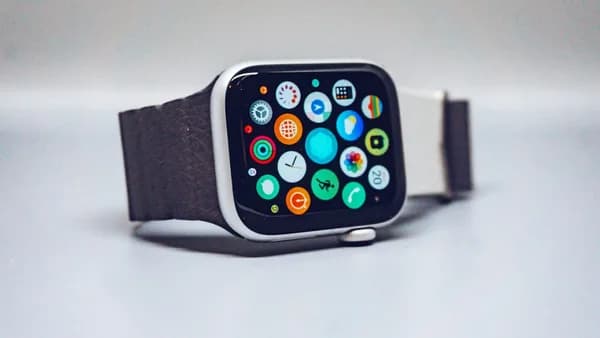
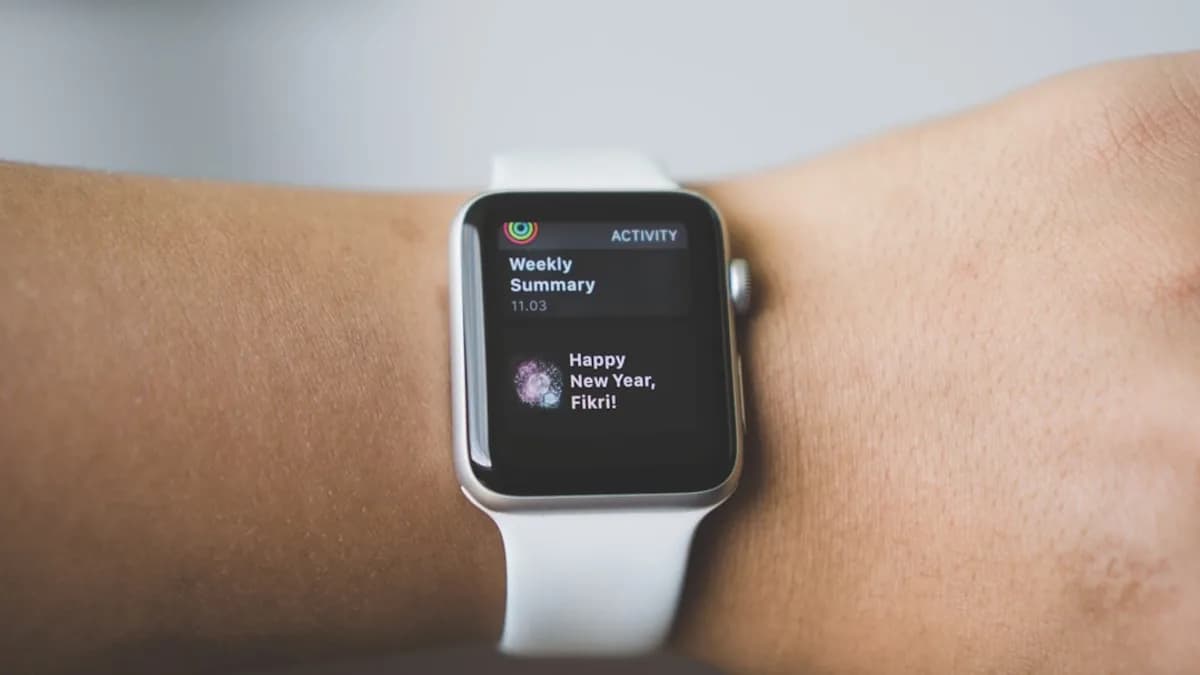
Apple Watch users have been sitting on a quietly powerful health metric: Time in Daylight. No fanfare, no splashy marketing—just years of data, quietly collected, that can spotlight a healthy habit most people overlook. If you’ve worn your Apple Watch regularly and used the Health app since at least 2023, you probably already have a detailed record of your daylight exposure. Most users have never checked it, but it’s sitting there, waiting to be put to work, according to 9to5Mac.
Why does this matter? Quantifying the time you spend outdoors can surface patterns that activity rings and step counts miss. For anyone aiming to optimize for mood, energy, or general well-being—not just calories burned—Time in Daylight opens a new window into daily habits.
How Does Apple Watch Track Time in Daylight?
This feature isn’t flashy, and it’s not a widget you’ll find at a glance. Instead, Time in Daylight is an automatic metric buried in Apple Health that’s been gathering data in the background. According to 9to5Mac, all you have to do is wear your Apple Watch—no special setup, no dedicated app, no manual tracking.
How does it work? Apple hasn’t published deep technical details in the referenced sources, but the watch estimates your time in sunlight. The mechanism likely involves the ambient light sensor, which can detect if you’re in bright, natural light versus artificial illumination. There’s no need to start or stop a workout, and you don’t have to remember to log anything. The watch simply tallies up your daylight minutes throughout the day.
The data syncs automatically to your iPhone’s Health app. If you’ve worn an Apple Watch since mid-2023, you may find months or years of daylight exposure already recorded. Importantly, the feature is opt-in by default—if you want to disable it, you can, but most users are passively building a daylight data archive.
Where to Find and Interpret Your Daylight Data
Finding your Time in Daylight data isn’t obvious—but it’s there. Open the Health app on your iPhone or iPad and search for “daylight.” You’ll find the metric under either the Mental Wellbeing or Other Data sections. From there, you can view daily and weekly summaries, with historical data stretching back to June 2023 if you’ve been wearing your watch.
What can you do with these numbers? That’s less clear. Apple doesn’t offer official targets or recommendations. The data is raw: hours and minutes per day. The value lies in context—spotting patterns, comparing weekdays to weekends, or noticing how your mood and productivity shift with more or less sunlight.
Analysis: The lack of an official benchmark is both a limitation and an opportunity. Apple leaves interpretation up to the user, which fits with its privacy-forward, non-prescriptive approach. But it also means the metric’s impact depends on individual curiosity and initiative.
One User’s Discovery: Daylight Data in Action
The 9to5Mac reporter offers a real-world glimpse: after years of passive data collection, he realized that his highest Time in Daylight didn’t come from an obvious outdoor adventure. Instead, it was a weekday spent working outside on his laptop that topped his daylight exposure for the week. Weekend activities like bike rides or beach walks didn’t always land in the top spot.
This anecdote highlights the hidden value of the metric. It reframes what counts as “healthy” time—not just exercise or steps, but simply being outside. For users focused on mood and mental well-being, seeing tangible daylight numbers can be a surprising motivator. It’s a way to validate habits that don’t show up in activity rings.
What’s Still Unclear—and What to Watch
There’s a lot we still don’t know. Apple hasn’t clarified the technical specifics: how does the watch distinguish between sunlight and indoor lighting? How accurate are these estimates? There’s no official guidance on what constitutes a “good” amount of daily daylight, or how this metric interacts with other Health data.
Watch for Apple to surface this feature more explicitly in future software updates or health initiatives—especially as mental health tracking becomes a bigger focus. Until then, Time in Daylight remains a quietly powerful tool for the curious user, but not a headline metric in Apple’s health platform.
Practical Implications: How to Use This Data
If you want to experiment, start by actually checking your Time in Daylight numbers. Notice the highest and lowest days. Do they correlate with your energy, sleep, or mood? Use the data to experiment with small changes—working outside, taking calls on a walk, or shifting your routine to maximize morning sun.
Because the metric is passive and opt-in, there’s no extra burden—just a new stream of data to mine for personal insights. For users who care about health beyond fitness or calories, Time in Daylight offers a quietly radical new signal. Apple Watch keeps building a more nuanced picture of well-being, one overlooked metric at a time.
Key Takeaways
- Apple Watch users have access to a hidden 'Time in Daylight' metric that tracks outdoor exposure automatically.
- Understanding daylight exposure can help optimize mood, energy, and general well-being beyond traditional fitness tracking.
- This feature offers users deeper insight into their daily habits without requiring manual tracking or special setup.