In the fast-moving world of stock trading, having access to reliable, insightful charting tools is absolutely vital. Whether you're a day trader, swing trader, or building automated trading systems, the right charting tools can provide a crucial edge. In 2026, the landscape of essential charting tools stock trading has continued to evolve, blending advanced technical indicators with real-time data processing and streamlined developer integrations. This guide breaks down the must-have charting tools—grounded in real feature sets and functions—to help you enhance your technical analysis and trading performance.
Introduction to Charting Tools in Stock Trading
Charting tools are the backbone of technical analysis in stock trading. They transform raw market data—such as open, high, low, close, and volume (OHLCV)—into actionable insights through visualizations and indicators. According to the Stock Indicators for .NET library, these tools are integral for analyzing equities, commodities, forex, and cryptocurrencies, providing features like moving averages, Relative Strength Index (RSI), and more.
"Stock Indicators for .NET is a C# library package that produces financial market technical indicators. Send in historical price quotes and get back desired indicators such as moving averages, Relative Strength Index, Stochastic Oscillator, Parabolic SAR, etc."
— Stock Indicators for .NET (GitHub)
Modern charting tools not only handle historical datasets but, as of 2026, support real-time streaming and incremental data processing. This flexibility allows traders to react swiftly to market movements and integrate technical insights into both manual and automated strategies.
Candlestick Charts and Their Importance
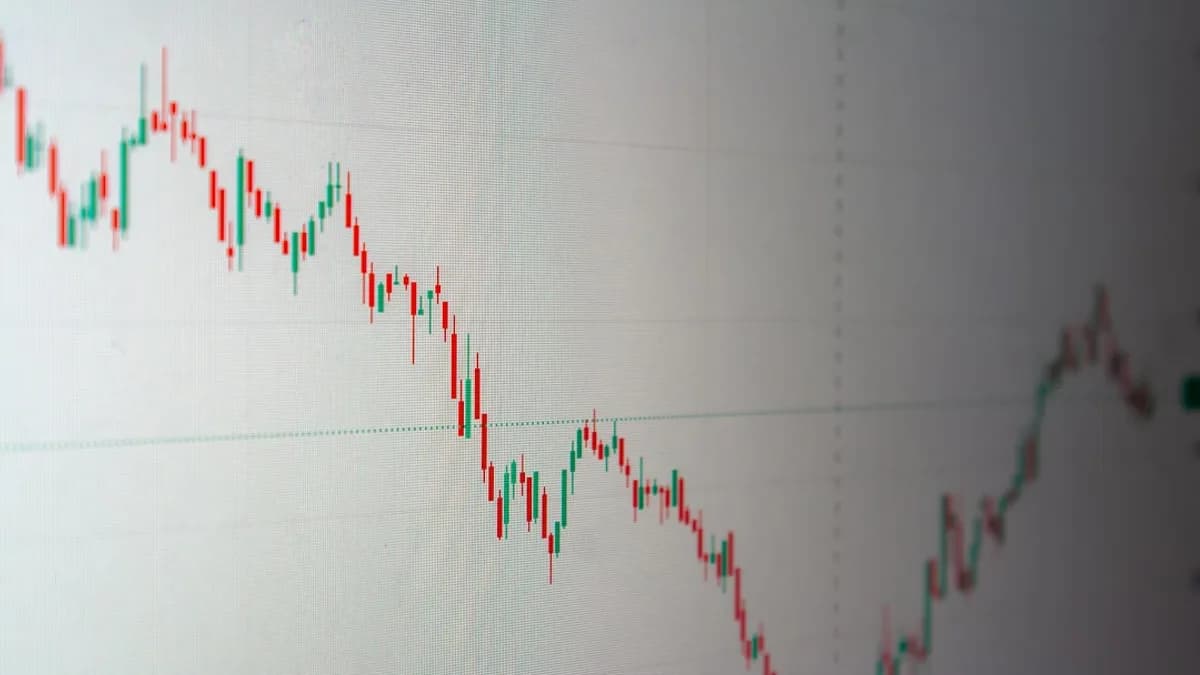
Candlestick charts are a foundational element among essential charting tools stock trading. They visually represent price action for each period (minute, hour, day, etc.) using "candles" that display the open, high, low, and close prices.
Why Candlestick Charts Still Matter
- Pattern Recognition: Traders use candlestick patterns to identify potential reversals, continuations, and market sentiment shifts.
- Data Density: Each candle encapsulates four key price points, offering dense information at a glance.
- Integration with Indicators: Candlestick charts serve as the canvas for overlays like moving averages and Bollinger Bands.
Example: Developer Integration
According to Stock Indicators for .NET, developers can use their own OHLCV price quote sources to feed into charting libraries for generating candlestick charts and technical overlays.
// Example: Streaming candlestick data for real-time charting
QuoteHub quoteHub = new();
foreach (Quote quote in liveQuotes)
{
    quoteHub.Add(quote);
    // Candlestick data now available for chart rendering and indicator calculations
}
Volume Indicators and How to Use Them
Volume indicators provide critical context to price movements by showing the amount of trading activity for a given period.
How Volume Enhances Analysis
- Confirming Trends: An uptrend with rising volume is more robust than one with declining volume.
- Spotting Reversals: Sudden spikes in volume can foreshadow reversals or breakouts.
- Algorithmic Signals: Volume data is commonly used in algorithmic trading strategies for signal validation.
Implementation Example
With Stock Indicators for .NET, you can process both price and volume data together to derive insights:
// Processing OHLCV data for volume-based analysis
QuoteHub quoteHub = new();
foreach (Quote quote in liveQuotes)
{
    quoteHub.Add(quote);
    // Volume data accessible for custom indicators or overlays
}
Moving Averages: Types and Applications
Moving averages are among the most widely used technical indicators in stock trading, smoothing out price data to highlight trends.
Main Types of Moving Averages
| Type | Description | Supported in Stock.Indicators |
|---|---|---|
| Simple Moving Average | Average of closing prices over a set period | Yes |
| Exponential Moving Avg | Gives more weight to recent prices | Yes |
| Weighted Moving Avg | Assigns specific weights to data points | Yes (via custom indicators) |
Applying Moving Averages in Practice
- Trend Identification: A rising moving average signals an uptrend.
- Support/Resistance: Moving averages often act as dynamic support or resistance.
- Crossovers: The intersection of short- and long-term moving averages (e.g., 20 vs. 50 periods) can generate trade signals.
Streaming Example
// Streaming a 20-period Exponential Moving Average (EMA)
EmaHub emaHub = quoteHub.ToEma(20);
foreach (Quote quote in liveQuotes)
{
    quoteHub.Add(quote);
    EmaResult emaResult = emaHub.Results[^1];
    // Use emaResult for real-time trading decisions
}
"Most indicators now support three calculation styles: Series (batch), BufferList (incremental), and StreamHub (real-time processing with observable patterns and state management)."
— Stock Indicators for .NET (GitHub)
Relative Strength Index (RSI) Explained
The Relative Strength Index (RSI) is a momentum oscillator that measures the speed and change of price movements, typically over a 14-period window.
How RSI Works
- Reading Range: RSI values oscillate between 0 and 100.
- Overbought/Oversold: Values above 70 indicate overbought conditions; below 30, oversold.
- Divergences: When RSI diverges from price action, it can signal impending reversals.
Implementing RSI in Real-Time
Stock Indicators for .NET provides streaming RSI calculation:
// Streaming a 14-period RSI
RsiHub rsiHub = quoteHub.ToRsi(14);
foreach (Quote quote in liveQuotes)
{
    quoteHub.Add(quote);
    RsiResult rsiResult = rsiHub.Results[^1];
    // Use rsiResult to identify overbought/oversold conditions
}
Bollinger Bands for Volatility Analysis
Bollinger Bands are a volatility indicator comprising a moving average with upper and lower bands set at a specified number of standard deviations.
Bollinger Bands’ Benefits
- Volatility Visualization: Bands widen during periods of high volatility and contract during low volatility.
- Trade Signals: Price touching or breaking the bands can signal potential reversals or continuation.
- Adaptability: Useful across various timeframes and asset classes.
| Feature | Description | Supported in Stock.Indicators |
|---|---|---|
| Middle Band | Usually a 20-period SMA | Yes |
| Upper/Lower Bands | Typically ±2 standard deviations | Yes |
| Real-time Calculation | Streaming support for live data | Yes |
Fibonacci Retracement Tools for Entry and Exit Points
Fibonacci retracement is a tool used to identify potential support and resistance levels based on the mathematical relationships within the Fibonacci sequence.
How Fibonacci Tools Are Used
- Drawing Retracement Levels: Traders plot Fibonacci levels (23.6%, 38.2%, 50%, 61.8%, 78.6%) between significant highs and lows.
- Identifying Key Zones: These levels often coincide with areas where price action pauses or reverses.
- Entry/Exit Planning: Traders use these levels to set stop loss, take profit, and re-entry points.
"Build your technical analysis, trading algorithms, machine learning, charting, or other intelligent market software with this library and your own OHLCV price quotes sources for equities, commodities, forex, cryptocurrencies, and others."
— Stock Indicators for .NET (GitHub)
While Stock Indicators for .NET focuses on calculating technical indicators, it enables developers to derive high/low data for plotting Fibonacci retracements within custom charting applications.
Trendlines and Support/Resistance Levels
Drawing trendlines and marking support/resistance levels are fundamental practices for visualizing market structure.
Why These Tools Are Essential
- Trendlines: Connect swing highs or lows to reveal the prevailing trend direction.
- Support/Resistance: Mark levels where price historically bounces or faces rejection.
- Combination Analysis: These visual cues help confirm signals from other indicators.
Integration in Charting Libraries
While Stock Indicators for .NET provides raw price data and indicators, it enables developers to overlay trendlines and support/resistance zones based on calculated values from price histories.
Combining Multiple Charting Tools for Better Analysis
Using a combination of the above tools provides a more robust analytical framework.
Example: Multi-Indicator Strategy
- Start with candlestick charts for price action context.
- Overlay volume indicators to confirm price moves.
- Add moving averages for trend direction.
- Apply RSI to gauge momentum.
- Monitor Bollinger Bands for volatility.
- Plot Fibonacci retracement for target levels.
- Draw trendlines and mark support/resistance for structure.
| Tool/Indicator | Primary Function | Real-Time Support (Stock.Indicators) |
|---|---|---|
| Candlestick Charts | Price visualization | Yes |
| Volume Indicator | Confirm trend strength | Yes |
| Moving Average | Identify trend | Yes |
| RSI | Measure momentum | Yes |
| Bollinger Bands | Analyze volatility | Yes |
| Fibonacci Retracement | Identify entry/exit levels | Developer-implemented |
| Trendlines/S&R | Market structure visualization | Developer-implemented |
Conclusion: Building Your Personal Charting Toolkit
The landscape of essential charting tools stock trading in 2026 blends classic indicators with modern, real-time streaming and developer flexibility. Tools like Stock Indicators for .NET empower both traders and software developers to process historical and live OHLCV data, producing actionable technical signals such as moving averages, RSI, and Bollinger Bands. By combining these indicators within a unified charting platform, traders can gain deeper insights and act with greater confidence in today’s fast-paced markets.
FAQ: Essential Charting Tools for Stock Trading
Q1: What are the most essential charting tools for stock traders in 2026?
A1: According to Stock Indicators for .NET, essential tools include candlestick charts, volume indicators, moving averages, RSI, Bollinger Bands, and the ability to overlay trendlines and support/resistance levels.
Q2: Can these charting tools process real-time streaming data?
A2: Yes, Stock Indicators for .NET v3 introduces comprehensive streaming capabilities, allowing most indicators to process real-time quotes and provide instant results.
Q3: Are these charting tools suitable for algorithmic trading?
A3: Yes, these tools are designed for integration into algorithmic trading systems, technical analysis platforms, and even machine learning applications.
Q4: How do I integrate these indicators into my own trading software?
A4: Stock Indicators for .NET provides a C# library and supports Python, enabling developers to feed their own OHLCV data and receive indicator results for use in custom charting or trading logic.
Q5: Do these tools work for assets beyond stocks?
A5: Yes, the indicators are compatible with equities, commodities, forex, cryptocurrencies, and other financial markets, as long as you provide the necessary price and volume data.
Q6: Are trendlines and Fibonacci retracement levels calculated automatically?
A6: Stock Indicators for .NET provides raw price data and indicators; drawing trendlines and Fibonacci levels can be implemented on top of this data within your charting application.
Bottom Line
In 2026, the essential charting tools stock trading professionals rely on are those that offer comprehensive technical analysis, real-time data support, and flexible developer integration. Tools like Stock Indicators for .NET provide a robust foundation for building custom charting platforms, whether you’re a manual trader or developing algorithmic strategies. By combining candlestick charts, volume indicators, moving averages, RSI, Bollinger Bands, and custom overlays, you can construct a personal toolkit tailored to your unique trading style—grounded in proven, data-driven methods.