Microsoft 365 Isn’t Locked Behind a Paywall—If You Know Where to Look
You don’t have to pay for Microsoft 365 just to edit a Word doc or crank out a PowerPoint. There are official, no-cost ways in—if you know where to look. The catch: you’ll need to accept a few trade-offs versus paid plans. Here’s exactly how to unlock free Microsoft 365 access, according to ZDNet.
What You Need to Know Before Getting Microsoft 365 for Free
Microsoft 365 is the new name for what used to be Microsoft Office. The catch: it’s now a subscription, not a one-time purchase. But “free” does exist—if you use the web versions, qualify through your school or employer, or time a trial right.
Here’s the reality check: free access usually means cloud-only versions of Word, Excel, PowerPoint, and a few extras. You’ll miss some advanced features and offline editing. Device compatibility matters too, since some free options only work in a browser with an internet connection. Check your hardware before you commit to any workaround.
Analysis: The source makes clear that while free paths are available, they come with restrictions. Don't expect the full desktop suite or every advanced function.
How to Access Microsoft 365 Free with a Microsoft Account
The simplest route: use Microsoft’s free online apps. If you don’t have a Microsoft account, create one. It’s free and takes minutes.
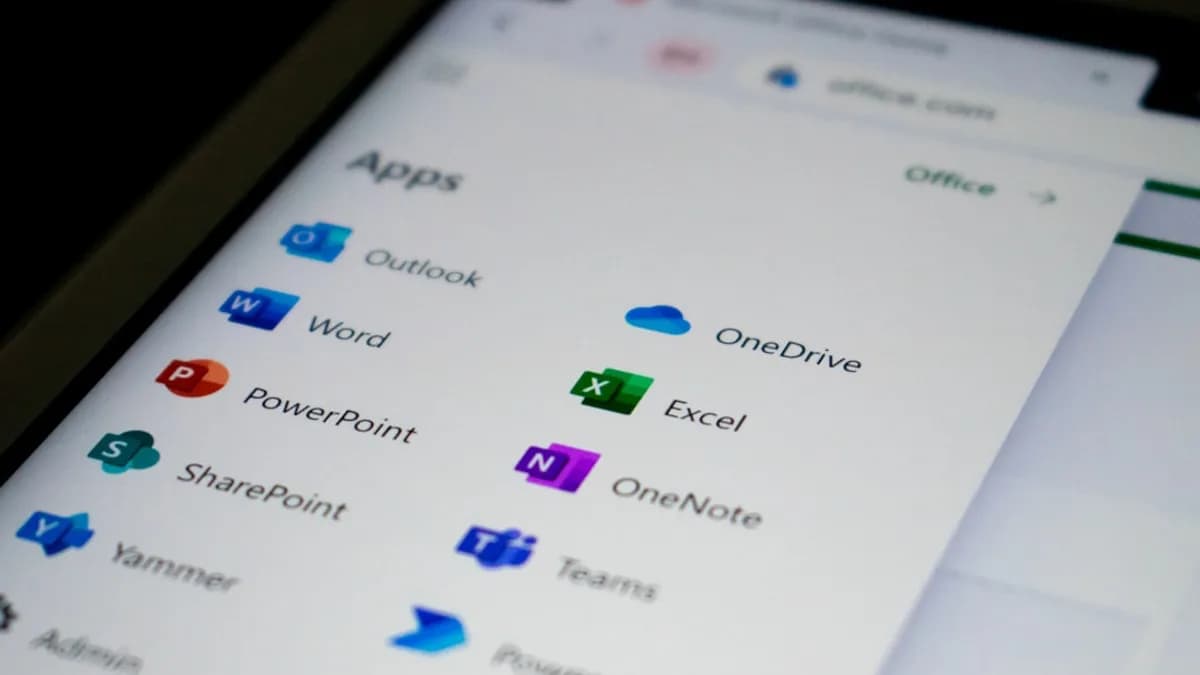
- Sign Up or Log In: Head to Office.com and sign in with your Microsoft account.
- Access Web Apps: You get browser-based versions of Word, Excel, PowerPoint, and more. These work on any modern PC or Mac—no installation required.
- Know the Limits: The web versions cover all the basics: editing, formatting, sharing, and collaborating. But you’ll spot missing features—think advanced formatting, mail merges, or certain chart types. Offline work is out; you need an internet connection.
Analysis: For most casual users, the web apps are “good enough.” The biggest trade-off is advanced functionality and offline access. If your workflow depends on specialized features, this route may fall short.
What’s Unclear: ZDNet doesn’t spell out exactly which features are absent in the free web versions, so you’ll need to test your usual tasks before ditching a paid plan.
Using Microsoft 365 Free Through Educational or Work Institutions
Many students and employees can get full Microsoft 365 at no cost—if their institution offers it.
- Check Eligibility: Ask your IT department or search your school’s website to see if free Microsoft 365 access is included.
- Sign Up: Register with your valid school or work email address. Microsoft will verify eligibility and guide you through setup.
- Full Features: Institutional plans can unlock the full Office desktop apps, plus extra OneDrive storage and Teams. You’re no longer limited to web apps—this is as close to “premium” as free gets.
Analysis: If you qualify, this is the best deal. You get the desktop experience and premium features. But access can disappear if you graduate or leave the company. Always back up your files before your affiliation ends.
What’s Unclear: The source doesn’t detail which institutions qualify or how long access lasts after leaving, so check with your organization for specifics.
Taking Advantage of Microsoft 365 Free Trial Offers
Microsoft also hands out free trials—usually one month—of the full Microsoft 365 suite.
- Start the Trial: Go to the official Microsoft 365 site and opt for the free trial. You’ll need to enter payment details.
- Unlock Everything: During the trial, you get the full slate: desktop and web apps, advanced features, and increased storage.
- Avoid Unwanted Charges: Set a reminder to cancel before the trial ends. Microsoft will auto-bill if you forget.
Analysis: The trial is the only way to get the entire paid experience free, albeit briefly. It’s ideal for short-term projects or testing features before subscribing. The main risk: forgetting to cancel and paying for a month you didn’t want.
What’s Unclear: ZDNet doesn’t say if repeat trials are possible or if there are regional restrictions. Assume it’s one per account unless you discover otherwise.
Exploring Alternative Free Office Suites Compatible with Microsoft Files
If Microsoft’s free options don’t cover your needs, consider third-party office suites.
- Google Docs: Runs in any browser, saves in Microsoft formats, and handles real-time collaboration.
- LibreOffice: Free desktop suite, strong on advanced features, robust compatibility with Word and Excel files.
- WPS Office: Offers a familiar interface and can open/edit Microsoft files.
These alternatives usually open and save Microsoft file types, but formatting can sometimes shift. They’re a strong fallback if you want offline editing or avoid Microsoft’s ecosystem entirely.
Analysis: Only move to an alternative if you hit a wall with Microsoft’s free offerings. Compatibility is good, but not flawless—especially with complex documents.
Quick Recap: Steps to Get Microsoft 365 Free and Maximize Its Use
You don’t have to pay to use Microsoft 365:
- Use web-based apps at Office.com with a free account for basic editing.
- Check for free access through your school or employer for the full desktop suite.
- Tap a free trial for temporary premium access—just remember to cancel.
- Try alternatives like Google Docs or LibreOffice if Microsoft’s free versions don’t cut it.
Next Action: Test the free Office.com apps first. If they’re not enough, check your institution’s benefits or run a trial before spending money.
What to Watch
Microsoft could tighten or expand these free access options at any time. For now, official no-cost routes exist, but the limits aren’t always clear. Always review what features you actually need. If your workflow depends on offline access or advanced functions, free solutions may fall short. For everyone else, “free” is real—if you know where to look.
Key Takeaways
- Microsoft 365 offers free web-based access to core apps for anyone with a Microsoft account.
- Free versions come with limitations, such as missing advanced features and no offline editing.
- Knowing these trade-offs helps users choose the best option for their productivity needs.