
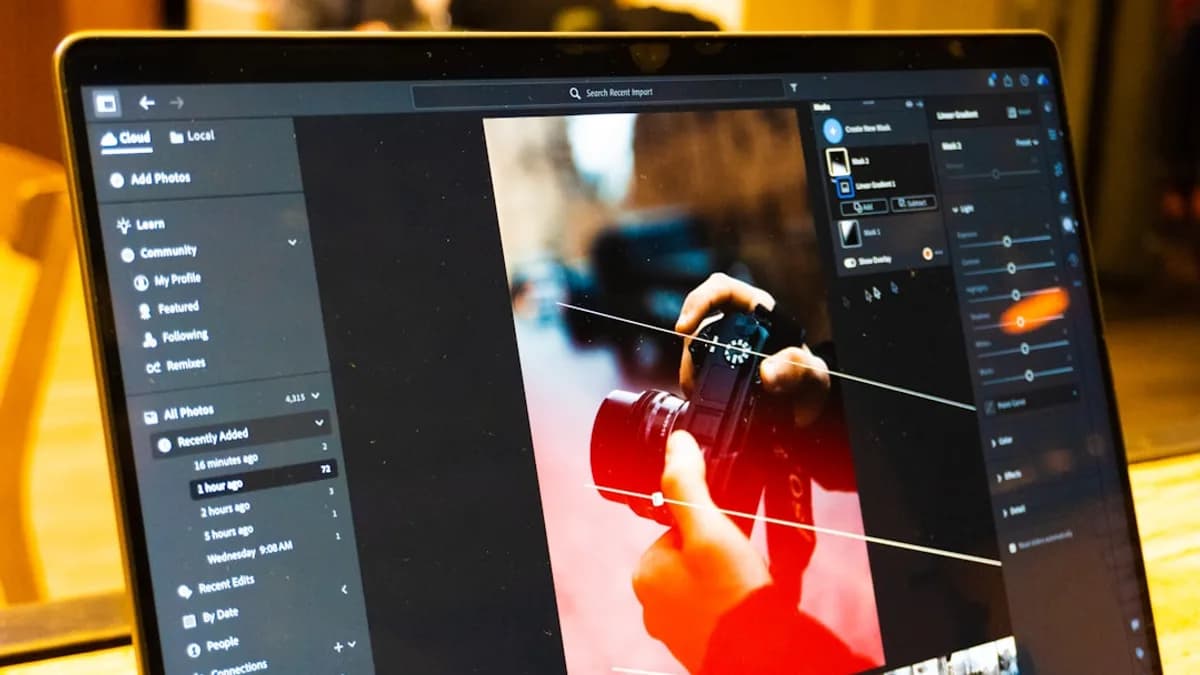



Introduction: DaVinci Resolve’s New Photo Editing Capabilities
DaVinci Resolve has long been a staple for video editors seeking robust color grading and post-production workflows. Now, with the release of DaVinci Resolve 21, Blackmagic Design is expanding its ambitions, introducing a suite of photo editing tools designed to challenge the dominance of Adobe Lightroom and Photoshop. The update brings support for RAW files from major camera manufacturers—Sony, Canon, Nikon, and Fujifilm—addressing a key requirement for professional photographers who rely on high-quality, flexible image formats [Source: Source]. Alongside these technical upgrades, DaVinci Resolve 21 debuts new AI-powered features, including an innovative search function and tools for manipulating facial features, signaling Blackmagic’s intention to offer creatives a true all-in-one platform that bridges the gap between photo and video editing.
DaVinci Resolve’s Growing Ambition to Rival Adobe’s Creative Suite
The introduction of photo mode in DaVinci Resolve 21 is a clear statement from Blackmagic Design: the company wants to challenge Adobe’s virtual monopoly on creative workflows. For years, Lightroom has set the standard for photo management, organization, and non-destructive editing, while Photoshop has been the go-to for advanced image manipulation. Resolve’s new photo mode now offers the ability to organize, rate, and label large collections of images—a workflow familiar to Lightroom users. Moreover, the AI-powered search feature allows users to find specific subjects or attributes in their photo libraries, competing directly with Adobe’s Sensei-driven tools [Source: Source].
For professional photographers and editors, the prospect of consolidating photo and video workflows in a single platform is compelling. Many creative projects require both disciplines, and switching between Adobe’s specialized apps can be cumbersome and costly. Resolve’s multipurpose approach—integrating editing, color grading, audio, and now photo management—has the potential to streamline processes, reduce subscription fees, and simplify project collaboration.
That said, Adobe’s Creative Suite benefits from years of refinement, a vast ecosystem of plugins, and deep integration across its products. Resolve’s new photo mode must prove its reliability and performance in real-world scenarios. If Blackmagic can deliver comparable organizational tools, editing precision, and speed, it may entice professionals who are frustrated by Adobe’s pricing model or who want a more unified creative experience. However, the challenge is steep: Lightroom remains beloved for its intuitive interface and powerful cataloging abilities, while Photoshop is unmatched for complex retouching. Resolve’s multipurpose strategy is bold, but its success will depend on whether creatives are willing to trade specialization for consolidation.
AI Features: A Game-Changer or Gimmick?
Among the most headline-grabbing additions in DaVinci Resolve 21 are AI tools that can alter facial features—such as making an actor appear older or younger by adding wrinkles or reshaping faces [Source: Source]. On the surface, these capabilities offer tremendous creative potential. Filmmakers and photographers can experiment with aging effects, character transformations, or cosmetic adjustments without resorting to time-consuming manual retouching or expensive external plugins.
But the rise of AI-driven image manipulation also raises important ethical questions. The ability to seamlessly modify a subject’s appearance can blur lines between authenticity and fabrication, especially in contexts like journalism, advertising, or portraiture. Creatives must consider the implications of these technologies: while they can enhance storytelling and artistic expression, they also risk undermining trust if misused.
From a workflow perspective, AI tools promise to reduce repetitive tasks and unlock new creative possibilities. Adobe has been steadily integrating AI across its products, from content-aware fill in Photoshop to auto-tagging in Lightroom, but Blackmagic’s rapid innovation pace is noteworthy. If Resolve’s AI features prove accurate and user-friendly, they could set new standards for efficiency and experimentation in both photo and video editing. The challenge will be ensuring these tools are more than marketing gimmicks—delivering real value, transparency, and control for professionals.
Workflow Improvements and User Experience
With DaVinci Resolve 21’s photo mode, Blackmagic Design is aiming to simplify the lives of creatives who juggle both photo and video projects. The ability to organize, rate, and label images within Resolve—alongside video editing and color grading—offers a seamless workflow that can save time and reduce friction. For professionals working on multimedia campaigns, documentaries, or content creation, having all assets accessible and editable in one environment is a genuine advantage.
User experience is a crucial factor in adoption, however. Adobe’s products are known for their polished interfaces and steep learning curves; Resolve has traditionally catered to power users, with a more technical layout and terminology. The new photo mode must be intuitive enough for photographers accustomed to Lightroom, while still offering the depth required by advanced editors. Early impressions suggest Resolve 21’s organizational tools are robust, and the AI-powered search provides a modern touch [Source: Source], but the transition may be challenging for those deeply invested in Adobe’s workflows.
For creatives seeking an all-in-one solution, Resolve’s expanded capabilities are promising. The platform’s integration of editing, grading, audio, and now photo management reduces the need for multiple subscriptions and software licenses. This could be especially appealing for freelancers, studios, and educators looking to streamline operations. However, success will depend on how well Resolve balances power with usability, and whether it can deliver a smooth experience that encourages users to make the leap.
Challenges and Limitations Ahead for DaVinci Resolve
Despite its ambitious new features, DaVinci Resolve faces significant hurdles in dethroning Adobe’s creative suite. While RAW file support and organizational tools are steps forward, Resolve’s photo editing functions still lag behind Lightroom and Photoshop in areas such as advanced masking, healing, and retouching. Adobe’s dominance is reinforced by its vast ecosystem of plugins, tight third-party integrations, and a thriving community of educators and professionals.
Convincing Adobe’s loyal user base to switch is no small feat. Many creatives rely on established workflows, presets, and cloud-based collaboration tools that Resolve currently does not match. The learning curve, especially for those unfamiliar with video-centric terminology, may deter some users. Blackmagic Design must invest in ongoing updates, community outreach, and plugin development to close these gaps.
Ultimately, Resolve’s multipurpose strategy is both its strength and its challenge. For some, the allure of integrated workflows and cost savings will be enough; for others, the specialized precision and familiarity of Adobe’s apps will outweigh the benefits. The road ahead requires patience, persistence, and a commitment to listening to user feedback.
Conclusion: Is DaVinci Resolve Poised to Disrupt Adobe’s Creative Stronghold?
DaVinci Resolve 21’s leap into photo editing marks a pivotal moment for creative software. With RAW support, organizational tools, and innovative AI features, Blackmagic Design is positioning Resolve as a credible alternative to Adobe’s Lightroom and Photoshop [Source: Source]. While the platform still has ground to cover in terms of feature depth, plugin support, and user experience, its multipurpose approach offers real value for professionals seeking efficiency and flexibility.
Whether Resolve can truly disrupt Adobe’s stronghold remains to be seen. The challenges are substantial, but so is the opportunity: as creatives demand more integrated workflows and balk at rising subscription costs, a versatile all-in-one solution is increasingly attractive. Ultimately, the evolving landscape of creative software is good news for users, who now have more choices and innovation than ever. If you’re curious about what Resolve 21 can offer, it’s worth exploring its new photo mode firsthand—and watching closely as the competition heats up.