If you’re a new trader, finding the right technical analysis software for beginners can feel overwhelming. The landscape is filled with platforms promising powerful features, but for those just starting out, ease of use, accessible learning resources, and essential charting tools matter far more than advanced bells and whistles. This comprehensive guide breaks down what truly matters for beginners, compares top options, and gives you a grounded look at where to start your trading journey—based on the latest research and real user needs.
Why Beginners Need Specialized Technical Analysis Software
The world of technical analysis is built on understanding price charts, trading volume, and a range of indicators to help forecast market moves. As highlighted in Technical Analysis for Beginners (2026), the sheer amount of data—squiggly lines, colored bars, and cryptic abbreviations—can confuse even seasoned investors, let alone newcomers.
“If you have ever looked at a stock chart and felt overwhelmed by the squiggly lines, colored bars, and cryptic abbreviations, this guide is for you.”
— Technical Analysis for Beginners, investingwithai.com
Specialized technical analysis software for beginners is designed to address this challenge by:
- Simplifying the user interface so you can focus on core concepts without distraction.
- Including guided tutorials and learning resources to demystify charts and indicators.
- Highlighting only the essential features you’ll actually use as you learn, instead of overwhelming you with advanced tools.
This tailored focus helps new traders develop confidence and foundational skills before moving on to more complex analysis.
Core Features Beginners Should Prioritize
Not all features are equally important when you’re just starting out. According to the research from investingwithai.com, beginners should look for software that supports the “big three” principles of technical analysis:
- Price discounts everything: The software should provide clear, real-time price charts.
- Price moves in trends: Tools for identifying trends (like trendlines) must be intuitive.
- History repeats itself: Access to historical data for pattern recognition is essential.
Essential Features
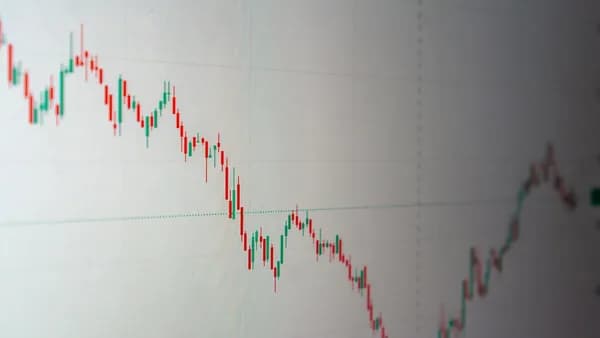
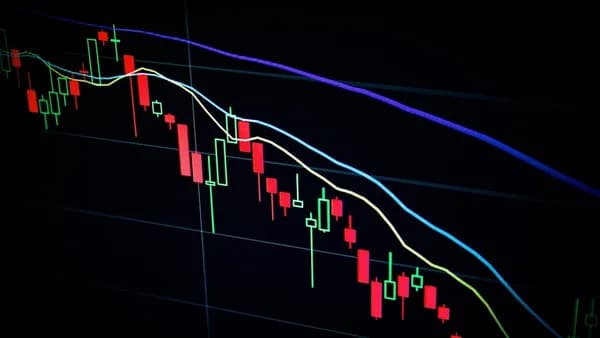
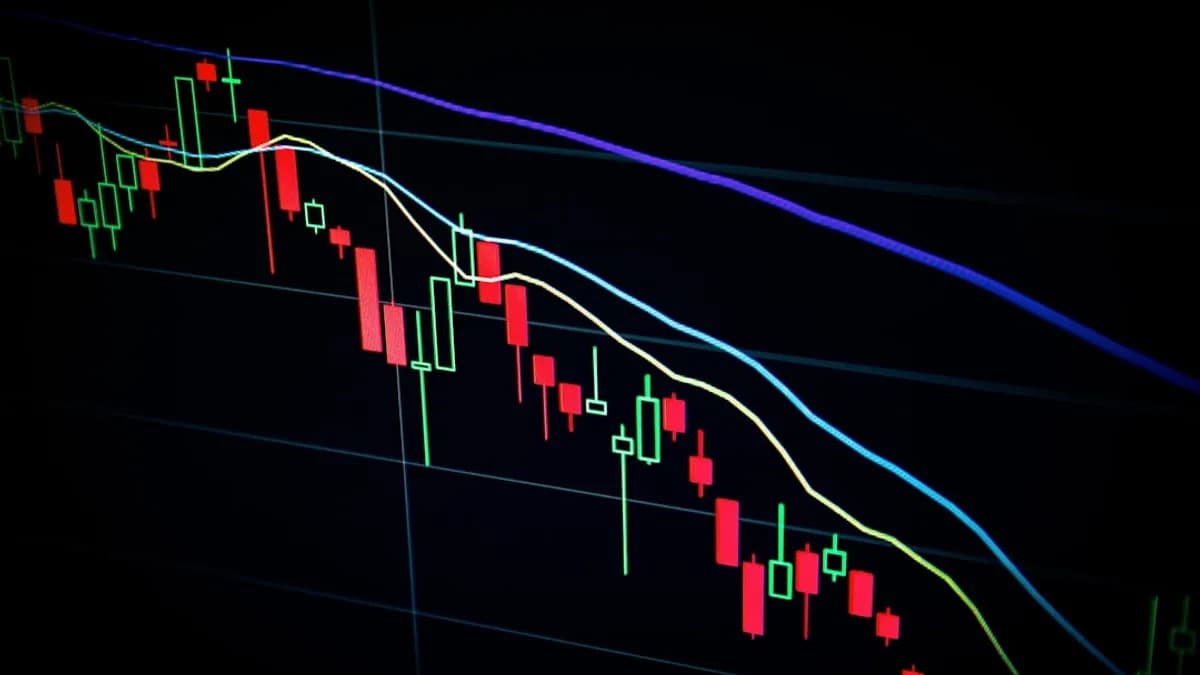
- Candlestick Charting: The foundation of technical analysis. Being able to read open, high, low, and close for each period is critical.
- Support and Resistance Identification: Visual cues or drawing tools to mark these levels help you practice real-world analysis.
- Popular Indicators: Moving averages, RSI, MACD, and volume overlays should be easy to add and interpret.
- Classic Chart Patterns: Ability to spot or scan for patterns like hammers, dojis, engulfing patterns, and more.
- Educational Guidance: Built-in explanations for every indicator and tool—ideally with interactive tutorials or tooltips.
- Simplicity: The interface should reduce clutter and avoid advanced features that can distract or overwhelm.
“Learning to read candlesticks is the first skill every technical analyst develops. Once you can glance at a chart and immediately understand the battle between buyers and sellers, everything else builds on top of that foundation.”
— Technical Analysis for Beginners
Top Technical Analysis Software for Beginners in 2026
Based on the most current research, the following platforms stand out for their beginner-friendly approach, focusing on actionable features and ease of learning:
| Software / Tool | Charting Types | Pattern/Indicator Scanning | Educational Resources | Notable Features |
|---|---|---|---|---|
| Technical Analysis Screener | Candlestick, OHLC | Yes (based on guide) | Integrated with guide | Scans for signals discussed in lessons |
| Options P&L Calculator | Profit/Loss curves | N/A | Interactive calculator | Visualizes options strategies |
1. Technical Analysis Screener
- Free Interactive Tool directly connected to the investingwithai.com educational content.
- Scans for stocks matching patterns and indicator signals discussed in the beginner’s guide—great for practicing what you just learned.
- Focused on candlestick patterns, trend lines, support/resistance, and classic indicators.
2. Options P&L Calculator
- Visualizes profit, loss, breakeven, and the full P&L curve for options strategies.
- Features a 10-step price ladder for granular analysis.
- While not a full technical charting platform, it’s highly useful for beginners interested in options trading.
Note: At the time of writing, these are the primary beginner-focused options directly mentioned in the latest research. If you need advanced functionality or integration with brokerage accounts, you may need to look at more complex software later.
User Interface and Learning Curve Comparison
For beginners, the user interface can make or break the learning process. Overly complex platforms can increase frustration and slow your progress.
| Software / Tool | UI Simplicity | Guided Learning | Overwhelm Risk |
|---|---|---|---|
| Technical Analysis Screener | Highly streamlined | Step-by-step | Low |
| Options P&L Calculator | Visual, interactive | Yes (price ladder) | Very Low |
Technical Analysis Screener
- Streamlined for learning: Only essential patterns and indicators relevant to the lessons are featured.
- Immediate feedback: You can scan for signals and then see real charts illustrating the result.
Options P&L Calculator
- Intuitive visualization: Interactive profit/loss curves help demystify options strategies.
- No clutter: Designed for one task—learning options risk/reward—not for generic charting.
“No indicator or pattern can predict the future with certainty. What it does is shift the odds in your favor by identifying high-probability setups and giving you a structured framework for making trading decisions.”
— Technical Analysis for Beginners
Educational Tools and Support Resources
Education is a cornerstone of any technical analysis software for beginners. The best platforms integrate learning resources directly into their tools.
Technical Analysis Screener
- Integrated with Comprehensive Guide: Each pattern, indicator, and chart type in the tool is linked to an in-depth explanation in the Technical Analysis for Beginners guide.
- Step-by-Step Tutorials: Start with basics (like reading candlesticks), then progress to support/resistance, trendlines, and patterns.
- Actionable Practice: You can apply what you learn directly in the screener—scan for a pattern, then examine the resulting chart.
Options P&L Calculator
- Interactive Learning: The calculator helps users visualize how options strategies work in real market conditions, reinforcing the lessons from the guide.
At the time of writing, no other platforms or software with built-in educational resources were specifically referenced in the research data.
Pricing and Free Trial Options
When you’re just starting out, cost matters. Beginners should look for free tools or platforms with a generous free tier.
| Software / Tool | Free Tier | Paid Plans Available | Notes |
|---|---|---|---|
| Technical Analysis Screener | Free | Not mentioned | Unlimited access via website |
| Options P&L Calculator | Free | Not mentioned | No registration required |
- Free Tier: Both featured tools are available at no cost.
- No Mention of Paid Tiers: The research does not reference any subscription fees or premium upgrades for these beginner tools.
- No Registration Required: Users can access tools directly from the investingwithai.com guide—no account setup needed.
“Try our Technical Analysis Screener to scan for stocks matching the patterns and indicator signals discussed in this guide.” — investingwithai.com
Community and Customer Support
Support from a user community and access to help resources can accelerate your learning curve.
Based on available research:
- The investingwithai.com site provides a structured, guided experience but does not mention a dedicated user forum or live customer support at the time of writing.
- No explicit community support channels or help desks are listed for the Technical Analysis Screener or Options P&L Calculator.
Tip: Beginners may benefit from supplementing these tools with external communities (e.g., trading forums, subreddits, or Discord groups) for peer support.
Mobile vs Desktop Software for Beginners
The research data does not provide specific details about mobile or desktop versions for the highlighted tools.
- Technical Analysis Screener and Options P&L Calculator are web-based, accessible from any modern browser on desktop, laptop, or mobile devices.
- Cross-Platform Convenience: No installation required; you can practice technical analysis from anywhere.
At the time of writing, there is no mention of dedicated mobile apps or downloadable desktop clients for these beginner-focused tools.
Tips for Getting Started with Technical Analysis
If you’re new to technical analysis, the key is to build a strong foundation before moving on to advanced strategies.
- Start with Candlestick Charts: Learn to interpret the open, high, low, and close with each candle.
- Identify Support and Resistance: Practice drawing these levels and watch how price reacts.
- Master a Few Indicators: Focus on the moving average, RSI, and volume overlays before experimenting with more.
- Spot Classic Patterns: Recognize hammers, dojis, engulfing formations, and see how they relate to trend reversals.
- Use Scanners to Practice: The Technical Analysis Screener lets you apply what you’ve learned by finding real chart examples.
- Keep Risk in Perspective: Remember, no pattern or indicator guarantees a win. Use technical analysis to improve your probability, not as a crystal ball.
“Technical analysis is not fortune-telling. What it does is shift the odds in your favor by identifying high-probability setups and giving you a structured framework for making trading decisions.”
— Technical Analysis for Beginners
FAQ: Technical Analysis Software for Beginners
Q1: What is the easiest technical analysis software for absolute beginners?
A1: The Technical Analysis Screener on investingwithai.com is designed for beginners, focusing on simplicity, integrated tutorials, and only the essential tools you’ll need.
Q2: Are there any free technical analysis tools with guided learning?
A2: Yes. Both the Technical Analysis Screener and the Options P&L Calculator are free and include actionable, step-by-step educational resources.
Q3: Can I use these tools for crypto or ETFs, or only stocks?
A3: The guide states that the foundational principles and the screener can be applied to “stocks, ETFs, crypto, or any other charted asset.”
Q4: Do I need to download anything or create an account?
A4: No downloads or account creation are required; both tools are accessible directly via your browser.
Q5: Is there live customer support or a user community?
A5: There is no mention of direct customer support or a community forum for these tools at the time of writing.
Q6: Will I outgrow these beginner tools?
A6: As you advance, you may seek more complex features or integration with brokerage accounts. These beginner tools are designed as a launchpad for foundational skills.
Bottom Line: Selecting the Best Software to Start Trading
The best technical analysis software for beginners in 2026 is defined by its simplicity, actionable educational resources, and focus on the core skills every new trader must master. The Technical Analysis Screener and Options P&L Calculator stand out by providing free, web-based tools seamlessly integrated with comprehensive step-by-step guides.
“By the end, you will have a working foundation in technical analysis that you can apply to stocks, ETFs, crypto, or any other charted asset.”
— Technical Analysis for Beginners
Start with these beginner-friendly platforms to build your technical analysis skills with confidence. As your experience grows, you’ll be well-prepared to explore more advanced software and strategies—knowing your foundation is solid and grounded in proven principles.