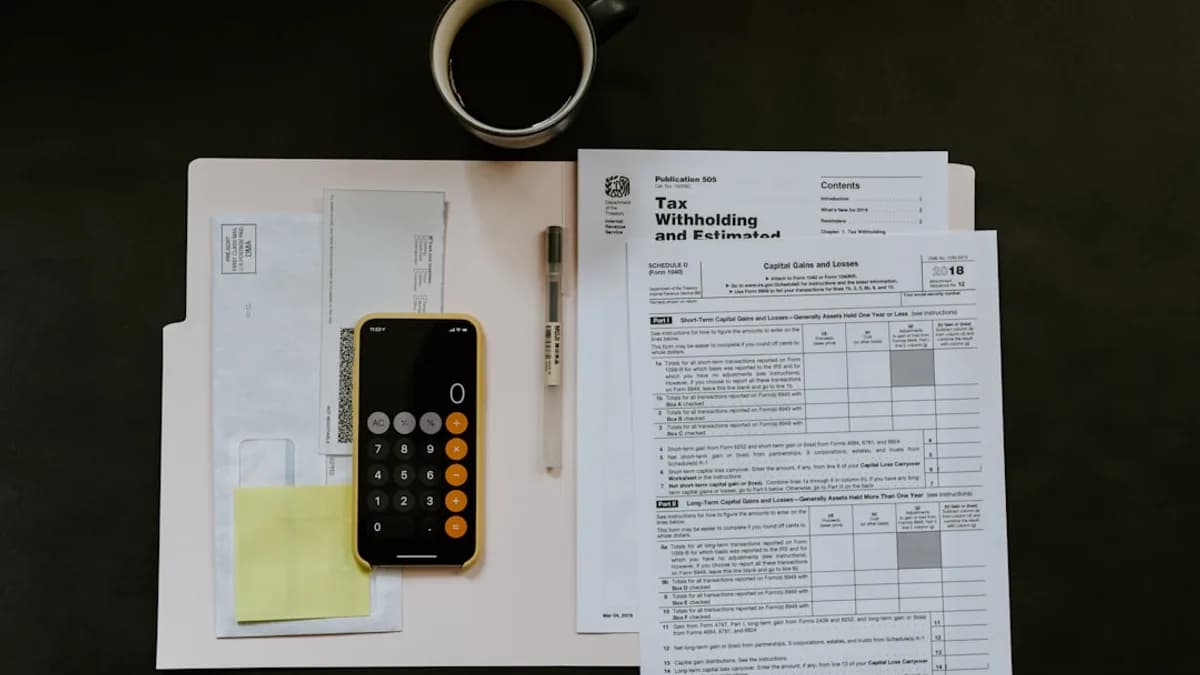
Freelancers in 2026 face unique financial challenges—juggling multiple clients, tracking expenses, and staying compliant with ever-changing tax laws. The best accounting tools for freelancers are designed to make these tasks easier, offering automated invoicing, mileage tracking, and tax preparation features tailored for solo professionals. This comprehensive guide highlights the top options available in 2026, drawing on real user reviews, transparent pricing, and in-depth feature analysis to help you make the right choice for your business.
Why Freelancers Need Specialized Accounting Tools
Freelancers aren’t just service providers—they’re their own bookkeepers, tax preparers, and CFOs. Unlike traditional businesses, freelancers:
- Manage irregular income streams
- Often handle client billing and expense tracking themselves
- Face quarterly estimated tax payments and unique deductions
“Both groups need to balance their books, track expenses, and get paid on time. But freelancers have unique bookkeeping needs that don’t always apply to other small-business owners, especially in terms of tax obligations.”
—Business.org, 2026
Specialized accounting tools help freelancers:
- Automate invoicing and payment reminders for faster payments
- Organize expenses for tax deductions
- Track mileage and income for precise tax filing
- Simplify complex tasks, freeing up more time for client work
Criteria for Selecting Accounting Software
The best accounting tools for freelancers aren’t one-size-fits-all. According to 2026 expert reviews, you should prioritize:
- Invoicing Features: Unlimited invoices, recurring billing, and payment links
- Expense & Mileage Tracking: Automatic categorization and mobile mileage logs
- Tax Tools: Estimated tax calculations, Schedule C support, and tax deduction helpers
- Ease of Use: Simple interfaces for non-accountants
- Reporting: Profit & loss, cash flow, and tax reports
- Value for Money: Free or affordable plans with core features included
- Mobile App Availability: On-the-go expense and invoice management
- Integrations: With banks and other business tools
“Freelancers should look for estimated tax payments, tax deductions, mileage tracking, and excellent invoicing.”
—Business.org, 2026
Top Accounting Tools for Freelancers in 2026
Based on NerdWallet, Business.org, and Business Accounting Tools, the following are the leading options:
| Tool | Best For | Starting Price | Key Features |
|---|---|---|---|
| Zoho Books | Free/affordable plans | $0/mo | Mileage, receipts, client portal |
| Wave Accounting | Simple invoicing | $0/mo | Unlimited invoicing, basic reports |
| QuickBooks Online | All-rounder, taxes | $30/mo | Strong reporting, bank connections |
| QuickBooks Solopreneur | Schedule C filers | $0/mo | Tax category sorting, mileage, P&L |
| FreshBooks | Invoicing, time tracking | $15–$23/mo | Client portal, automated reminders |
| Xero | Growing freelancers | $13–$25/mo | Cash flow, bank reconciliation |
Detailed Feature Analysis
Zoho Books
Zoho Books stands out for its robust free plan (if you earn under $50,000/year), covering:
- Up to 1,000 invoices/year
- Mileage and receipt tracking
- Client portal with payment reminders
- Multi-currency support
- Integration with other Zoho apps
Limitations include manual bank statement uploads on the free plan—automated bank feeds require upgrading (from $20/month).
Wave Accounting
Wave Accounting is favored for its no-cost unlimited invoicing and simple interface:
- Unlimited invoices and billable clients
- Basic income/expense tracking
- No mileage tracking or client portal
- Human support only on paid/pro plans
No mobile app as of 2026, which may be a drawback for mobile-first freelancers.
QuickBooks Online and Solopreneur
QuickBooks Online provides comprehensive features for freelancers planning to scale:
- Thorough tax tools
- Bank connections for reconciliation
- Advanced reporting
QuickBooks Solopreneur is a streamlined version:
- Free and paid ($20/mo) plans
- Categorizes expenses for Schedule C tax prep
- Mileage tracking and unlimited invoicing on paid plan
- Chat/phone support
Solopreneur has fewer features and lacks a client portal, but it’s ideal for basic freelancer needs.
FreshBooks
FreshBooks is lauded for client communication:
- Automated invoicing and reminders
- Time and mileage tracking
- Mobile app for managing invoices and expenses
- Client portal to share documents and track invoice status
No bank reconciliation in the cheapest plan.
Xero
Xero appeals to freelancers expecting to grow:
- Affordable starting tier ($13/mo)
- Strong bank reconciliation and reporting
- Multi-user access
- Expense tracking only in higher tiers
- Slightly steeper learning curve
Pricing and Subscription Options
Here’s a direct comparison based on 2026 source data:
| Tool | Free Tier | Entry Price | Higher Tiers (per month) | Key Notes |
|---|---|---|---|---|
| Zoho Books | Yes* | $0/mo | $20, $50, $70, $150, $275 | Free for < $50k revenue |
| Wave Accounting | Yes | $0/mo | $19/mo | Paid support/receipt scan add-ons |
| QuickBooks Online | No | $30/mo | $75, $115, $275 | 50% off for 3 months |
| QuickBooks Solopreneur | Yes | $0/mo | $20/mo | 50% off for 3 months |
| FreshBooks | No | $15–$23/mo | $43, $70, custom | 70% off for 4 months |
| Xero | No | $13–$25/mo | $55, $90 | 90% off for 6 months |
“Zoho Books has one of the most impressive free accounting plans we’ve ever seen…for less than $50 a month.”
—Business.org, 2026
*Zoho Books’ free plan is limited to businesses with less than $50,000 in annual revenue.
User Experience and Mobile App Availability
Mobile access is crucial for freelancers who travel or work on the go.
| Tool | Mobile App | User Interface Summary |
|---|---|---|
| Zoho Books | Yes | Modern, integrates with Zoho ecosystem |
| Wave Accounting | No | Extremely simple, web-based only |
| QuickBooks Online | Yes | Familiar, low learning curve |
| QuickBooks Solopreneur | Yes | Simple, tailored for freelancers |
| FreshBooks | Yes | Clean, client-focused, easy for beginners |
| Xero | Yes | Robust, more features, learning curve |
- Wave’s lack of a mobile app is a notable limitation.
- FreshBooks, Zoho Books, QuickBooks, and Xero all offer well-reviewed mobile apps for invoicing, receipt capture, and expense tracking.
Customer Support and Community Feedback
Freelancers value responsive support, especially when deadlines loom.
| Tool | Free Plan Support | Paid Plan Support | User Community/Feedback |
|---|---|---|---|
| Zoho Books | Phone, chat | Praised for value, some setup complexity | |
| Wave Accounting | None (human support) | Yes (with Pro/add-ons) | Simple, but lacks support unless paid |
| QuickBooks Online | Yes | Yes | Widely used, strong accountant support network |
| QuickBooks Solopreneur | Yes (chat/phone) | Yes | Good for Schedule C help, basic otherwise |
| FreshBooks | Yes | Yes (weekday phone support) | Easy for invoicing, helpful client portal |
| Xero | Yes | Yes | Great for scaling, steeper learning curve |
“Wave’s free plan has its limits. You’ll need to upgrade to one of its paid services to receive customer support from a human.”
—NerdWallet, 2026
Security and Data Privacy Considerations
All top tools mentioned provide bank-grade security and regular updates, but only the following details are confirmed in source data:
- Zoho Books, QuickBooks, FreshBooks, and Xero: All provide secure cloud hosting, bank-level encryption, and are trusted by large numbers of freelancers globally.
- Wave Accounting: Also cloud-based; no details on advanced security features in sources, but no major concerns noted.
At the time of writing, none of the sources mention data residency options or advanced security certifications. If you have heightened privacy needs, consult each provider directly.
Pros and Cons of Each Tool
| Tool | Pros | Cons |
|---|---|---|
| Zoho Books | Free for <$50k revenue, feature-rich, great value | Manual bank uploads on free plan, setup time |
| Wave Accounting | Free, unlimited invoicing, simple UI | No mobile app, limited support/features |
| QuickBooks Online | Strong tax/reporting, accountant support, scalable | Higher price, may be “heavy” for simple needs |
| QuickBooks Solopreneur | Free/cheap, Schedule C matching, support | Basic features, no client portal |
| FreshBooks | Excellent invoicing, time tracking, client portal | No bank reconciliation on cheapest plan |
| Xero | Scalable, great for growth, strong reporting | Expense tracking only in higher tiers, learning curve |
Final Recommendations Based on Freelancer Needs
Choosing the best accounting tools for freelancers depends on your priorities:
On a tight budget:
- Zoho Books is the clear winner if you earn under $50,000. Its free plan beats most paid competitors.
- Wave Accounting is also free, but with fewer features and no mobile app.
Best for invoicing and client communication:
- FreshBooks shines with its client portal, automated reminders, and time tracking.
For tax prep and long-term growth:
- QuickBooks Online offers the most comprehensive reporting and is well-supported by accountants.
- QuickBooks Solopreneur is perfect for Schedule C filers who want simplicity.
Best for scaling up:
- Xero provides strong integration, multiple users, and robust reporting for freelancers expecting to grow.
FAQ
Q: Do freelancers really need accounting software?
A: Yes. All sources agree that accounting software helps freelancers with invoicing, expense tracking, and tax preparation, reducing errors and saving time.
Q: Is there a truly free accounting tool for freelancers in 2026?
A: Yes. Both Zoho Books (for freelancers under $50,000 revenue) and Wave Accounting offer comprehensive free plans.
Q: Which tool is best for sending unlimited invoices?
A: Wave Accounting offers unlimited invoicing on its free plan. Zoho Books allows up to 1,000 invoices per year on its free plan.
Q: Which option is best for tax preparation?
A: QuickBooks Solopreneur is recommended for Schedule C filers, while QuickBooks Online provides the most in-depth tax features.
Q: Can I switch accounting tools later?
A: Yes. Most freelancers change software as their needs grow, and popular tools support data export/import.
Q: Which tools have mobile apps?
A: Zoho Books, FreshBooks, QuickBooks Online, QuickBooks Solopreneur, and Xero all offer mobile apps. Wave Accounting does not.
Bottom Line
The accounting landscape for freelancers in 2026 is better than ever, with robust free and affordable options available. Zoho Books sets the bar with its feature-rich free plan for lower-revenue freelancers. Wave Accounting remains the simplest free solution, while FreshBooks leads for client-centric features. For tax and growth, QuickBooks Online and Xero are strong contenders. The best choice depends on your income, workflow, and growth plans—but all the tools reviewed here are trusted, well-supported, and tailored for solo business owners.