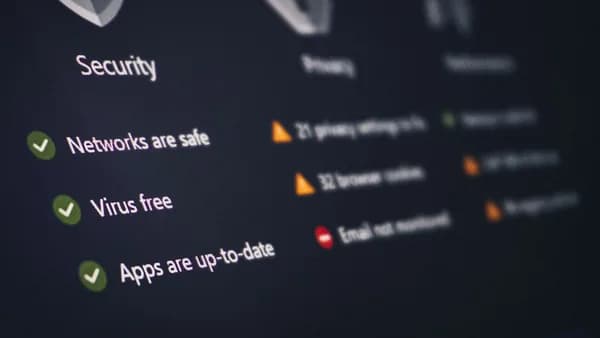
As remote work cements itself as a core part of technology roles in 2026, cybersecurity for remote tech employees has never been more critical. From safeguarding sensitive client data to maintaining uninterrupted access to development environments, the stakes for robust digital security are high. This article offers a deeply researched analysis of the best cybersecurity practices, grounded in expert recommendations and reliable tools, ensuring that remote tech professionals can effectively protect themselves and their organizations.
Overview of Cybersecurity Risks in Remote Work
Remote tech employees face a distinct set of cybersecurity challenges. According to Microsoft Support, cybersecurity—also called digital security—is the ongoing practice of protecting digital information, devices, and assets such as personal information, accounts, and financial data. The "CIA" triad underpins these efforts:
| Pillar | Description |
|---|---|
| Confidentiality | Ensuring only authorized individuals can access files and accounts |
| Integrity | Preventing unauthorized changes, deletions, or insertions to data |
| Access | Guaranteeing users can reach their information and systems when needed (e.g., avoiding disruptions) |
"Security is a process, not a product" — Microsoft Support emphasizes that effective cybersecurity depends on a combination of tools, processes, and ongoing awareness, not just installing software.
Remote work expands the attack surface, as employees often use multiple devices and networks outside of traditional office protections. This elevates the need for secure practices and tools tailored for distributed environments.
Common Threats Facing Remote Tech Employees
Phishing and Social Engineering
Microsoft Support highlights the risk of malicious emails or texts, often disguised as messages from trusted senders. Opening unexpected links or attachments can compromise accounts and devices.
Data Leakage and Unauthorized Access
Using unsecured Wi-Fi or poorly managed passwords can expose confidential business data. Attackers may intercept web traffic or brute-force weak credentials to gain entry.
Denial of Service and Ransomware
Remote workers may face denial of service attacks or ransomware that lock them out of essential systems, threatening their ability to work and access critical resources.
ISP and DNS Threats
ISPs can monitor, block, or inject content into web traffic—even when HTTPS is used. If remote workers rely on default DNS servers, they risk privacy and security issues, as noted by the Technitium DNS Server documentation.
Implementing Multi-Factor Authentication and VPNs
Multi-Factor Authentication (MFA) is a cornerstone of modern cybersecurity for remote tech employees. Microsoft Support strongly recommends enabling MFA wherever possible to add an extra layer of protection beyond passwords.
- Multi-Factor Authentication: Involves using something you know (password) and something you have (such as a phone or hardware key).
- Microsoft Authenticator App: Free and supports various accounts, including Google, Amazon, and Facebook.
"Whenever possible, both at home and at work, enable multi-factor authentication to keep your accounts more secure." — Microsoft Support
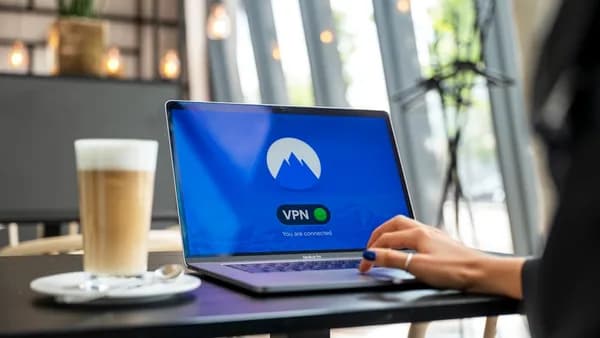
Although the sources do not mention VPNs by name, they do highlight protecting access and using encrypted protocols. Many organizations combine MFA with VPNs to provide secure remote access, ensuring that only authorized users can connect to internal resources.
Secure Password Management Strategies
Poor password practices remain a primary vulnerability for remote tech employees. Microsoft Support offers clear guidelines:
- Length: Passwords should be at least 14 characters.
- Complexity: Avoid English words and reuse across accounts.
- Uniqueness: Each account should have a distinct password.
Table: Password Best Practices
| Practice | Recommendation |
|---|---|
| Minimum Length | 14 characters |
| Content | No dictionary words, use random combinations |
| Reuse | Never reuse passwords across sites/services |
| Management | Use secure password managers (not detailed in sources, but implied best practice) |
Device Locking
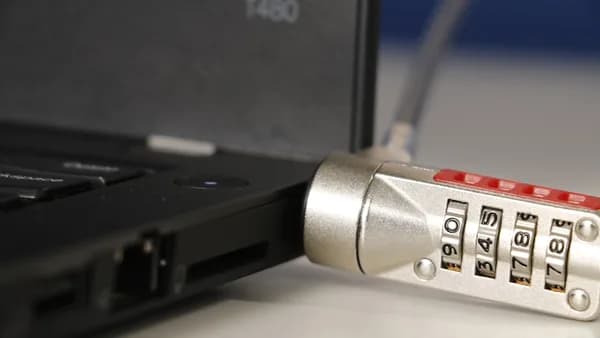
Microsoft Support also stresses the importance of device security. Ensure all devices (laptops, phones, tablets) require a password, PIN, or biometric authentication (fingerprint, facial recognition). Lost or stolen devices can be a goldmine for attackers if not properly locked.
Data Encryption and Secure File Sharing
While the sources do not detail specific file-sharing platforms, they offer actionable advice on encryption and data protection:
- Data Encryption: Encrypt sensitive data at rest and in transit. This practice ensures that even if attackers intercept communications or steal files, they cannot access the underlying information.
- Secure File Sharing: Use services that support end-to-end encryption and do not transmit files in plain text.
DNS Security: The Technitium DNS Server supports DNS-over-TLS, DNS-over-HTTPS, and DNS-over-QUIC. These protocols encrypt DNS queries, preventing ISPs and attackers from monitoring or redirecting internet traffic.
"Having Technitium DNS Server configured to use DNS-over-TLS, DNS-over-HTTPS, or DNS-over-QUIC forwarders... privacy & security issues can be mitigated very effectively."
Best Practices for Device and Network Security
Regular Updates
- Keep Software Updated: Operating systems (Windows, MacOS, iOS, Android) and all applications should be regularly patched to protect against known vulnerabilities.
Secure DNS Configuration
- Self-Hosted DNS Servers: Tools like Technitium DNS Server allow remote tech employees or organizations to control DNS queries, block ads and malware, and monitor network traffic for anomalies.
- Features: DNSSEC validation, encrypted DNS protocols, block lists, and DNS logs for network insight.
Table: Technitium DNS Server Capabilities
| Feature | Description |
|---|---|
| Ad/Malware Blocking | Block using custom block list URLs |
| DNS-over-TLS/HTTPS/QUIC | Encrypt all DNS queries |
| Multi-Platform | Windows, Linux, macOS, Raspberry Pi, Docker |
| Clustering | Manage multiple servers from one web console |
| Performance | >100,000 requests/sec on commodity hardware |
| DNSSEC Validation | RSA, ECDSA, EdDSA algorithm support |
Device Access Control
- Lock Devices: Always use passwords, PINs, or biometric methods for device access.
- Network Segmentation: (Implied) Isolate work devices from personal or IoT devices on home networks.
Using Endpoint Detection and Response (EDR) Tools
The source data does not mention specific EDR tools; however, Microsoft Support underscores the need for comprehensive security that goes beyond basic anti-malware:
"Security apps and devices, like antimalware software and firewalls, are essential, but... it's not enough to just plug those tools in and call it good."
EDR tools, while not specifically named, are an extension of this philosophy—providing real-time monitoring, automated response to threats, and forensic analysis. Remote tech employees should use endpoint security solutions that offer:
- Continuous Monitoring: Watch for suspicious activity on all endpoints.
- Automated Response: Isolate or remediate threats as soon as they're detected.
- Centralized Management: Streamline security across multiple remote devices.
Employee Training and Awareness Programs
Cybersecurity is not just about technology—it's a "team sport." Microsoft Support emphasizes the importance of constant vigilance and sharing best practices:
- Recognize Suspicious Activity: If you receive unexpected links or attachments, verify before opening.
- Report Incidents Early: Contact your IT department or a trusted advisor at the first sign of a problem.
- Share Knowledge: Encourage colleagues to adopt strong security habits.
"If you see something suspicious, or suspect you may have been hacked, reach out to a trusted advisor... report it to your organization's IT department as soon as possible."
Regular training sessions and security awareness programs can help remote tech employees stay up to date with the latest threats and defenses.
Incident Response Planning for Remote Workers
Preparation is key to minimizing damage when a security incident occurs. Microsoft Support advises that having a tested backup and recovery process is vital:
- Data Backups: Store important data in secure locations and regularly test the recovery process.
- Incident Reporting: Ensure all employees know how to report suspicious activity or confirmed breaches.
- Continuous Improvement: Review and update incident response plans as new threats emerge.
Table: Incident Response Essentials
| Step | Action |
|---|---|
| Detection | Identify suspicious or malicious activity |
| Reporting | Notify IT or security teams immediately |
| Response | Isolate affected systems, restore from backups if needed |
| Recovery | Ensure all systems are clean before returning to operations |
| Review | Analyze incident to improve future defenses |
FAQ: Cybersecurity for Remote Tech Employees
Q1: Why is multi-factor authentication so important for remote tech employees?
A1: Multi-factor authentication adds an extra layer of security by requiring something you know (password) and something you have (e.g., phone, hardware key). This greatly reduces the risk of account compromise, as recommended by Microsoft Support.
Q2: What is the benefit of using a self-hosted DNS server like Technitium DNS Server?
A2: A self-hosted DNS server allows you to block ads and malware, encrypt DNS traffic, and monitor network activity. Technitium DNS Server supports DNS-over-TLS, DNS-over-HTTPS, and DNS-over-QUIC for enhanced privacy and security.
Q3: How long should my passwords be, and can I reuse them?
A3: Passwords should be at least 14 characters long, should not contain English words, and should never be reused across accounts, according to Microsoft Support.
Q4: What should I do if I suspect I've been hacked while working remotely?
A4: Immediately contact your IT department or a trusted advisor. Early reporting can help contain any potential threat and prevent further damage.
Q5: Is keeping my software updated really that important?
A5: Yes. Regular updates patch known vulnerabilities that attackers can exploit. Keeping operating systems and applications up to date is a fundamental cybersecurity measure.
Q6: Are device locks necessary if I already have strong passwords?
A6: Yes. Device locks (password, PIN, biometric) protect your data if devices are lost or stolen, adding a crucial layer of physical security.
Bottom Line
In 2026, robust cybersecurity for remote tech employees is non-negotiable. The fundamentals—such as enabling multi-factor authentication, using strong and unique passwords, deploying secure DNS solutions like Technitium DNS Server, keeping devices updated, and fostering a culture of awareness—are all critical. Security is an ongoing process, requiring both reliable tools and vigilant practices. By grounding your approach in these proven strategies and technologies, you can greatly reduce risk and ensure a safer remote work environment for yourself and your organization.