Why Windows 11’s Potential 70% Speed Boost Could Redefine PC Performance
Seventy percent. That’s the figure floating around as Microsoft tests a feature capable of making Windows 11 feel radically faster, according to Notebookcheck. If early reports hold up, this isn’t a minor tweak — it’s a seismic shift for everyday computing. Think of the ripple effects: apps launching almost instantaneously, menus snapping open without hesitation, and the sluggish moments that frustrate users evaporating.
Traditional OS updates rarely deliver double-digit performance jumps. Even major Windows releases or Apple’s macOS overhauls typically yield incremental speed gains — 5%, 10%, maybe 15% if the stars align. A 70% boost, though, redefines what users expect from a modern PC. It’s not about raw benchmark numbers; it’s about the lived experience: less waiting, more doing.
This speed surge hinges on processor boost behavior, a low-level optimization that goes beyond the usual code cleanup or UI polish. Microsoft isn’t just tuning software — it’s directing how the CPU itself responds to demand. For millions of workers, students, and gamers, this could shrink the gap between clicking an icon and actually getting to work (or play). If Microsoft delivers, Windows 11 could set a new performance baseline that rivals will struggle to match.
Decoding Processor Boost Behavior: The Technology Behind Windows 11’s Speed Upgrade
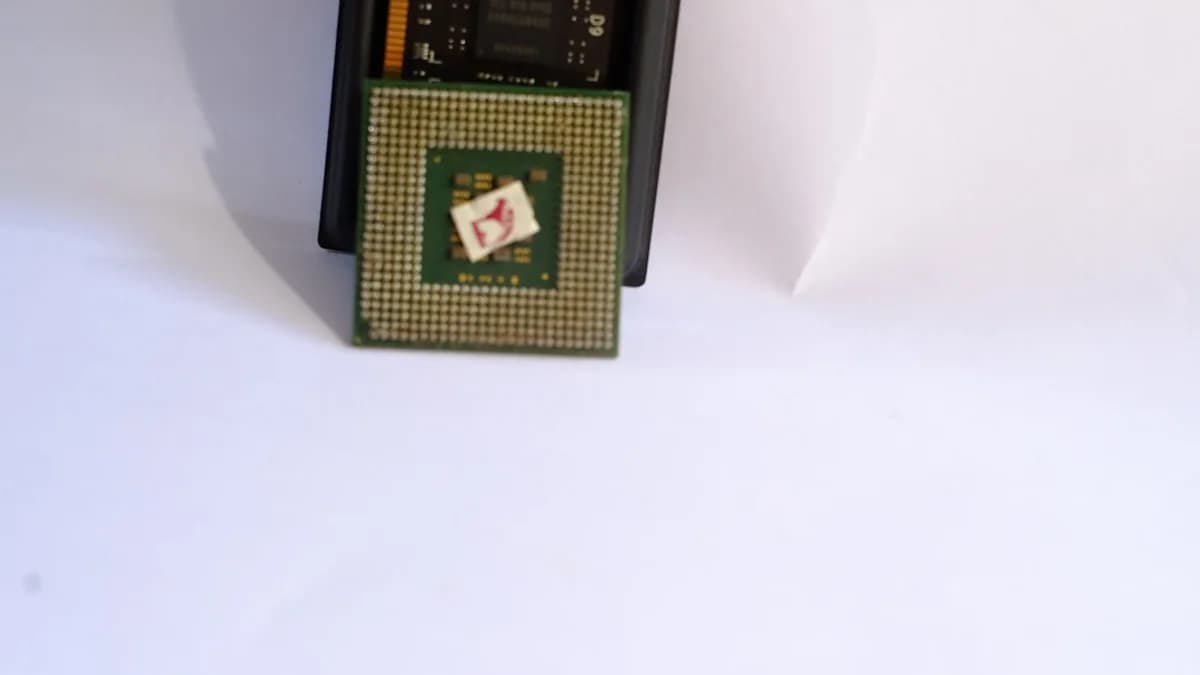
Processor boost behavior isn’t a marketing term — it’s the logic that governs how a CPU ramps up its clock speed under load. Most modern Intel and AMD chips feature dynamic boost modes, where the processor briefly spikes above its base frequency to handle heavy tasks, then drops back to save power and limit heat.
Historically, Windows has left much of this decision-making to the chip’s internal firmware, with the OS simply requesting performance as needed. What Microsoft appears to be doing is rewriting the playbook: Windows 11 will anticipate demand and orchestrate boost events with greater precision, potentially cutting the lag between a user’s action and the CPU’s response.
Technically, this means tighter integration between Windows’ scheduler and the processor’s boost controls. Instead of waiting for a sustained workload to trigger a boost, the OS can proactively push the CPU to ramp up as soon as it detects a user-driven task (like launching an app or opening a menu). This minimizes “cold start” latency — the dead zone before the processor hits top speed.
Power management and thermal efficiency are the wild cards. Aggressive boosting can spike power draw and generate heat, which laptops especially struggle with. Microsoft’s challenge: deliver instant responsiveness without draining batteries or overheating devices. Early leaks suggest the company may employ adaptive algorithms, throttling boosts when thermal limits approach, but maximizing speed when conditions allow. This isn’t just about raw speed — it’s about smarter speed, tailored to each device’s capabilities.
Quantifying the Gains: Data and Benchmarks on Windows 11’s Speed Enhancements
The headline figure — up to 70% faster — comes from internal testing on specific workloads, likely involving app launch times and UI responsiveness. For context, Windows 10’s major performance updates rarely topped 15% in real-world tasks, and even Windows 11’s initial rollout saw average speed gains closer to 10% for desktop operations.
Microsoft hasn’t released public benchmarks yet, but industry observers expect the biggest gains in scenarios where the CPU is idle before user interaction. For example, launching Outlook or Excel on a mid-range laptop could drop from 2.5 seconds to 1.5 seconds, and opening a complex menu might take milliseconds instead of noticeable pauses.
Hardware variability is a reality. High-end desktops with ample cooling may see full 70% gains, while ultrabooks with thermal constraints might settle for 30-40%. Devices with older CPUs will benefit less, as their boost capabilities are limited. Comparatively, Apple’s macOS Monterey and Ventura achieved “snappier” performance via software optimizations, but never claimed a jump this dramatic.
If Microsoft’s claims hold up across mainstream hardware, Windows 11 will outpace ChromeOS and macOS in perceived speed for common tasks — a reversal from the last decade, where Windows often lagged behind rivals in fluidity.
Stakeholder Perspectives: What Users, Developers, and Hardware Makers Expect from the Update
Users want one thing: a system that responds instantly. For most, performance is measured not in FPS or Cinebench scores, but in how quickly Windows obeys. A 70% faster experience means less time staring at loading screens, more time getting things done. Power users will notice the difference in multitasking — switching between heavy apps without stutters or delays.
Developers stand to gain, too. Faster boost behavior means their apps launch sooner and react more crisply, even without deep code refactoring. This lowers the barrier for small teams who can’t afford extensive optimization, and raises the ceiling for those who push performance boundaries. It also incentivizes richer features: if UI lag is gone, devs can add complexity without hurting user experience.
Hardware manufacturers face a double-edged sword. On one hand, improved boost management could extend the usable life of older devices, delaying upgrade cycles. On the other, it could force OEMs to rethink cooling solutions and battery capacity, especially in thin-and-light laptops. If Windows 11 pushes CPUs harder, device makers may need to invest in smarter thermal designs or risk throttling undermining the user experience. Compatibility testing will be crucial: misaligned firmware or weak cooling could turn speed gains into battery drains.
Tracing the Evolution: How Windows Performance Optimization Has Advanced Over Time
Windows performance tuning is a long story of incremental gains and occasional leaps. The introduction of Intel Turbo Boost in 2008 marked a major shift, letting CPUs dynamically raise clock speeds for short bursts. Windows 7 and 8 adapted to this with improved power plans, but left granular boost control to chipmakers.
Windows 10 brought “Connected Standby” and more aggressive idle states, aiming to balance speed and battery life. These tweaks shaved seconds off boot times and app launches, but rarely changed the underlying boost behavior. The Windows 11 launch focused on memory management and UI smoothness, not CPU orchestration.
Lessons from past updates: aggressive tuning sometimes backfires. Windows Vista’s early “SuperFetch” made systems feel faster — until background tasks overwhelmed older hardware. Windows 8’s power-saving features improved battery life but occasionally hampered real-time responsiveness.
This new boost optimization marks a shift: Microsoft is moving from generalized “power plans” to event-driven, predictive CPU management. Instead of treating all workloads equally, Windows 11 wants to anticipate user intent and tailor its response. If successful, this could set a precedent for more adaptive, context-aware OS design going forward.
Implications for Consumers and Enterprises: What Faster Windows 11 Means for Productivity and Efficiency
Productivity is measured in moments: every second shaved from an app launch or menu click adds up across a workday. For consumers, this means less friction — whether editing photos, gaming, or managing files, tasks start sooner and finish faster. Power users who juggle multiple applications will see the biggest impact, as Windows 11 maintains peak responsiveness even under heavy multitasking.
Enterprises could see measurable gains. In environments where employees launch dozens of apps daily and switch between resource-intensive tools, a 70% speed boost translates to thousands of hours saved annually across a large workforce. Faster system response reduces frustration, improves workflow, and could even lower support calls related to “slow computers.”
The trade-offs: aggressive boosting draws more power, potentially shortening battery life on laptops. Device longevity is another concern — frequent high-speed operation can accelerate wear on cooling systems and, in extreme cases, shorten CPU lifespan. Microsoft must balance speed with sustainability, especially as enterprises increasingly demand energy-efficient devices.
If managed well, the speed gains will outweigh the downsides for most users. But for edge cases — ultra-mobile devices, legacy hardware — the optimization may require careful tuning to avoid unwanted side effects.
Looking Ahead: Predictions on How Windows 11’s Speed Boost Could Shape the Future of PC Computing
Microsoft’s move isn’t just a one-off upgrade — it signals a new philosophy for OS design. If event-driven CPU boost becomes standard, future Windows updates may prioritize responsiveness over raw throughput, reshaping the way software interacts with hardware.
Software designers will adapt. Knowing Windows can deliver instant speed, they may build richer interfaces and more complex real-time features, confident users won’t be left waiting. Expect the bar for “acceptable performance” to rise: apps that lag will stand out and lose users quickly.
Hardware makers have a choice. They can design devices optimized for these new boost patterns, with smarter cooling and more granular power management, or risk their products falling behind. This could accelerate innovation in laptop thermals and battery tech, as Windows sets ever-higher standards.
Competitors won’t sit still. Apple and Google will need to match or exceed Microsoft’s gains, either through silicon-level optimizations (as Apple did with M1/M2) or deeper OS integration. The race for instant responsiveness is on, and Windows 11’s speed boost is the opening salvo.
If Microsoft’s claims pan out, expect the next 18 months to see a shift in both user expectations and industry benchmarks. Instant app launches and snappy UI will become table stakes, not luxuries. The winners will be those who can deliver speed without compromise — and right now, Microsoft has the advantage.
Why It Matters
- A potential 70% speed boost could dramatically improve everyday PC performance for millions of users.
- If successful, Windows 11 may set a new benchmark that competitors will struggle to match.
- The upgrade leverages advanced CPU optimization, redefining what users can expect from modern operating systems.