
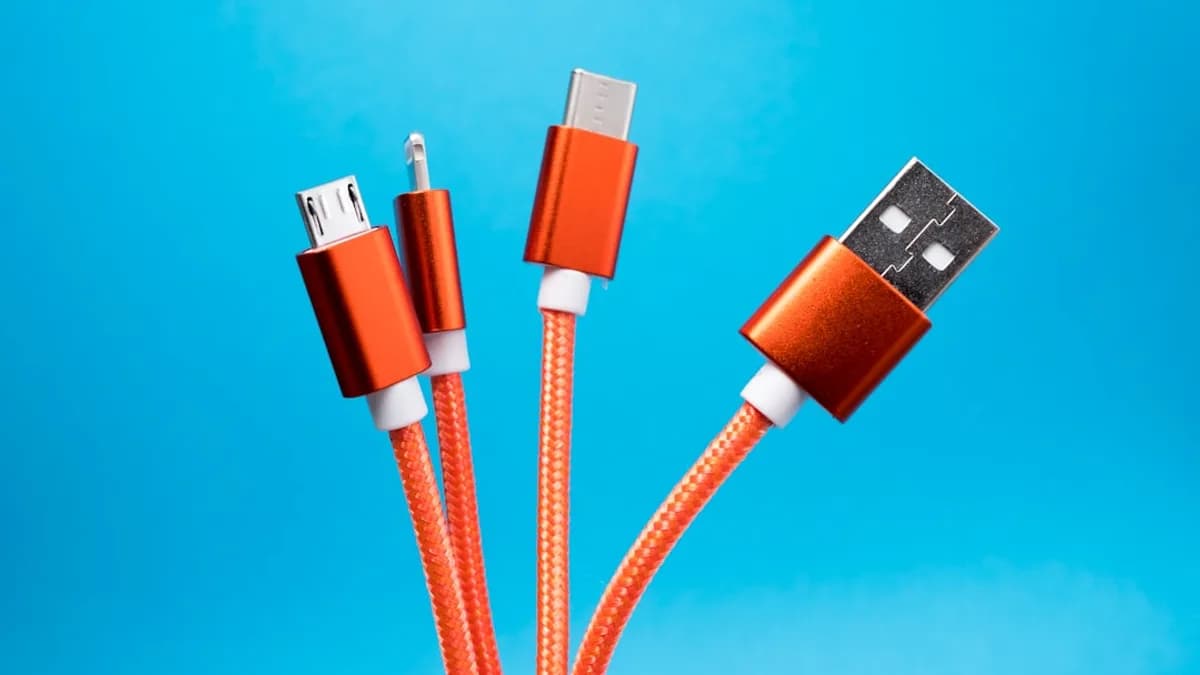
The Cables and Adapters You Actually Want to Keep
Every spring, a wave of decluttering advice urges you to toss anything you haven’t touched in a year. But one category defies the minimalist impulse: cables, cords, and adapters. You might regret pitching that oddball connector the next time an old device or a friend’s gadget needs a lifeline. According to ZDNet, some cables are worth saving for moments you can’t predict.
What do you actually need to keep? The source singles out the essential gear — not for nostalgia, but for practical rescue scenarios. The focus: adapters and cords that bridge old and new tech or solve connectivity problems when modern solutions fall short. These are not just for vintage hardware hoarders. Even in a streamlined setup, a few “obsolete” items can save time, money, and hassle down the road.
Make Your Cable Collection Findable and Functional
A drawer stuffed with tangled cords is worse than useless. The trick is organization. Start by labeling each cord with its function — masking tape and a marker work fine. If you can’t tell what a cable does at a glance, you’re less likely to find it when you need it.
Storage matters, too. Use small boxes, zip bags, or even old glasses cases to sort cables by type. Keep adapters in a separate section or box, so you don’t waste time digging when you need a quick connection fix. Coiling cables loosely (never tight loops) prevents damage and extends their life. Neat storage is not about aesthetics — it’s about making sure your “tech insurance policy” actually pays out.
Test, Sort, and Cull Before You Toss
Before you do a ruthless purge, check which cables still work. A quick connection test with the right device can confirm if a power cord or adapter is still functional. If you have multiple spares of the same cable, keep one or two and let go of the rest.
How do you decide what’s obsolete? If you don’t own (or plan to own) any device that uses a particular connector, it’s probably safe to discard. But hold on to adapters that bridge standards — those can be the key to connecting new tech to old gear, or vice versa. If a cable is frayed, doesn’t work, or you can’t identify either end, that’s a solid candidate for recycling.
Old Cables: More Than Just Junk Drawer Filler
Don’t underestimate the utility of “retired” cords. They’re not just clutter — they can be assets for DIY projects or last-ditch solutions. Need a quick tie for garden plants? A stripped cable works. Want to test a hardware project? Old USB or Ethernet cables are perfect for experimenting without risking your main gear.
Adapters, in particular, can unlock unexpected compatibility. When a guest brings a legacy device or you need to recover data from an ancient drive, having the right connector on hand can make the difference between success and hours of online hunting. Reusing cables also cuts down on e-waste — a point the original source hints at without getting preachy: tossing everything may feel good, but it’s not always the responsible move.
Keep Your Inventory Lean, Not Bloated
Spring cleaning shouldn’t mean keeping every cable you’ve ever owned. Review your collection once or twice a year. A simple list — digital or on paper — helps track what you have, so you don’t buy duplicates or forget essentials. Remove cables for devices you know you’ll never replace. Add new adapters as technology changes, and let go of those that have truly outlived their usefulness.
Key Takeaways: Practical Cable Management Pays Off
Don’t let minimalism talk you into tech amnesia. Identify the connectors and adapters you might need in a pinch, store them so you can actually find them, and review your stash regularly. The right cable at the right time is more than convenience — it’s a small insurance policy against costly or frustrating tech emergencies.
What we know: Some cables are worth keeping even after you’ve moved on from the devices they used to serve. Why it matters: The right adapter or cord can save you from tech headaches when you least expect it. What’s still unclear: The exact list of “must-keep” connectors will vary by household — and by what tech you keep as backup. What to watch: As new standards emerge, the definition of “essential” will keep shifting. Stay organized, stay realistic, and let your future self thank you.
Key Takeaways
- Keeping certain cables and adapters can save you hassle and money when you need to connect old or unexpected devices.
- Organizing and labeling your cable collection ensures you can quickly find what you need in a tech emergency.
- Testing and selectively keeping only functional, essential cords helps maintain a practical, clutter-free setup.