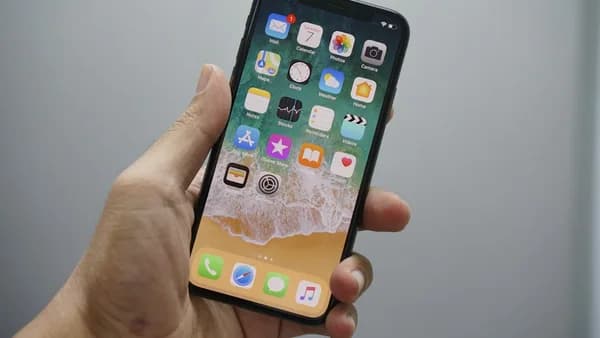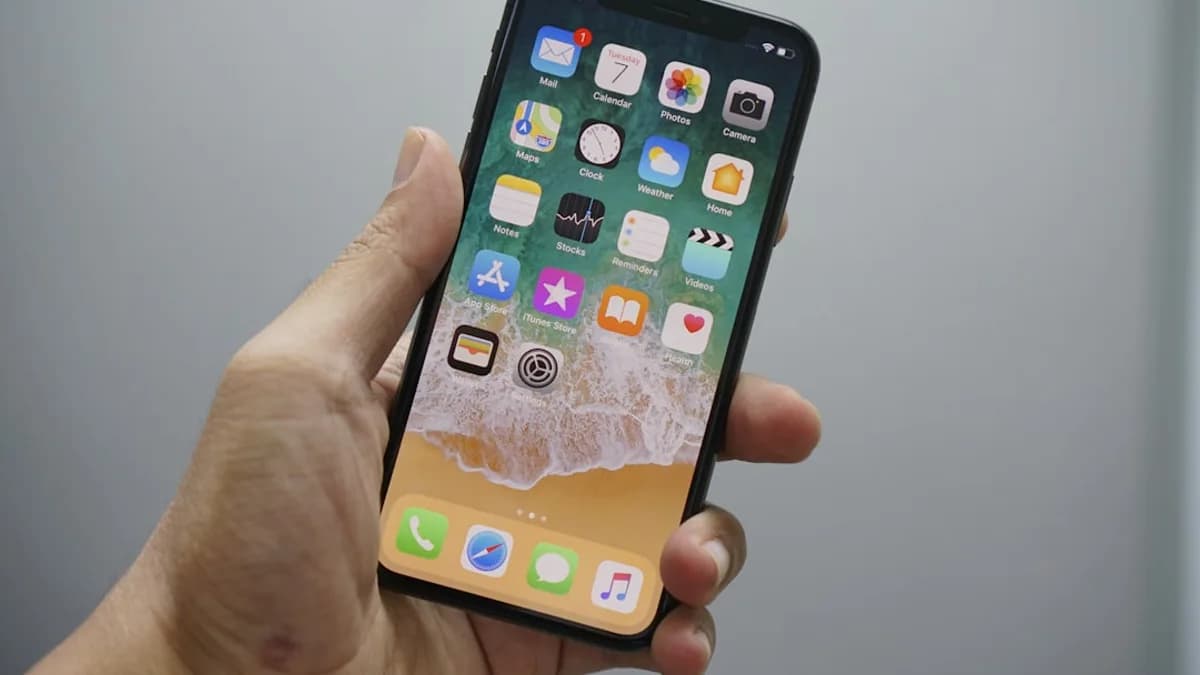
iOS 27 may be sold as an Apple Intelligence release, but its most important test could be whether Apple makes the iPhone’s daily mechanics feel less stale.
That is the signal inside the latest batch of smaller changes: Find My gets a visual refresh, Photos gets deeper editing work, and notifications move differently under a revised gesture model, according to 9to5Mac, citing a Bloomberg report. Apple is expected to officially announce the update on Monday during its WWDC keynote at 10 a.m. PT/1 p.m. ET.
iOS 27’s quieter tweaks may reveal Apple’s real iPhone strategy
The headline story around iOS 27 is still Siri and Apple Intelligence. 9to5Mac says the release is expected to be “full of new features” for both. But the new details point to something more practical: Apple is also tuning the apps and gestures people hit constantly, from these smaller system changes to iOS 27’s AirPods settings fix and Apple Music’s iOS 27 upgrades.
That matters because the iPhone is not judged only by keynote features. It is judged by repeated contact: opening Find My, editing a photo, dismissing a notification, swiping into search. If those actions feel faster, clearer, or more predictable, the whole device feels newer.
MLXIO analysis: this is Apple hedging against an AI-only narrative. If the new Siri impresses, the release has a flagship. If Siri AI slips, ships late, or feels uneven, iOS 27 still needs visible improvements in the default experience. That is where Find My, Photos, and motion design come in.
This also fits the broader direction we flagged in iOS 27 Siri Leak Reveals Apple’s AI Power Grab on iPhone, iOS 27 bill splitting, iOS 27 hardware clues, iPadOS 27’s AI focus, Apple Messages AI agent, Siri AI voice controls, Siri AI break reminders, and Apple AI upgrade trap: Apple’s AI push only matters if it lands inside the iPhone flows users already trust.
Find My’s visual refresh points to a higher-stakes utility app
The reported Find My change is modest on paper: a “subtle visual refresh” with new icons in the navigation tab bar. No new location-sharing feature is specified in the source. No new device category is confirmed.
Still, the app Apple chose to touch is telling. Find My is not a decorative corner of iOS. It sits at the intersection of devices, people, and items. Even a navigation refresh suggests Apple wants the app to feel more current and easier to parse.
MLXIO analysis: if Apple continues building around Find My, the app can become more than a lost-device tool. It can become a coordination surface for the physical world: where your devices are, where shared items are, and where trusted people choose to share location. That also raises the bar for clarity. Location features require users to understand what is shared, with whom, and when.
The source does not say Apple is adding new privacy controls or expanding Find My’s capabilities in iOS 27. That is the gap to watch at WWDC. A visual refresh alone is cosmetic. A refresh paired with better controls or clearer sharing states would signal a deeper product move.
Notification motion is becoming part of the new gesture map
The most concrete interface change in the report is the new animation for incoming notifications.
“They now slide in from the left side of the screen, aligning with the new gesture system: Users swipe down from the left to open the Notification Center because swiping down from the center now opens the Search or Ask AI panel.”
That sentence carries more weight than a typical animation tweak. Apple is not just changing how notifications look. It is rearranging the spatial logic of iOS.
If swiping down from the center opens Search or an Ask AI panel, then Notification Center needs a distinct entry point. Sliding notifications in from the left reinforces that map. Motion becomes instruction. The animation teaches the gesture before the user thinks about it.
MLXIO analysis: this is how Apple can introduce more AI without making the phone feel alien. Instead of forcing a separate “AI app” habit, it can make intelligence another layer in the same gesture grammar. The risk is confusion. If users keep pulling the wrong panel, the new system will feel clever in demos and irritating in daily use.
Photos is the clearest test of useful Apple Intelligence
The Photos app gets two reported changes. First, the Clean Up feature is expected to receive “significant improvements during the iOS 27 cycle.” Second, Apple is testing “natural language prompt-based editing of photos,” where users could ask by voice or text for edits such as cropping or changing colors.
The timing caveat matters. 9to5Mac says the prompt-based editing feature “might not be available in the first version of iOS 27.”
That makes Photos a useful barometer for Apple Intelligence. A feature that lets users ask for a specific edit is easier to judge than a broad AI promise. Either the edit works, or it does not. Either the result matches the request, or it creates more cleanup work.
Reported Photos changes
| Area | Reported iOS 27 change | Read-through |
|---|---|---|
| Clean Up | “Significant improvements during the iOS 27 cycle” | Apple may keep improving existing AI-adjacent tools after launch |
| Prompt editing | Voice or text requests for edits like cropping or changing colors | Could make AI feel practical inside a default app |
| Availability | May not ship in the first iOS 27 version | WWDC demo timing may differ from user timing |
This is where Apple’s AI story becomes measurable. Not in slogans. In whether a user can ask Photos for an edit and get the result quickly enough to keep using it.
Small app changes can outweigh flashy demos at iPhone scale
The supplied source does not provide installed-base figures, so the scale case should not rest on a fresh number. It does not need to.
Default Apple apps ship on the phone. Their placement, system permissions, and integration give even minor changes outsized practical reach. A small notification change affects more people than a niche pro feature. A Photos editing improvement can matter more than a flashy AI demo if users encounter it every week.
This is the logic behind iOS 27 as a maintenance-and-intelligence release. Apple can market the release around Siri, but the daily verdict will come from friction points.
The practical split:
- Broad reach: Find My visuals and notification motion can affect users without requiring them to learn a new AI workflow.
- Conditional reach: Prompt-based photo editing may depend on launch timing and whether Apple ships it in the first iOS 27 version.
- Narrative value: Siri and Apple Intelligence carry the keynote story, but core app polish carries habit.
That same platform-control theme runs through iOS 27 Leak Reveals Apple’s Next iPhone Power Play: Apple’s strongest moves often come from changing the system layer, not just adding standalone features.
iOS 7’s animation history shows why small motion changes are not trivial
Apple has used small motion updates before to signal broader platform refinement. A supplied MacRumors report on iOS 7.1 beta 4 described changes such as a brighter, slower Slide to Unlock animation, a revised power-off animation, dialer tweaks, and altered Messages scrolling behavior.
Those were not the same kind of changes as a full redesign. They were corrections to feel.
That parallel matters for iOS 27. The reported notification animation is not just decoration if it supports a new gesture split between Notification Center and Search or Ask AI. It is Apple trying to make a more crowded interface feel intentional.
MLXIO analysis: the danger is that users may see subtle motion work as filler if the Apple Intelligence features feel late or incomplete. But if the gestures click, the phone feels more coherent. That is the quiet win Apple needs.
Different groups will read the same iOS 27 details differently
For users, the appeal is direct: better default apps, clearer motion, and more capable photo editing. None of that requires believing in an abstract AI roadmap.
For developers, Apple’s default-app improvements cut both ways. Better system features can create new surfaces to build around. They can also make third-party utilities feel less necessary if Apple folds more capability into iOS.
For privacy-focused observers, Find My remains the sensitive area. The source only reports a visual refresh, not new sharing features. But any future expansion of location-centered tools will need obvious controls and user comprehension, not just cleaner icons.
For investors, this looks like retention work. MLXIO analysis: iOS 27’s smaller changes support the core iPhone experience while Apple tries to make Siri and Apple Intelligence credible inside everyday workflows.
The WWDC test is whether AI fits the iPhone’s muscle memory
Apple will likely put Siri and Apple Intelligence near the center of the iOS 27 story. But the more revealing evidence may be quieter.
Watch how Apple explains the new notification gesture system. Watch whether Find My’s refresh is purely visual or tied to clearer organization. Watch whether Photos prompt editing appears as a shipping feature, a later-cycle feature, or only a preview.
The strongest version of iOS 27 is not “AI added to iPhone.” It is AI absorbed into the iPhone’s existing habits: swiping, searching, editing, locating, responding. The weaker version is a release where Siri gets the spotlight, while the most-used parts of the phone still feel unchanged.
The Bottom Line
- iOS 27 may depend as much on everyday usability improvements as on Apple Intelligence.
- Find My, Photos, and notification changes affect common iPhone behaviors users notice daily.
- Apple needs visible default-app upgrades to support its broader AI strategy.