Apple’s Camera App Set for Major Customization in iOS 27
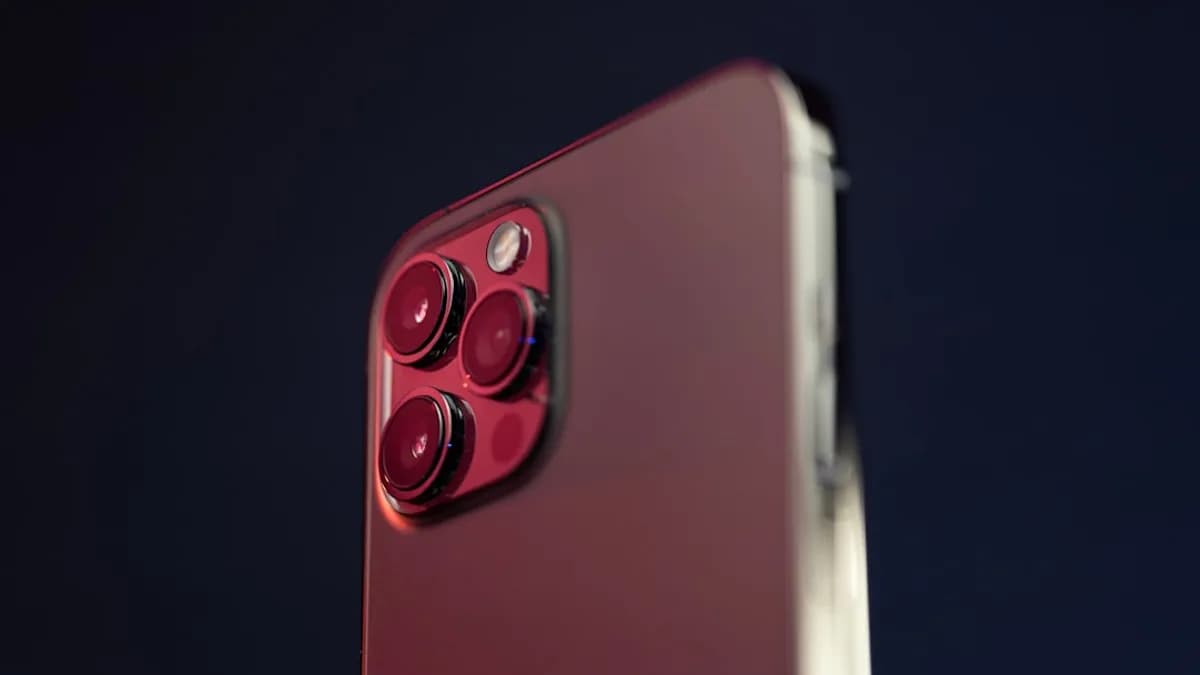
Apple will let users customize the camera app for the first time in iOS 27, shaking up one of the most locked-down parts of the iPhone interface. According to a detailed report from Mark Gurman, iPhone photographers will be able to pick and arrange which camera controls—flash, exposure, timer, night mode, live photos, and resolution—appear in the app, and where they’re placed. A new Siri mode is also coming, aimed at integrating Apple’s Visual Intelligence features directly into the camera experience. The company is expected to unveil these changes at its Worldwide Developers Conference on June 8, according to Gsmarena.
This marks a clear break from Apple’s years-long stance on a strictly uniform camera UI. Until now, the company offered virtually no interface personalization, regardless of whether a user was shooting casual snapshots or pro-level video.
Customization: Control in the Hands of the Photographer
iOS 27’s camera update means users no longer need to dig through menus or settle for Apple’s default button arrangement. Gurman reports that controls like flash, exposure, and timer can be chosen and placed where the user wants them. The new design appears to include options to show or hide features, letting photographers prioritize the tools they actually use.
This approach is likely to speed up shooting for both casual and advanced users. No more fumbling for the timer buried behind a submenu; if you want it on the main screen, you can put it there. For those who only care about quick snaps, the interface can be stripped down to the essentials.
The debut of Siri mode in the camera app could be more than just voice-triggered shutter releases. While details remain sparse, the report links Siri mode to Visual Intelligence features, possibly hinting at new AI-powered assistive capabilities. If Siri can analyze a scene or suggest camera settings in real-time, it could lower the skill barrier for more advanced photography. This aligns with Apple's broader bets on AI agents to shake up the App Store.
What We Don’t Know: Depth of Customization and Siri’s Role
Apple hasn’t revealed screenshots or a live demo yet, and the reporting leaves several gaps. It’s not clear how granular the customization will be—can users rearrange every control, or only a select few? Will new features be locked behind advanced menus, or accessible to everyone?
Siri mode’s “Visual Intelligence” features are also undefined. The source doesn’t clarify whether this means scene detection, object recognition, or just more voice commands for camera functions. There’s no detail on whether this mode will work offline, or if it will require Apple’s cloud AI infrastructure.
Another open question: do these changes apply equally to all camera modes (photo, video, portrait, etc.), or are some features exclusive to certain types of capture?
What to Watch After Launch: User Adoption and AI Expansion
Apple’s willingness to open up the camera interface is likely to draw intense scrutiny from both developers and power users after iOS 27’s debut. How the company handles feedback—especially if users demand even deeper customization or new AI features—will signal whether this is a one-off update or the start of a longer march toward user-controlled interfaces. Apple recently sparked developer loyalty by spotlighting key innovators, which could influence reception to these changes. See more on Apple’s spotlight on key developers.
The Siri mode deserves close attention. If Apple’s Visual Intelligence actually delivers meaningful, context-aware suggestions or automation inside the camera app, that could change how millions of users approach mobile photography. On the other hand, if it’s just a rebranded voice assistant, expect disappointment.
MLXIO analysis: By breaking with its locked-down UI tradition, Apple is signaling that customization and AI are moving from the fringes to the core of iOS. The company’s choices on transparency, user control, and Siri’s capabilities in the camera app may set the tone for how far it’s willing to go elsewhere in the OS.
WWDC on June 8 will bring answers—and likely, more questions—about how far Apple’s “customizable” camera will really go, and whether Siri’s new role is the start of something bigger or just an incremental tweak.
Why It Matters
- iOS 27 gives users more control over their camera app, breaking Apple's tradition of a fixed interface.
- Customizable controls can make photography faster and more user-friendly, benefiting both casual and advanced users.
- The integration of a new Siri mode hints at smarter, AI-powered camera features, potentially enhancing photo-taking experiences.