Why HP EliteBoard G1a’s Lack of Connectivity Undermines Its Innovative Design
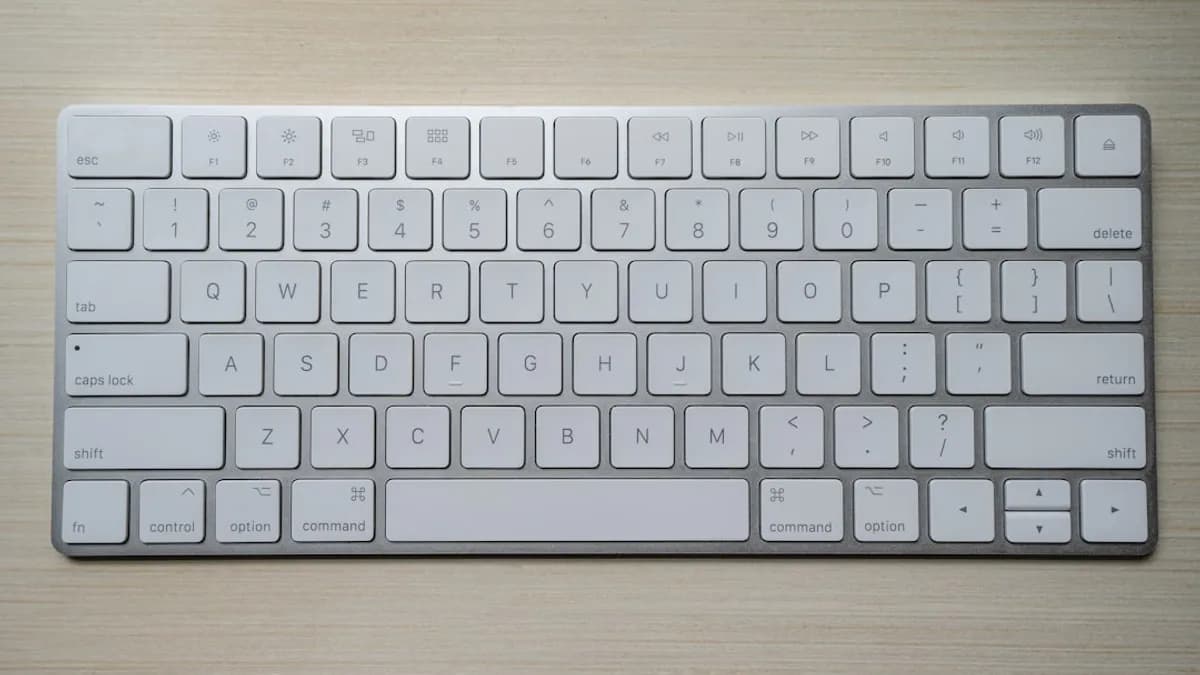
HP just released a keyboard PC that can’t connect to anything but itself—a first in all the wrong ways. The EliteBoard G1a, a clever mashup of full desktop hardware inside a compact keyboard shell, skips Bluetooth or wired connectivity entirely. That makes it, according to Notebookcheck, the only major keyboard that can’t double as a controller for other devices. This isn’t a minor oversight; it’s a critical design flaw that undermines the device’s most marketable trait: versatility.
Connectivity isn’t a luxury in 2024. It’s the lowest bar for a modern keyboard, whether you’re toggling between a laptop and a tablet, setting up a minimalist workspace, or looking to boost productivity. By omitting even basic pairing options, HP has boxed the EliteBoard into a single, narrow use case—stripping away half the value proposition of a compact, all-in-one device.
If HP wanted to sell innovation, they just sold themselves short.
How Connectivity Enhances Keyboard Functionality and User Experience
The best keyboards today are defined less by their key switches and more by how seamlessly they fit into users’ digital routines. Multi-device connectivity—think Bluetooth, dongles, or USB-C switching—turns a keyboard from a mere input tool into a productivity hub. Logitech’s MX Keys series, for example, lets users switch between three devices with a tap, moving fluidly from a work laptop to a tablet or smartphone. Keychron’s K-series does the same, winning over remote workers who rely on multiple machines.
Why does this matter? Because hybrid work is now the norm. According to a 2023 Pew Research survey, 35% of U.S. workers whose jobs can be done remotely are working from home all the time, and 41% are on hybrid schedules. That means more people are juggling a desktop for heavy lifting, a MacBook for meetings, and maybe a tablet for digital whiteboarding—all at once. The ability to control these devices with a single keyboard isn’t just a convenience; it’s a time saver and a sanity preserver.
This trend isn’t limited to high-end peripherals. Even budget keyboards from Anker and Microsoft support device switching. The expectation is so universal that the absence of the feature feels archaic—like a phone without Wi-Fi. For a product HP wants to market as a “versatile” all-in-one, the lack of connectivity isn’t just a missing bullet point; it’s a dealbreaker for anyone who needs their tools to keep up with the complexity of modern workflows.
The EliteBoard’s Design Strengths Are Overshadowed by This Critical Limitation
On paper, the EliteBoard G1a is a triumph of miniaturization. It packs an Intel N200 CPU, DDR5 RAM, M.2 SSD storage, and full Windows 11 Pro—all inside a chassis the size of an ordinary keyboard. That’s not just clever engineering; it’s a potential lifeline for flexible workspaces, pop-up offices, or anyone who wants to ditch the tower.
But the lack of any keyboard connectivity to other devices turns that innovation into a self-imposed cage. Users can’t use the EliteBoard as a backup keyboard for another PC, or pair it with a tablet in a pinch. There’s no way to make it the centerpiece of a streamlined multi-device setup—a huge miss for the digital nomads and desk minimalists this product ought to attract.
The real cost is reputational. In a market where Lenovo’s ThinkPad TrackPoint Keyboard II and Apple’s Magic Keyboard not only offer multi-device support but actively market it, HP’s omission reads as tone-deaf. Customers expect their premium gear to do more, not less. If HP wants to be taken seriously in the compact PC or high-end keyboard market, it can’t afford to ignore baseline features its competitors treat as table stakes.
Addressing the Counterpoint: Why HP Might Have Excluded Connectivity and What It Means
HP isn’t stupid. So why lock the EliteBoard to its own hardware? One possibility is security: by not offering Bluetooth or USB device pairing, the attack surface for bad actors shrinks. No chance of a rogue device sneaking in, no wireless hijacking at the office. It’s a valid concern, especially for enterprise rollouts or sensitive environments.
There’s also a design angle. Squeezing a full PC into a keyboard already pushes power and thermals to the limit. Adding flexible connectivity could complicate engineering, drive up costs, or impact battery life if a portable model is in the works.
Some buyers may even prefer a device that’s locked down—a single-purpose tool with no risk of accidental pairing or cross-device confusion. For kiosks, call centers, or digital signage, simplicity can trump flexibility.
But for most users, these justifications ring hollow. Security can be managed with smarter firmware and enterprise controls—Logitech and Microsoft already do this at scale. The hardware argument falls flat when smaller, cheaper keyboards already include multi-device support. And as a consumer or prosumer device, the EliteBoard needs to prioritize user choice, not restrict it.
Why HP Must Prioritize Connectivity in Future EliteBoard Iterations to Stay Competitive
If HP wants the EliteBoard to matter, it needs to start by listening. User feedback will hammer home what the market already knows: connectivity isn’t optional, it’s fundamental. The next hardware revision should add Bluetooth and wired device pairing, at minimum. Ideally, HP should aim for seamless multi-device switching with a physical key or dedicated app integration.
Otherwise, the EliteBoard risks being remembered not for its clever engineering, but for what it left out—a cautionary tale in a market that rewards adaptability above all else. HP has the talent and resources to fix this. The only question is whether it will act before its rivals eat its lunch.
Why It Matters
- The HP EliteBoard G1a's lack of connectivity limits its usefulness for modern workflows.
- Multi-device support is essential in today's hybrid work environments, which HP's keyboard fails to address.
- The omission of basic connectivity features undermines the value and innovation of the EliteBoard G1a.