Aurzen skips the streaming-stick workaround with a Roku TV projector
Portable projectors often make buyers bring the streaming device separately; Aurzen’s Eazze D1R Air puts Roku TV OS inside the projector instead. The compact unit has launched with 300 ANSI lumens, native 1080p projection, dual 5W Dolby Audio speakers, and support for power from a 65W+ USB-C PD power bank, according to Notebookcheck.
That is the core tension in this launch: Aurzen is selling a mini projector that behaves more like a portable Roku TV than a bare display waiting for an HDMI dongle. It can project onto walls or ceilings using a built-in 180-degree swivel, while keeping the streaming interface, speakers, wireless connectivity, and image correction in the same device.
The Eazze D1R Air is being positioned as a compact portable projector, with pricing and storefront availability dependent on the current retailer or regional listing. Buyers comparing launch deals should check the active product page or store checkout for the final price, any promotional code, and what accessories are included before treating a listing as definitive.
The setup shift is simple:
- Before: projector, power cable, streaming stick or laptop, HDMI cable, possibly a separate speaker.
- After: projector, Wi-Fi, Roku account, and — if away from a wall outlet — a compatible 65W+ USB-C PD power source.
That does not make it a full home-theater replacement. It makes it a more self-contained portable screen.
Roku TV OS moves the app layer inside the projector
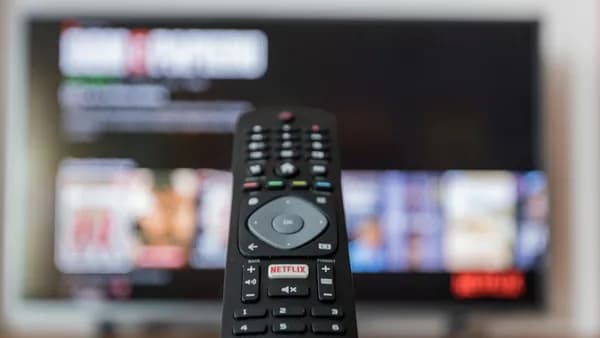
The headline feature is not the brightness spec. It is the built-in Roku TV OS, which gives the Eazze D1R Air access to Roku’s streaming interface, free TV channels, and paid streaming providers without requiring a separate stick.
For portable viewing, that matters because the usual weak point is not always the image. It is the setup. Every extra cable, dongle, remote, adapter, or login path adds friction when the device is being moved between a bedroom, living room, ceiling setup, or outdoor space.
Aurzen’s product material says a Roku account and internet connection are required for activation. That is the catch buyers should not skip. The projector may reduce hardware clutter, but it still depends on Roku account setup, Wi-Fi quality, and app availability in the user’s region.
The D1R Air also includes Bluetooth 5.2, dual-band Wi-Fi, support for Amazon Alexa, Apple AirPlay, Google Home, and Roku Smart Home integration. For wired input, it has HDMI, USB-A, USB-C, and a 3.5 mm audio jack, so PCs and game consoles are still in play.
Analysis: this is where Aurzen’s differentiation is clearest. Budget mini projectors can compete on resolution and brightness claims, but software support is harder to judge from a spec sheet. Roku TV OS gives buyers a known interface before they ever test the image.
300 ANSI lumens defines the room, not just the spec sheet
The Eazze D1R Air’s light engine is rated at 300 ANSI lumens. That figure is enough to frame expectations: this projector is aimed at dim rooms, nighttime use, and controlled-light spaces, not bright daytime viewing.
Aurzen also lists multiple picture modes, giving users some flexibility for different content and room conditions. The more useful takeaway is not a mode-by-mode table, but the ceiling set by the brightness rating itself: a compact 300-ANSI-lumen projector will look its best when ambient light is limited.
The gap between maximum capability and best experience also matters. Aurzen’s product details recommend up to an 80-inch screen at around 7.26 ft (2.21 m) for the best viewing experience.
That is the practical read: the 80-inch recommendation is more useful for buyers trying to picture real-world viewing than assuming every room will suit a much larger image. Bigger images spread the same light over more surface area.
The swivel design helps compensate for imperfect rooms. The head can turn 180 degrees, letting users aim at a wall, ceiling, or temporary screen without a more involved mount. Autofocus and auto-keystone correction handle the native 1920 x 1080p image, reducing the manual adjustment usually needed after moving a projector.
Audio is built into the base through dual 5W Dolby Audio speakers. That should cover casual viewing, but larger outdoor or open-room setups may still push users toward Bluetooth audio, a soundbar, headphones, or the 3.5 mm output. Readers comparing speaker setups can use separate buying context, not as a claim about Aurzen’s bundled audio.
USB-C power helps the D1R Air leave the wall outlet behind
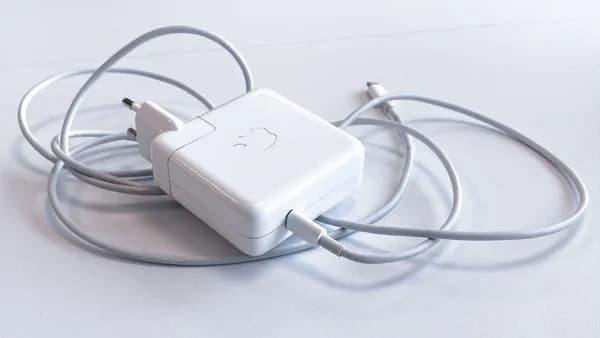
The D1R Air can run from an external 65W+ PD power bank when it is not connected to AC power, provided the power source meets the projector’s requirements.
That portability comes with a real compatibility check. Aurzen’s product material specifies 65W+ USB-C PD 3.0 with 20V output, so not every battery pack or phone charger will qualify. Readers tracking compact chargers should still confirm PD output support against Aurzen’s requirements.
The remaining buyer questions are concrete:
- Availability: buyers should check the current retailer or regional listing for live pricing and stock.
- Accessories: buyers should check whether a power bank, stand, case, or mount is included before ordering.
- Runtime: actual runtime will depend on the external power bank used and whether it meets the required 65W+ USB-C PD 3.0 and 20V output spec.
- Warranty: Aurzen’s product page lists a 1-year warranty, with an extra year through registration.
- Image tradeoff: Aurzen recommends up to 80 inches for the best viewing experience.
The near-term test is whether the Roku integration and USB-C power support hold up in real use. Early reviews should show how fast the interface feels, how stable autofocus and keystone correction are after repeated moves, whether fan noise stays unobtrusive in smaller rooms, and how the 300-ANSI-lumen image performs outside carefully controlled lighting.
Key Takeaways
- Built-in Roku TV OS makes the projector more self-contained for portable streaming.
- Power-bank compatibility gives users more flexibility for outdoor or travel use.
- Buyers should verify current retailer pricing and included accessories before purchasing.