Why Apple’s tvOS 26.5, HomePod 26.5, and visionOS 26.5 Updates Matter to Users
Apple has released a trio of software updates—tvOS 26.5, HomePod 26.5, and visionOS 26.5—pushing new code to living rooms, smart speakers, and the company’s mixed reality platform all at once. For users invested in Apple’s hardware ecosystem, simultaneous updates like these can mean improved cross-device reliability, fresh features, and a more unified experience—if you’re running the latest versions. Regular software updates are Apple’s main tool for refining user experience, patching issues, and keeping devices aligned. Missing an update often puts users out of sync, potentially limiting compatibility between devices that otherwise should work together.
The timing is also notable. There’s no indication from 9to5Mac of any headline-making new features, but the coordinated release signals Apple’s focus on keeping its platforms in lockstep—especially as the company pushes deeper into mixed reality and the connected home.
What New Features and Improvements Are Included in tvOS 26.5?
The source confirms only the release of tvOS 26.5, with no details on new features, UI changes, or specific improvements. Apple’s history suggests that point releases often bundle optimizations, bug fixes, and occasional quality-of-life tweaks, but there’s no concrete evidence in the current release notes.
From an expert perspective, the lack of detailed disclosure may indicate a focus on stability and behind-the-scenes enhancements. Users running Apple TV hardware should still prioritize these updates, since even minor revisions can contain crucial under-the-hood changes. For those who rely on Apple TV for home streaming or as a hub for HomeKit, staying current reduces the risk of device incompatibility or unexpected errors.
What remains unclear is whether tvOS 26.5 introduces any user-facing changes or just small-scale fixes. Until detailed patch notes surface or users report visible differences, the update’s impact remains opaque.
How Does HomePod 26.5 Enhance Smart Home and Audio Experiences?
HomePod 26.5 has rolled out, but again, 9to5Mac offers no specifics on what the update changes. Historically, HomePod updates can affect everything from smart home device compatibility to audio calibration and Siri’s performance. Without a changelog or feature highlights, it’s impossible to pin down what’s new or improved in this release.
For HomePod owners, the main takeaway is that running the latest software maximizes compatibility—especially if other Apple devices in your home are also updated. In some cases, Apple has required users to update all devices on a network to access certain features or maintain seamless integration. The simultaneous release with tvOS and visionOS further hints at Apple’s intent to keep its platforms interoperating smoothly.
The real-world impact on audio quality, voice commands, or third-party device handling is unknown at this stage. Users looking for dramatic improvements or new smart home tricks will have to wait for hands-on reports or official documentation.
What Are the Key Updates in visionOS 26.5 and How Do They Impact Mixed Reality Users?
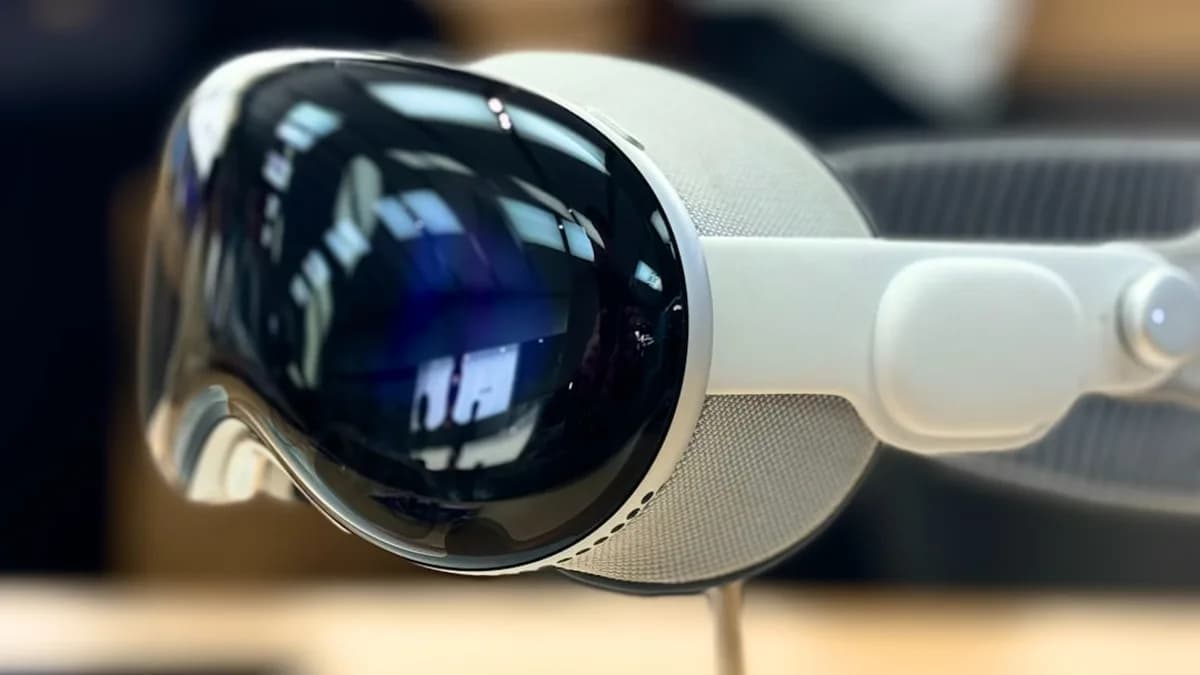
visionOS 26.5, Apple’s operating system for its mixed reality platform, has also been released. The source provides no detail on what changes visionOS 26.5 brings, so any claims about new features, developer tools, or user experience tweaks would be pure speculation. For developers or early adopters, this means uncertainty: unless Apple issues a statement or detailed changelog, the tangible benefits of the update remain hidden.
From a platform perspective, the simultaneous release with tvOS and HomePod OS suggests Apple is intent on keeping its new mixed reality push tightly integrated with the rest of its ecosystem. That could benefit developers who rely on consistent APIs or users running mixed Apple hardware setups. But without more concrete information, visionOS 26.5 remains a black box.
What’s clear: anyone testing or building for Apple’s mixed reality devices should update promptly to avoid compatibility issues and to stay on the supported path for future updates.
How to Install Apple’s Latest Software Updates and What to Watch Out For
To install tvOS 26.5, navigate to the Settings app on your Apple TV, select System, then Software Updates, and check for the latest version. For HomePod, updates typically roll out automatically but can be manually triggered in the Home app under Home Settings > Software Update. visionOS updates are managed through their respective device settings—owners should follow standard prompts to update.
Best practice is to back up devices before updating, ensure a stable internet connection, and avoid interrupting the process once it starts. Users running older hardware or custom configurations should be alert to any post-update issues—especially if they rely on third-party integrations that could be disrupted by even minor software changes.
What We Know, Why It Matters, What Is Still Unclear, and What To Watch
What We Know: Apple has released tvOS 26.5, HomePod 26.5, and visionOS 26.5, according to 9to5Mac. No specific features, fixes, or improvements are disclosed in the source.
Why It Matters: These updates keep Apple’s home, media, and mixed reality platforms in sync, which is essential for anyone relying on a multi-device Apple environment. Falling behind on updates can lead to compatibility headaches.
What Is Still Unclear: There are no details on what, if anything, is materially different in these releases. The nature of the improvements—security, stability, new features, or bug fixes—remains unknown.
What To Watch: Users and developers should monitor Apple’s official documentation for detailed release notes. Early adopters may want to test for any visible changes or issues. If your workflow or entertainment setup depends on seamless Apple device integration, updating is a safe bet, but keep an eye out for user reports in case unexpected bugs emerge.
Apple’s silence on specifics is the story this time. The prudent move: Update, stay alert, and wait for the details—or surprises—to surface.
Why It Matters
- Coordinated updates help ensure Apple devices work seamlessly together, reducing compatibility issues.
- Regular updates prioritize security, stability, and overall device reliability for users.
- Apple's simultaneous release strategy highlights its commitment to a unified and connected ecosystem.