Introduction to Apple Sports Widget and CarPlay Integration
Apple just made it easier to keep up with live sports scores while driving. The latest Apple Sports update now lets you add a sports widget to CarPlay, so you can check scores for your favorite teams or leagues right from your car’s dashboard. Last year, Apple launched the Sports widget for iOS, but it didn’t work with CarPlay at first. Many fans were disappointed and wanted to see scores without picking up their phones. Now, Apple has listened and fixed this with a new update. This change matters for iOS 16 users who spend time in their cars and want quick sports updates. With CarPlay widget support, sports fans don’t have to rely on their phone or other apps. It’s a simple way to stay in the loop while keeping your hands on the wheel and your eyes on the road [Source: The Verge].
How the Apple Sports Widget Works in CarPlay
The Apple Sports widget in CarPlay comes in two flavors. First, there’s the league widget. This lets you see scores and schedules for a whole league or sport you care about—like the NBA, NFL, or Premier League. Second, there’s the teams widget. This one focuses on your favorite teams. You can pick your top teams, and the widget will show their latest scores, upcoming games, and other updates.
Both widgets show live scores, but here’s the catch: the scores don’t update in real time. If you’re watching a close game, you might notice a lag before the score changes. In tests, updates can take a few minutes, so you won’t see every goal or basket as it happens [Source: The Verge]. Still, for most fans, this delay is fine if you just want a quick check while on the move.
Setting up the widget is pretty easy. You choose which leagues or teams you care about. The widget then fills your CarPlay screen with info on their games, scores, and schedules. If you like to follow soccer, you can pick the league widget for the Premier League. If you’re a die-hard Lakers fan, the teams widget is your best bet.
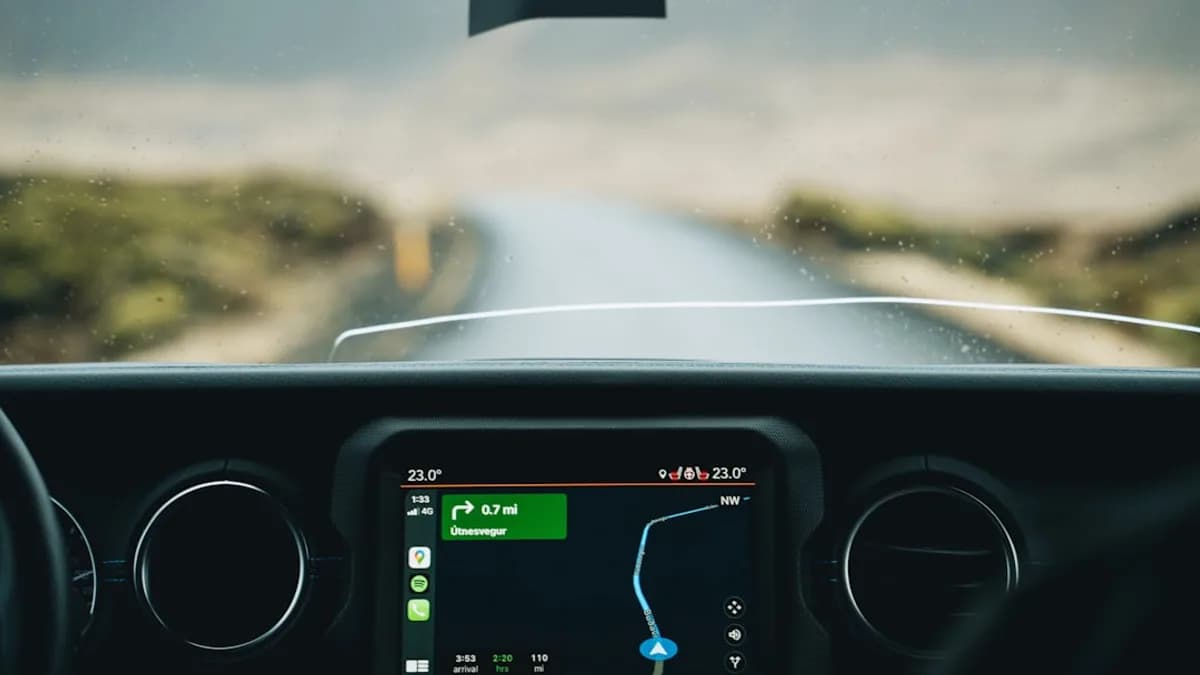
The interface is clean and simple. You don’t get video clips or deep stats—just scores and game times. This is safer for driving because you won’t be distracted by too much information. Apple keeps it basic on purpose. The widgets also blend into the CarPlay dashboard, so they don’t block maps or music controls.
One downside is the lack of real-time updates. If you want second-by-second scores, you’ll need to use a phone app or listen to sports radio. But the CarPlay widget is still a big step forward for hands-free sports updates.
Step-by-Step Guide to Setting Up the Apple Sports Widget on CarPlay
To use the Apple Sports widget on CarPlay, you need a few things:
- An iPhone running iOS 16 or newer
- A car that supports Apple CarPlay
- The Apple Sports app installed and updated to the latest version
Here’s how to get started:
- Open the Apple Sports app on your iPhone.
- Pick your favorite leagues or teams. You can do this in the app’s settings.
- Connect your phone to your car’s CarPlay system.
- On your CarPlay screen, go to the widgets interface.
- Tap “Add Widget” and pick either the league or teams widget.
- Arrange the widget where you want it. You can move it to the main screen for easy access.
For safety, keep the widget in a spot that’s easy to glance at but doesn’t block your map or controls. Don’t try to change settings while driving. Set up everything before you start your trip. If you want to update your favorite teams or leagues, change them in the Apple Sports app on your phone, and the widget will reflect those updates in CarPlay.
If you notice the scores lagging, try refreshing the widget by toggling between screens or restarting CarPlay. But remember, updates are not instant, so expect a short delay.
Benefits and Practical Uses of Sports Score Updates on CarPlay
The biggest win is convenience. With the Apple Sports widget in CarPlay, you don’t have to grab your phone to check scores. This makes the driving experience safer and smoother for sports fans. You can keep up with your team’s progress while commuting, on road trips, or even while waiting in your car for someone.
Imagine being stuck in traffic during the playoffs and getting quick score updates right on your dashboard. Or you’re dropping kids at practice and want to see if your favorite baseball team is winning. The widget saves you from risky phone use and keeps you focused on the road.
It’s also handy for group drives. If you’re with friends who care about different teams or leagues, you can set up multiple widgets and check scores together. No more missing key moments because you’re behind the wheel. This feature turns your car into a mini sports hub, even if you’re not parked at home.
Analysis of the Apple Sports Widget Update and Its Impact on User Experience
For years, sports fans had to rely on phone apps or radio for live score updates while driving. Some used Siri, but voice commands don’t always work, and they can be distracting. Other sports apps, like ESPN or Yahoo Sports, don’t offer deep CarPlay integration. Apple’s new widget fills a gap by making score updates more accessible through the car’s dashboard.
Compared to earlier versions, the Apple Sports widget now fits seamlessly into CarPlay’s widget system. The old version was locked to iOS home screens, so you couldn’t use it in the car unless you reached for your phone. Now, it’s part of your driving routine.
However, the widget’s update speed is still a problem. It doesn’t give real-time scores. Some fans might be bothered by this, especially during close games or playoffs. The lag is similar to other sports widgets, but Apple could improve this by speeding up refresh rates or adding push notifications in future updates.
Another area for growth is customization. Right now, you can pick leagues or teams, but the widget doesn’t let you filter by game type, playoff rounds, or other details. If Apple adds more options, fans could tailor the widget even more.
This update also fits into Apple’s bigger strategy for CarPlay and iOS widgets. Apple wants to make CarPlay more useful and personal. By allowing widgets, they give users more control over what they see while driving. This move follows trends in the tech world where car dashboards are becoming smarter and more connected. Companies like Google and Tesla offer similar features, but Apple’s approach is focused on safety and simplicity.
Looking ahead, it’s likely Apple will keep improving the widget. As more people use CarPlay, demand for real-time updates and deeper stats will grow. Apple might add new sports, richer stats, or even support for push alerts. For now, though, the widget is a solid step forward for sports fans who want easy updates in the car.
Conclusion: What the Apple Sports Widget Update Means for Sports Fans on the Go
Apple Sports now works in CarPlay, letting you follow scores and schedules for your favorite teams and leagues without touching your phone. The new widget is easy to set up and keeps your eyes on the road while staying in the loop on big games. It’s not perfect—scores don’t update instantly, and deeper stats are missing—but it’s a safer and smarter way to check scores during your drive.
If you’re a sports fan who uses CarPlay, give the widget a try. It’s a simple change that can make your commute or road trip more fun. As Apple keeps updating CarPlay, your feedback could help shape new features. For now, enjoy hands-free score checks and stay tuned for future improvements.
Why It Matters
- Drivers can safely check sports scores without picking up their phones.
- Apple addresses fan demand for live sports info directly in CarPlay.
- Widget customization lets users follow leagues or specific teams easily on the road.