Thinking about building a smarter, more convenient home in 2026? You’re not alone. The best smart home gadgets for beginners can transform daily routines, boost security, and offer real peace of mind—all with surprisingly easy setup and seamless integration. This guide distills expert recommendations and real user experiences to help you choose the right devices, avoid common pitfalls, and start your smart home journey with confidence.
Why Start with Smart Home Gadgets in 2026
Adopting smart home technology has never been simpler or more beneficial. In 2026, beginner-friendly gadgets are designed for easy setup, compatibility with major ecosystems, and practical automation of everyday tasks. Smart devices can:
- Save time and energy: Automate lighting, heating, and appliances for efficiency.
- Enhance security: Monitor your home with cameras and door sensors from anywhere.
- Boost comfort and convenience: Control your environment with just your voice or a few taps.
“Integrating your lighting, climate, and more into one fluid ecosystem has been a total game-changer. It’s more than just the luxury of dimming the lights from bed—it’s the peace of mind from checking whether the garage is shut after leaving for a long trip.”
— Rachel Cortez, USA TODAY
Criteria for Choosing Beginner-Friendly Smart Devices
Not all smart home gadgets are created equal—especially for those just starting out. The best smart home gadgets for beginners share certain qualities, making setup and daily use stress-free.
What to Look for
- Compatibility: Choose devices that work with your chosen platform—Alexa, Google, or Apple. Look for the “Matter” logo, a standard that ensures cross-platform support (source: USA TODAY, Reddit).
- Ease of Setup: Devices should have app-based installation with straightforward instructions.
- Expandability: Opt for gadgets that fit into a larger ecosystem, so you can add more devices over time.
- Practical Use Cases: Start with devices that solve real problems—lighting, security, and climate control.
- Security and Privacy: Select products with robust security features and transparent data practices.
“For beginners, look for controllers with intuitive interfaces, good community support, and regular software updates to ensure long-term viability.”
— vesternet.com
Top 8 Smart Home Gadgets for Beginners
Based on comprehensive research and real-world reviews, here are the best smart home gadgets for beginners in 2026. Each device is chosen for its ease of use, compatibility, and proven value.
| Gadget Type | Example Models/Brands | Key Features | Best For |
|---|---|---|---|
| Smart Speaker | Amazon Echo Dot, Google Nest Hub | Voice assistant, controls other devices, routines | Central hub, automation |
| Smart Display | Amazon Echo Show 8, Google Nest Hub Max | Visual control, video calls, family calendar, photo frame | Central dashboard, video calls |
| Smart Lighting | Philips Hue, LIFX, Wyze Bulbs | Dimmable, color-changing, schedules | Mood lighting, automation |
| Smart Thermostat | Google Nest Thermostat | Auto-adjusts climate, saves energy | Comfort, energy savings |
| Smart Plugs | Zigbee or Z-Wave compatible plugs | Remote control, scheduling, energy monitoring | Automating appliances |
| Security Camera | Eufy, Ring Video Doorbell Pro 2 | Motion detection, live video, notifications | Home monitoring |
| Door/Window Sensor | Aqara, Zigbee sensors | Security alerts, automation triggers | Entry monitoring, routines |
| Motion Sensor | Aqara, Zigbee motion sensors | Auto lights, security, occupancy sensing | Responsive automation |
Let’s dive into each category and see what makes these gadgets stand out for beginners.
Smart Speakers and Voice Assistants
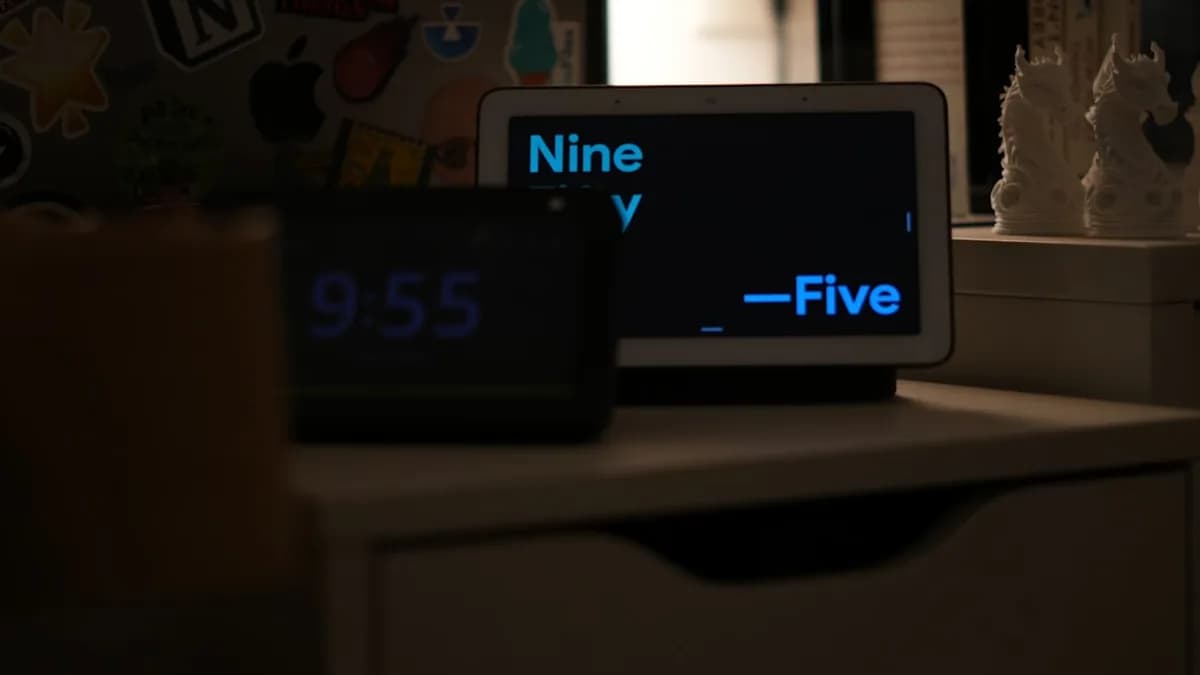
A smart speaker acts as the brain of your smart home, enabling hands-free control of other gadgets, answering questions, and playing music.
Top Picks
Amazon Echo Dot
- Compact, affordable, and features built-in motion and temperature sensors that can trigger routines automatically (source: USA TODAY, Home Starter Guide).
- Integrates easily with Alexa routines and compatible smart home devices.
Google Nest Hub
- Combines voice assistant features with a touchscreen interface.
- Ideal for managing routines, visual timers, and controlling other connected devices.
| Product | Voice Assistant | Display | Unique Feature |
|---|---|---|---|
| Amazon Echo Dot | Alexa | No | Motion/temp sensors, affordable |
| Google Nest Hub | Yes | Visual dashboard, photo frame |
Why start here?
Smart speakers are often cited as the easiest entry point:
“Smart speakers or smart bulbs are the easiest devices to start with.”
— Home Starter Guide
Smart Lighting Solutions
Smart lighting is highly recommended for beginners because it’s easy to install and immediately impactful.
Top Brands and Features
- Philips Hue: Reliable, color-changing bulbs with a robust app and support for major platforms.
- LIFX: Wi-Fi bulbs with vibrant colors and direct app control.
- Wyze Bulbs: Affordable, motion-sensing options for basic automation.
Key benefits:
- Set scenes and schedules for waking up, bedtime, or movie nights.
- Save energy by automating lights to turn off when not needed.
Real-World Example
“In a one-bedroom apartment, a smart speaker, a few smart bulbs, and a video doorbell can transform daily living.”
— Home Starter Guide
Smart Thermostats and Climate Control
A smart thermostat can learn your schedule, adapt to your preferences, and save on energy bills.
| Product | Learning Capabilities | Platform Integration | Energy Savings |
|---|---|---|---|
| Google Nest Thermostat | Yes | Google, Alexa, Apple | Yes |
Why choose a smart thermostat?
- Energy efficiency: Automatically adjusts heating or cooling when you’re away.
- Remote control: Change temperature from your phone or via voice.
- Beginner-friendly setup: Most brands offer step-by-step guides and videos (source: Home Starter Guide).
Security Gadgets: Cameras and Doorbells
Beginner smart home setups often focus on boosting security with easy-to-use cameras and video doorbells.
Essential Gadgets
- Ring Video Doorbell Pro 2: Lets you see and speak to visitors remotely, with motion alerts (source: Home Starter Guide).
- Eufy Security Cameras: Offer whole-house monitoring without monthly fees.
Key use cases:
- Get instant notifications when someone approaches your door.
- Monitor live video feeds from your smartphone.
“A Ring Video Doorbell or similar product allows you to see and speak to visitors remotely. Indoor and outdoor cameras also help keep an eye on your property.”
— Home Starter Guide
Integration with Popular Smart Home Ecosystems
Choosing the right ecosystem from the start saves time and frustration as you add more devices.
| Ecosystem | Strengths |
|---|---|
| Amazon Alexa | Wide compatibility, strong routine automation, media |
| Google Assistant | Intuitive controls, great for visual dashboards |
| Apple HomeKit | Privacy focus, seamless Apple device integration |
| Matter | Cross-platform compatibility, future-proofing |
Expert Insights:
- “It’s much less of a headache if everything flows through one app.” (USA TODAY)
- “If you’re an Apple household, just buying HomeKit devices is pretty safe.” (Reddit)
Why Matter Matters:
Look for devices with the Matter logo—these are designed to work across all major platforms, minimizing compatibility headaches as you grow.
“Choosing Matter over Thread allows me to migrate to another ecosystem later if I want.”
Setup Tips and Troubleshooting for Beginners
Getting started with smart home gadgets doesn’t have to be daunting.
Step-by-Step Setup
- Choose your platform: Alexa, Google, or Apple.
- Pick essential devices: Start with a smart speaker, some smart bulbs, and a security device.
- Download the app: Follow in-app instructions for each device.
- Create basic routines: Automate lights or thermostat based on time of day or occupancy.
- Test your setup: Ensure all devices respond to app and voice commands.
Common Beginner Issues & Solutions
- Wi-Fi Connectivity: Most gadgets require a strong 2.4 GHz signal. If devices don’t connect, try restarting your router or moving the device closer.
- Device Discovery Issues: Ensure your phone and device are on the same network.
- Automation Not Working: Double-check routine settings and device compatibility.
- Security Concerns: Change default passwords, enable encryption, and check privacy settings (source: Home Starter Guide).
Pro tip:
“Most smart home devices are designed with beginners in mind. Many come with easy app-based setup and step-by-step instructions.”
— Home Starter Guide
Conclusion: Building Your First Smart Home Step-by-Step
Starting with the best smart home gadgets for beginners in 2026 is all about simplicity, compatibility, and real-world value. Begin with a platform that feels natural—Alexa, Google, or Apple. Add a smart speaker, a few bulbs, and a security camera or doorbell. Expand gradually with smart plugs, thermostats, and sensors, always looking for the Matter logo to keep your options open.
Smart home technology should make your life easier, not more complicated. By following expert recommendations and real user experiences, you can avoid common pitfalls and quickly enjoy the convenience, security, and efficiency of a connected home.
FAQ: Best Smart Home Gadgets for Beginners
Q1: What’s the easiest smart home device to start with?
A: According to multiple sources, a smart speaker like the Amazon Echo Dot or Google Nest Hub is the easiest and most impactful starting device. Smart bulbs are also highly recommended for their plug-and-play setup. (Home Starter Guide)
Q2: Which smart home platform should beginners choose?
A: Most experts suggest picking the platform you’re most comfortable with—Alexa, Google, or Apple. Devices with the Matter logo offer the most flexibility for future expansion. (USA TODAY, Reddit)
Q3: Do I need a smart home hub as a beginner?
A: While not strictly necessary for Wi-Fi devices, a dedicated hub supporting Zigbee or Z-Wave can improve reliability and enable advanced automation as your system grows. (vesternet.com)
Q4: Are smart devices secure for beginners?
A: Yes, but it’s essential to change default passwords, enable encryption, and review privacy settings in each device’s app. Keeping your Wi-Fi secure is also crucial. (Home Starter Guide)
Q5: How do I avoid compatibility issues as I expand?
A: Start with devices that support Matter, Zigbee, or Z-Wave protocols and stick to your chosen ecosystem when possible. This maximizes compatibility and future-proofs your setup. (USA TODAY, Reddit, vesternet.com)
Q6: What are some quick automation ideas for beginners?
A: Set lights to turn on at sunset, schedule your thermostat for energy savings, and set routines to lock doors or turn off appliances at bedtime. (USA TODAY, Home Starter Guide)
Bottom Line
Choosing the best smart home gadgets for beginners in 2026 is about finding devices that are easy to set up, compatible with your preferred ecosystem, and truly useful in daily life. Start small, focus on essentials like smart speakers, lighting, and security, and look for the Matter standard to keep your options open. With these strategies, building your smart home will be as rewarding as it is simple—saving you time, money, and hassle as you step into a more connected future.